

THANK YOU FOR BOOKING YOUR 3D VIRTUAL TOUR!
Please make your payment below, and I will confirm receipt and the times requested for the 3D Tour. Your 3D Tour will be available within 2-3 days of photography.
PAYMENT OPTIONS:
PREPARING YOUR PROPERTY FOR 3D TOUR
What is a Home Scan?
During a Home Scan, an InsideMaps scanning specialist captures visual and spatial data from your home. We leverage iPhone technology, combined with our proprietary rotor, to capture 360-degree panoramas throughout your home. Using the iPhone camera and LiDAR sensor, we construct a 3D digital twin of your home, enabling us to estimate dimensions, generate diagrams and floor plans, capture HDR photos, and more.
Explore the output from a Home Scan here: Sample Property Report
How can I prepare for my Home Scan?
The following tips will help ensure an InsideMaps Home Scan is a seamless experience for everyone and leads to results of the highest quality.
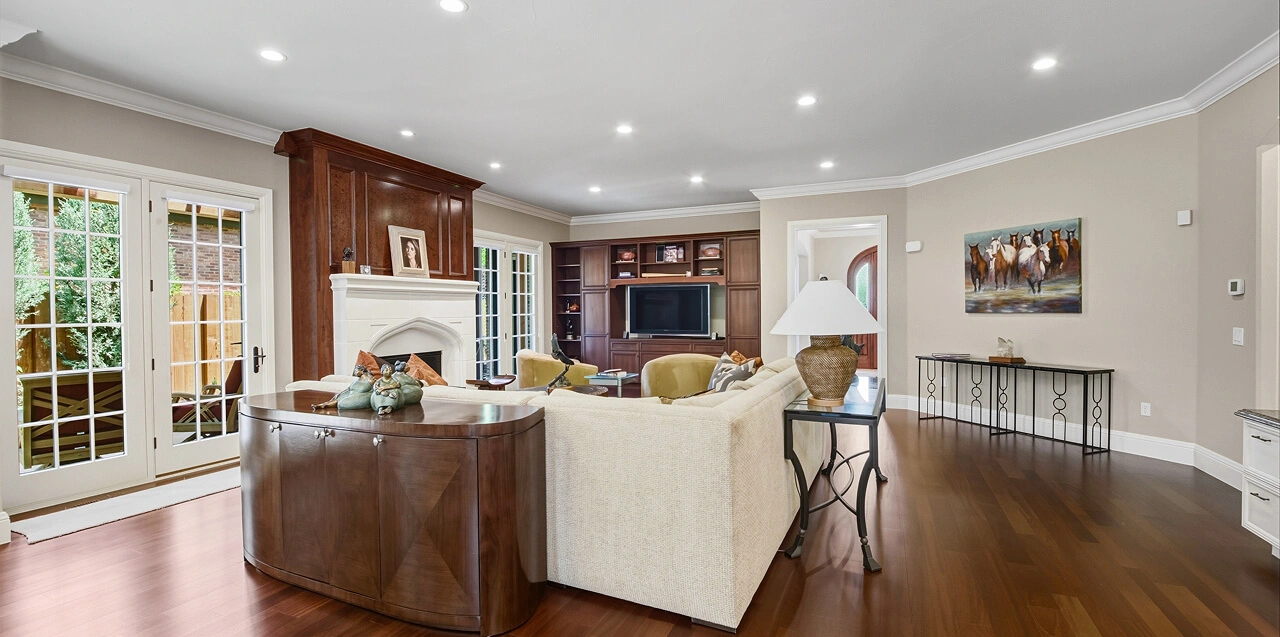
1. Clean and declutter
Try to limit obstructive objects and clutter. This ensures we can capture accurate spatial data and makes it easier for them to navigate the home. Consider also temporarily storing private or personal items before the scanning process, as our scanning specialist will capture every room (Note: our system is designed to blur any detected faces to protect privacy).
Deep Clean & Declutter
- Declutter spaces, removing any unnecessary items to make rooms appear larger and more inviting.
- Sweep/mop floors, and dust all surfaces.
- Vacuum and be mindful of carpet traffic. If you can see debris or footsteps on your carpet, so will the camera. Vacuum right before the photoshoot.
- Wipe down mirrors, windows, and glass to remove streaks and smudges.
- Remove personal items (such as family photos, religious symbols, awards, and personal collections) to help buyers envision themselves in the space.
- Clear countertops, shelves, and tables of non-decorative objects.
Lighting
- Turn on all lights, including lamps, under-cabinet lighting, and accent lights.
- Ensure all light bulbs are functional and of the same color temperature.
- Open all curtains and blinds to allow natural light in (blinds should be twisted open, not pulled up).
Ceiling Fans & Electronics
- Turn off all ceiling fans, TVs, and computer screens to avoid motion blur.
- Hide visible cables and wires where possible.
Kitchen
Countertops & Surfaces
- Remove small appliances, dish racks, food items, non-decorative objects, clutter.
- Wipe down countertops, cabinets, and appliances for a polished look.
Refrigerator & Stovetop
- Remove magnets, photos, notes, and artwork from the refrigerator.
- Ensure the stovetop and oven are spotless and free of cookware.
Sink & Dishes
- Remove sponges, dish soap, and cleaning supplies.
- Ensure the sink is empty and clean.
General
- Hide Trash Cans, storing them out of sight.
- Hide Pet Bowls, storing them out of sight.
Bathrooms
Sinks & Countertops
- Remove all toiletries & personal items (toothbrushes, razors, soap dispensers, mouthwash, etc.).
- Wipe down mirrors and countertops to remove streaks and water spots.
Showers & Bathtubs
- Remove all toiletries & personal items (shampoos, razors, soaps, etc.)
- Pull back shower curtains or close glass doors if the interior is clean and well-presented.
Toilets & Towels
- Lower toilet seats and close cabinet doors.
- Remove used towels and either replace them with neatly folded ones or remove them entirely.
- Remove bath mats/rugs to showcase the flooring.
Bedrooms
Beds & Furniture
- Make all beds neatly with fresh linens and fluffed pillows.
- Clear nightstands and dressers of non-decorative items, especially personal items.
- Store personal items like alarm clocks, tissue boxes, and phone chargers.
Closets
- Closets are usually not photographed unless they are large walk-ins—ensure they are tidy if included.
Living Room & Common Areas
Furniture & Décor
- Arrange furniture neatly and remove excessive or oversized pieces.
- Limit decorative items to simple accents such as fresh flowers, candles, or a bowl of fruit.
- Hide any cords or remotes from view.
Fireplace
- Ensure the fireplace is clean and free of clutter.
Pet & Children’s Items
- Remove pet toys, beds, and feeding bowls from all areas.
- Store away children’s toys, highchairs, and playpens before the shoot.
Dining Room
Table & Chairs
- Set the table minimally with a simple, elegant setting.
- Ensure chairs are aligned and the table is free of clutter.
Home Office
- Desk & Work Area
- Clear desks of paperwork, office supplies, and non-essential electronics.
- Hide or neatly arrange cables and cords.
Laundry Room
- Washer & Dryer
- Close appliance doors and remove visible detergent bottles.
- Remove laundry baskets, hampers, and unfolded clothes.
2. Keep doors open
Keep all interior doors open to seamlessly connect all areas of the property. This practice ensures a consistent perception of the space, promoting effortless transitions throughout the navigation of the 3D Tour. Our scanning specialist also needs access to every room to capture a complete scan.
3. Turn lights on
Ensure all rooms are well-lit. Good lighting helps ensure we capture the best spatial data and photography. Note that scanning specialists might adjust the lighting by adjusting blinds and curtains based on their expertise and judgment.
4. Avoid the camera
Any motion during the scanning process will cause motion artifacts and obstructed images. The InsideMaps specialist will review and retake affected shots, however, to ensure a stable environment:
- Turn off moving objects like ceiling fans before the scanning process to eliminate potential distortion of captured images.
- If you have pets, consider securing them or temporarily relocating them during the scanning process.
- Establishing designated and secure areas for children in order to avoid injuries, potential harm to equipment, and minimize motion artifacts in 3D scans.
Although we always aim for a top-quality home scan, your safety and privacy is our top priority. If you ever have any requests during the scanning process, please let our scanning specialist know and we’ll do our best to accommodate.
Exterior & Curb Appeal
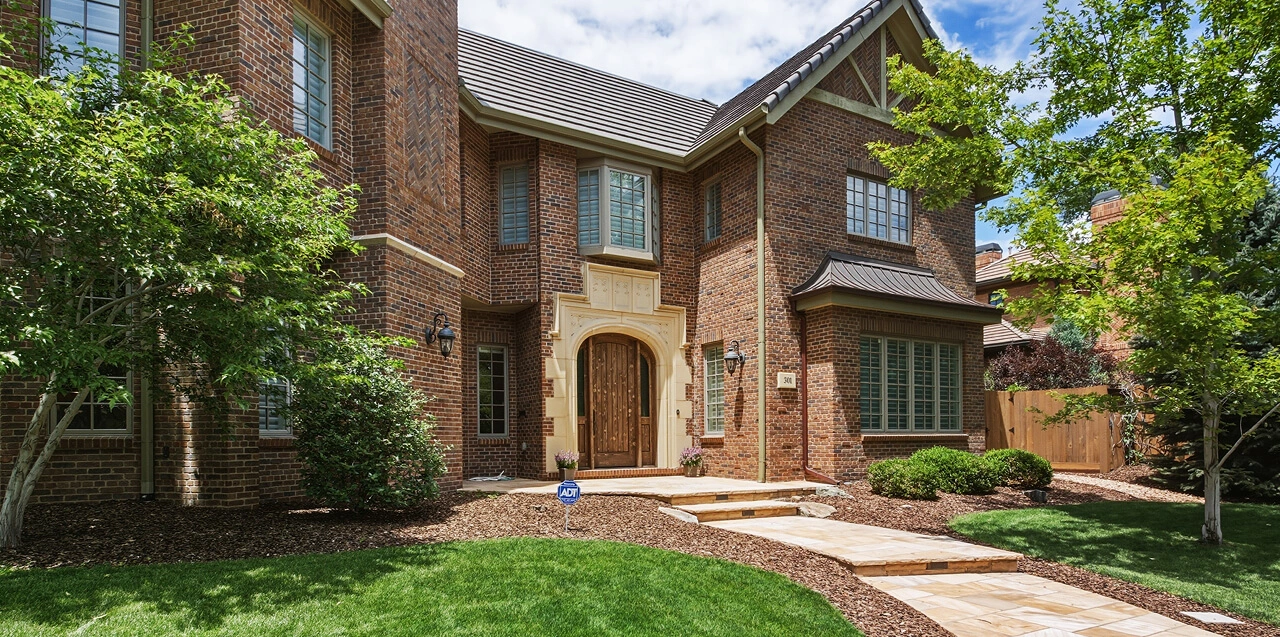
Front Yard & Driveway
Vehicles & Garage
- Move all cars from the driveway and front of the house.
- Close garage doors to create a clean, cohesive look.
Lawn & Landscaping
- Mow the lawn, trim hedges, and remove weeds.
- Sweep walkways, patios, and driveways to remove debris.
- Put away garden tools, hoses, and outdoor toys.
Trash & Seasonal Décor
- Remove garbage bins, recycling bins, and pet waste.
- Take down holiday decorations unless they add to the home’s aesthetic.
Backyard, Patio & Pool Area
Outdoor Furniture
- Arrange outdoor seating neatly and wipe down surfaces.
- Remove unnecessary décor, cushions, and covers if they look worn.
Pool & Hot Tub
- Ensure the water is clean and clear.
- Remove pool toys, cleaning equipment, and covers.
Neighbors & Community Awareness
Let Your Neighbors Know
- Inform neighbors about your scheduled shoot so they can ensure their yards are clean.
- Ask neighbors to move cars from their driveways if visible in front-facing photos.
Remove Unwanted Signage
- Take down “For Sale” signs if you do not want them in the photos.
- Remove any community signs that might clutter the shot.
Final Touches
Before the Photographer Arrives
- Turn off ceiling fans and televisions.
- Secure pets in a separate area to avoid distractions.
- Ensure all surfaces are spotless and rooms are well-organized.
- Communicate any special requests with the photographer before the shoot.