
Your Photos + Layout + Background + Personalization =
AN AMAZING MEMORABLE PHOTO COLLAGE!

Personalized Photo Collages
Throughout my career, customers have loved the unique, personalized photo templates I’ve created for their images. Now you can turn your own photos into timeless custom digital composites—perfect for treasured memories, gifts, milestone keepsakes, fundraisers, company events, recognition, and more.
My Personalized Photo Collages deliver a high-resolution digital file that can be printed photographically in 8x10, 10x8, or 10x10. I pride myself on attention to every detail, so when selecting your photographs, please make sure they are of the quality you expect to create the perfect memories to be treasured. Getting started is simple, fast, and easy: just follow the instructions and complete the form to create your personalized design. ~Rick
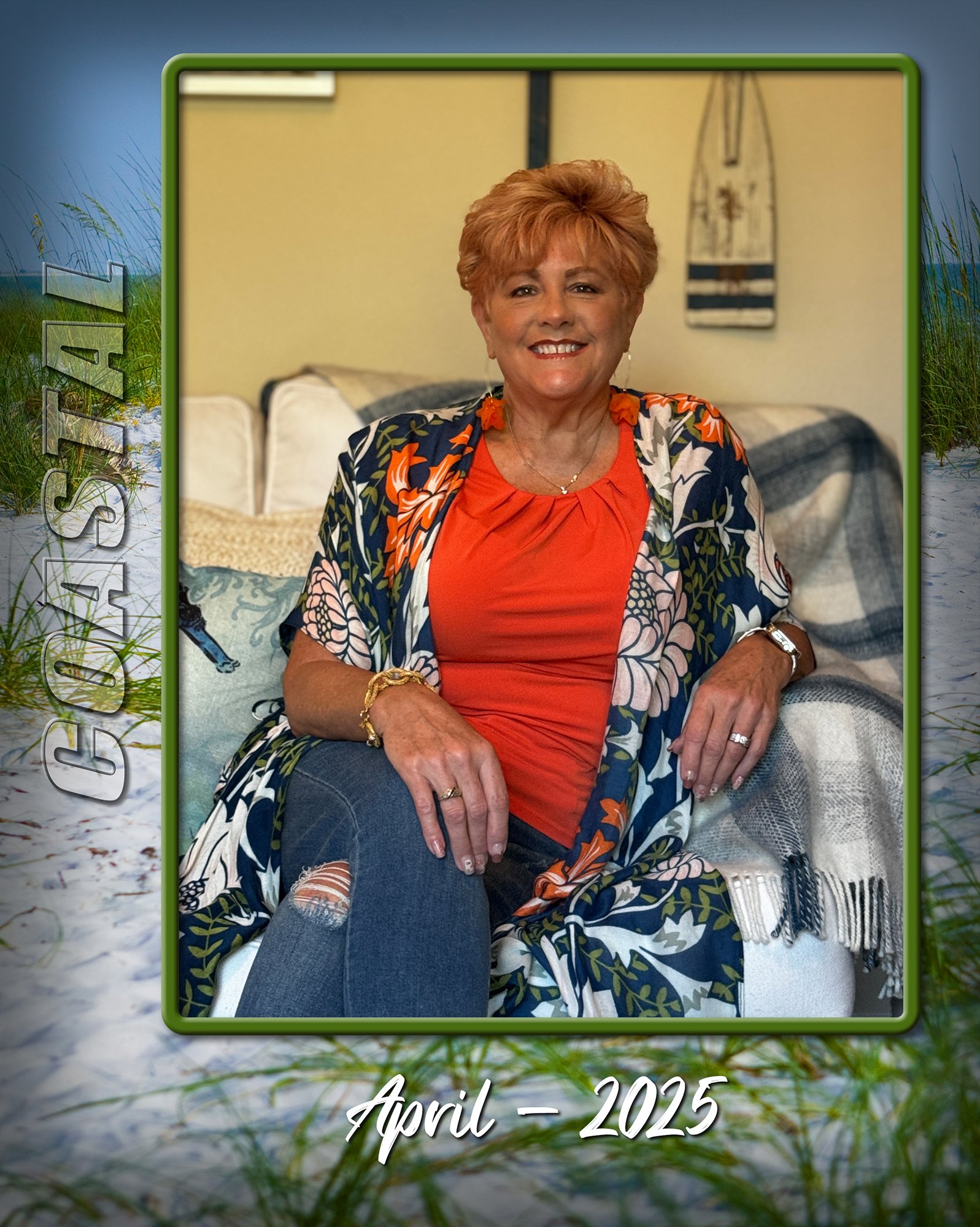
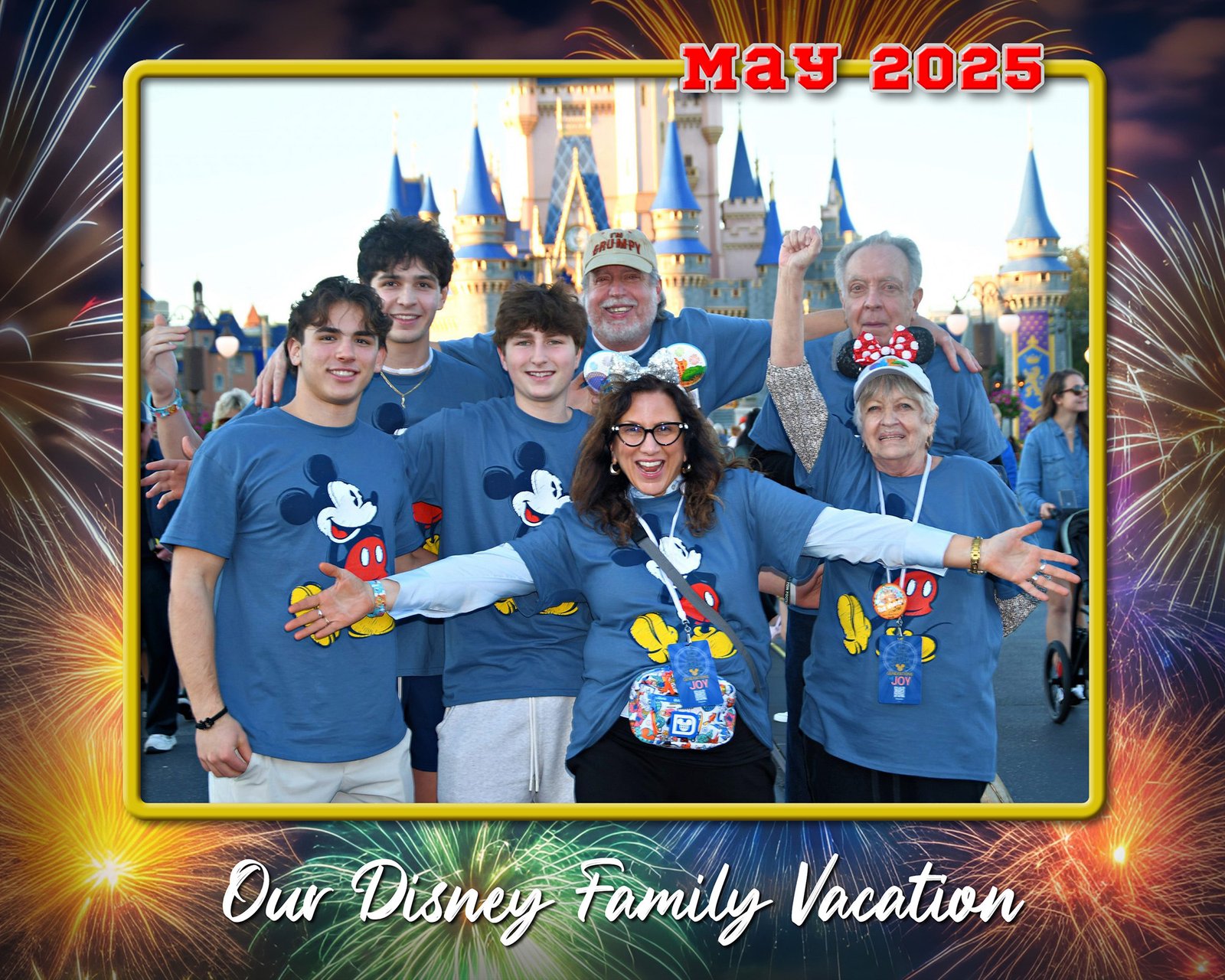
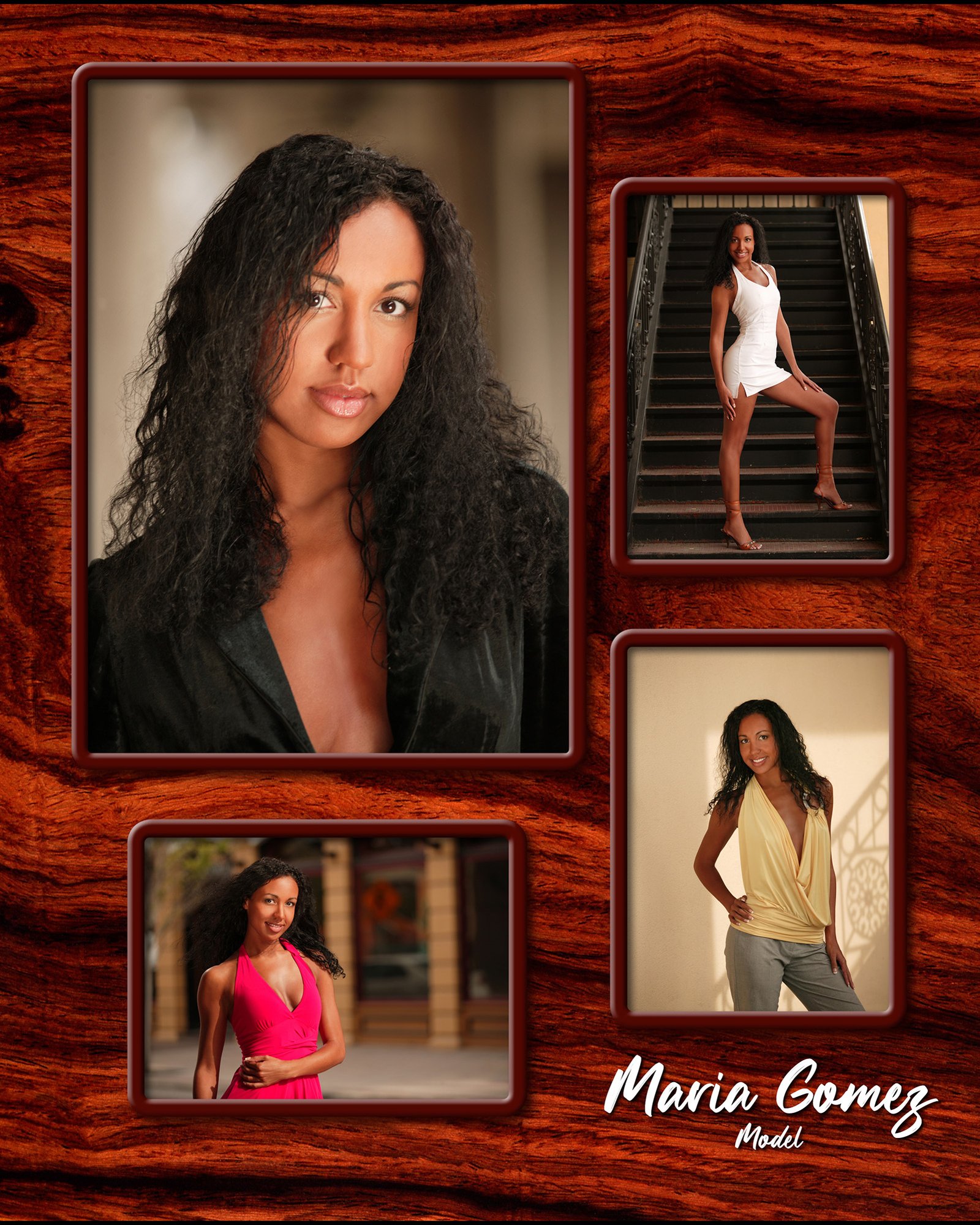
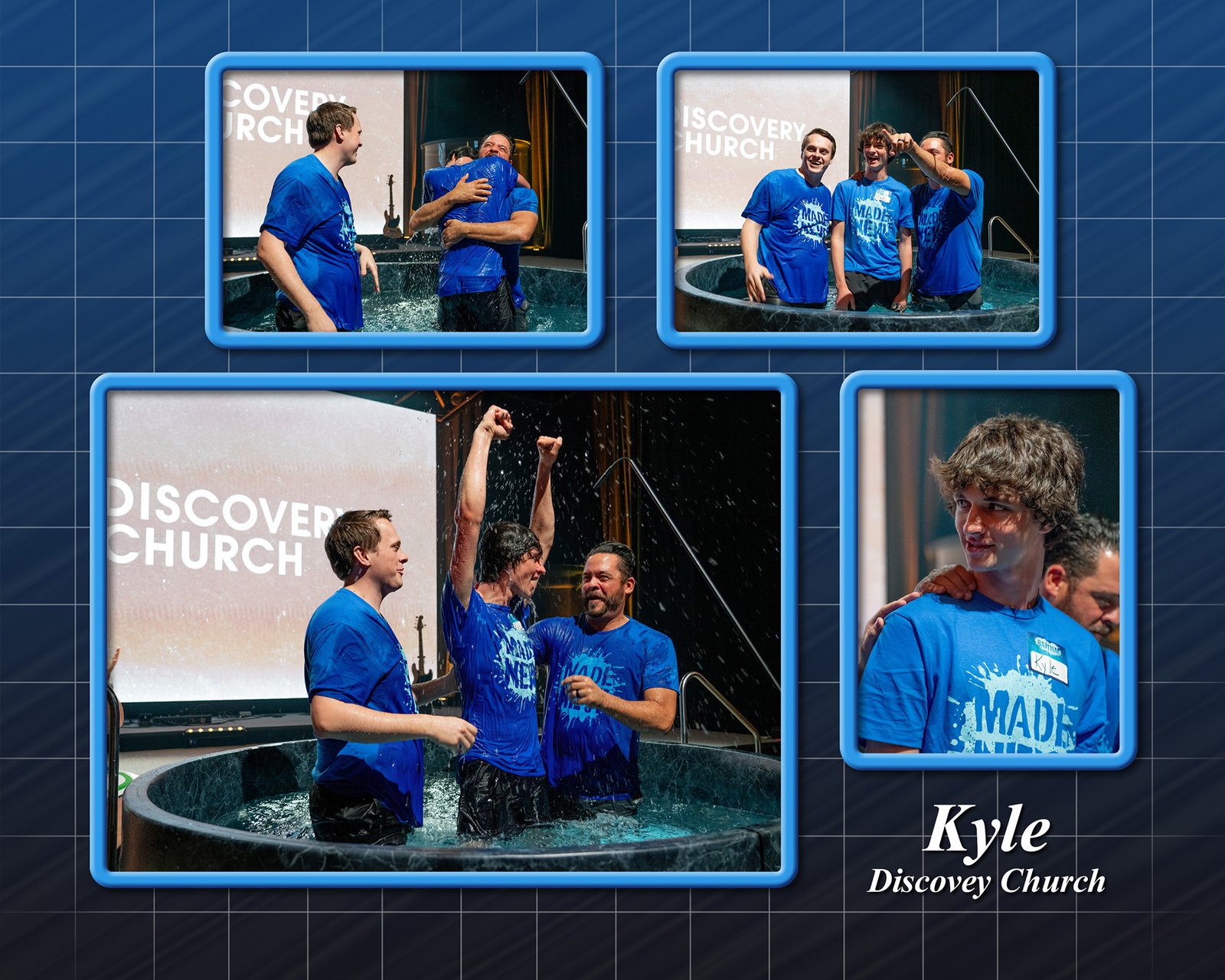
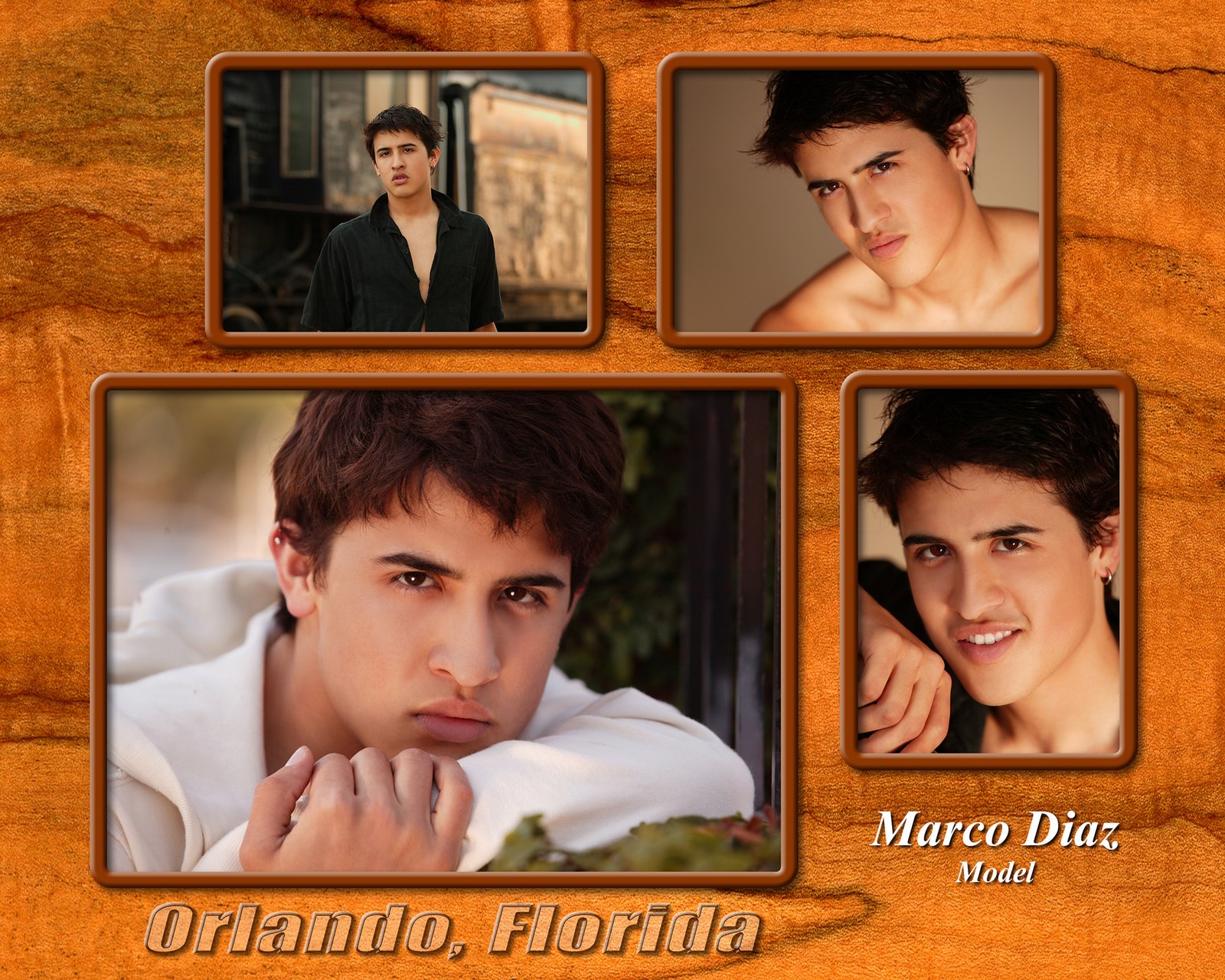
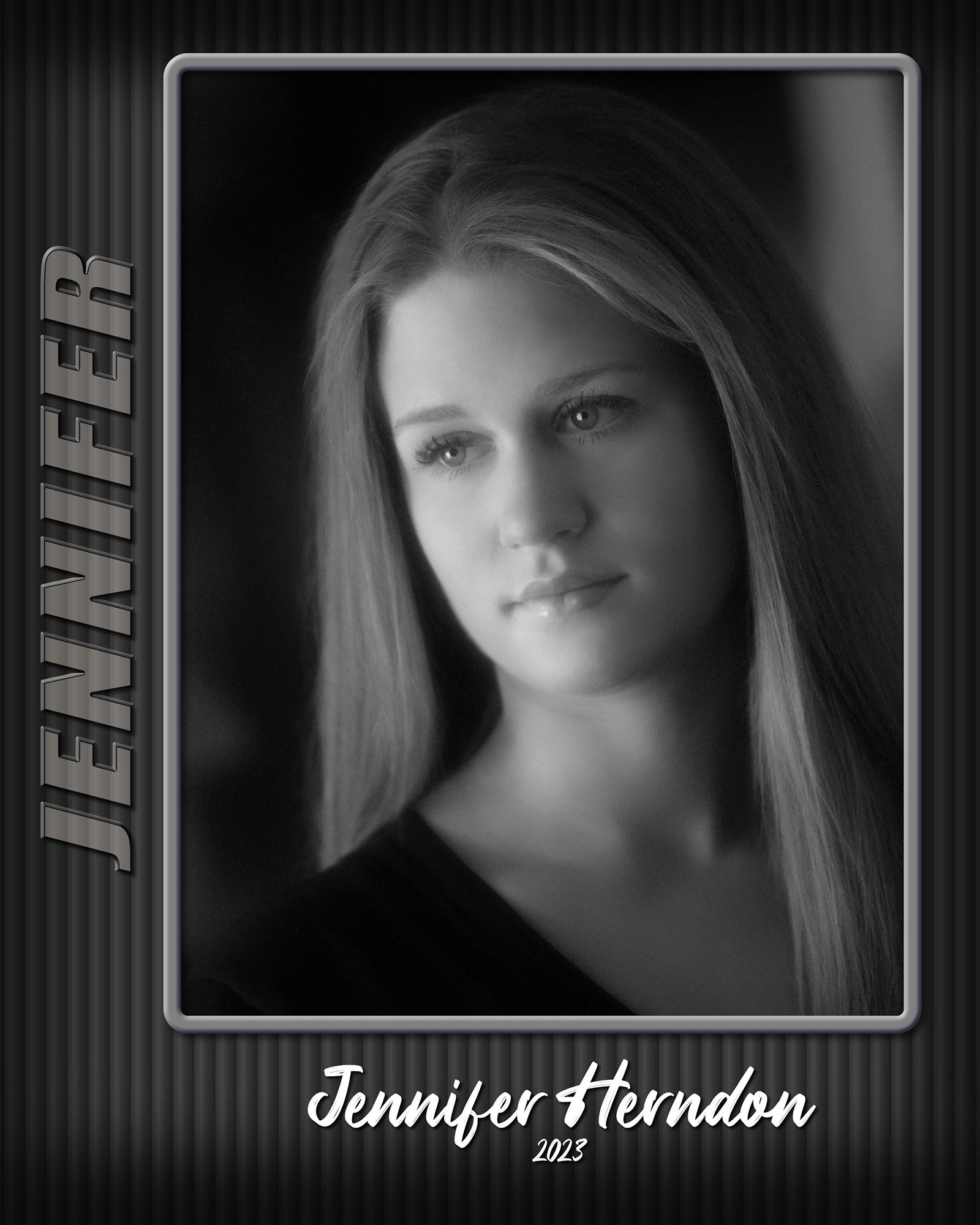
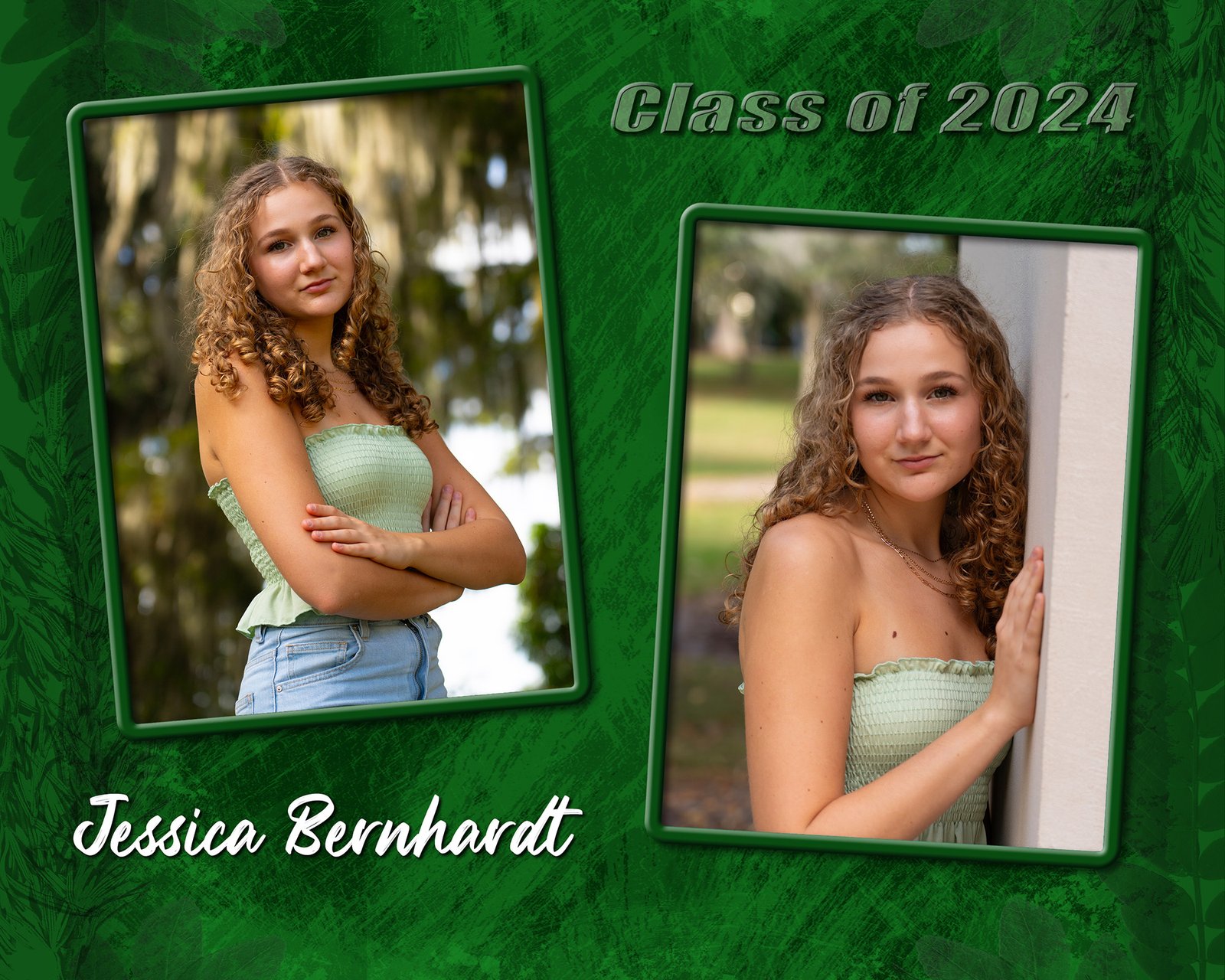
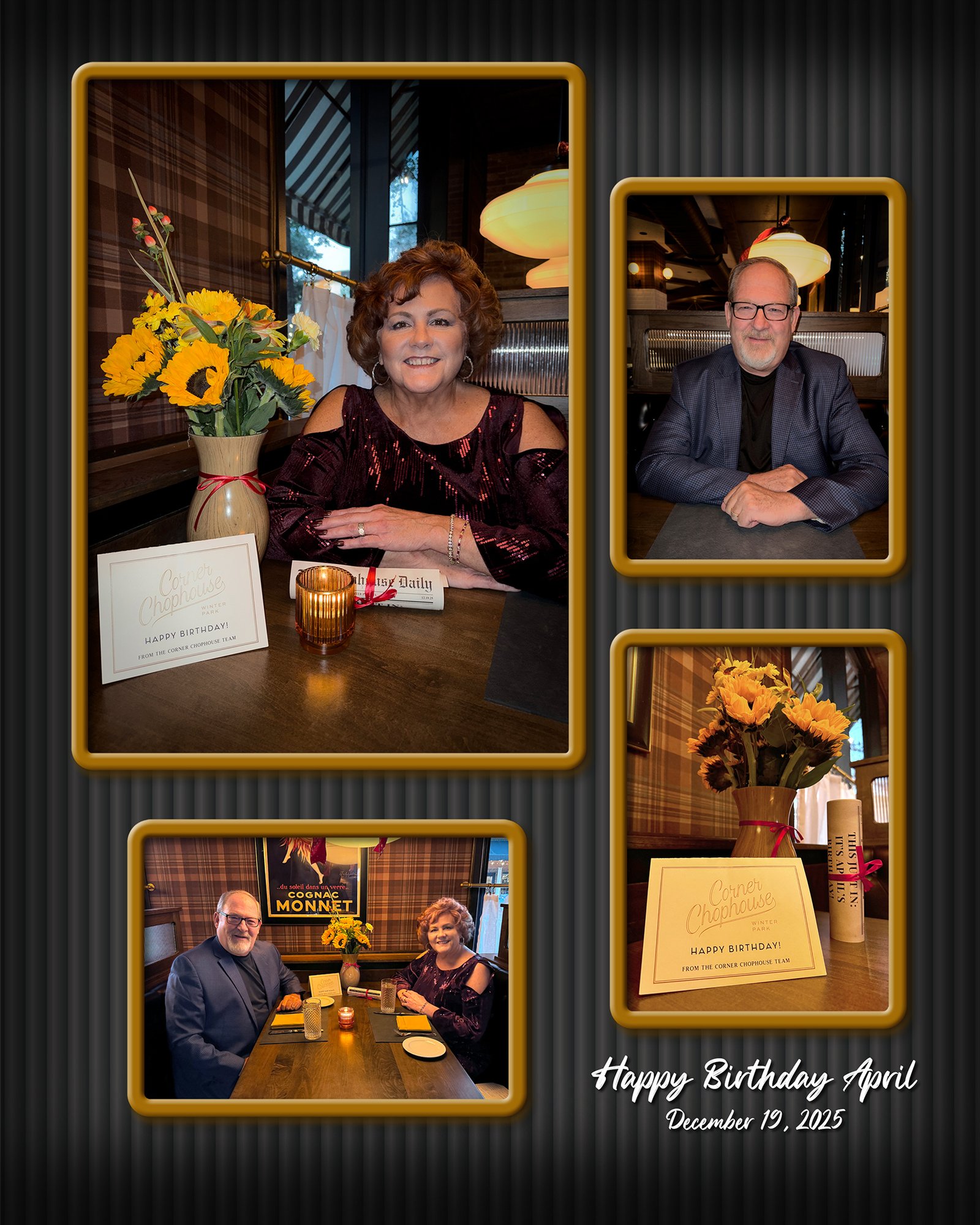
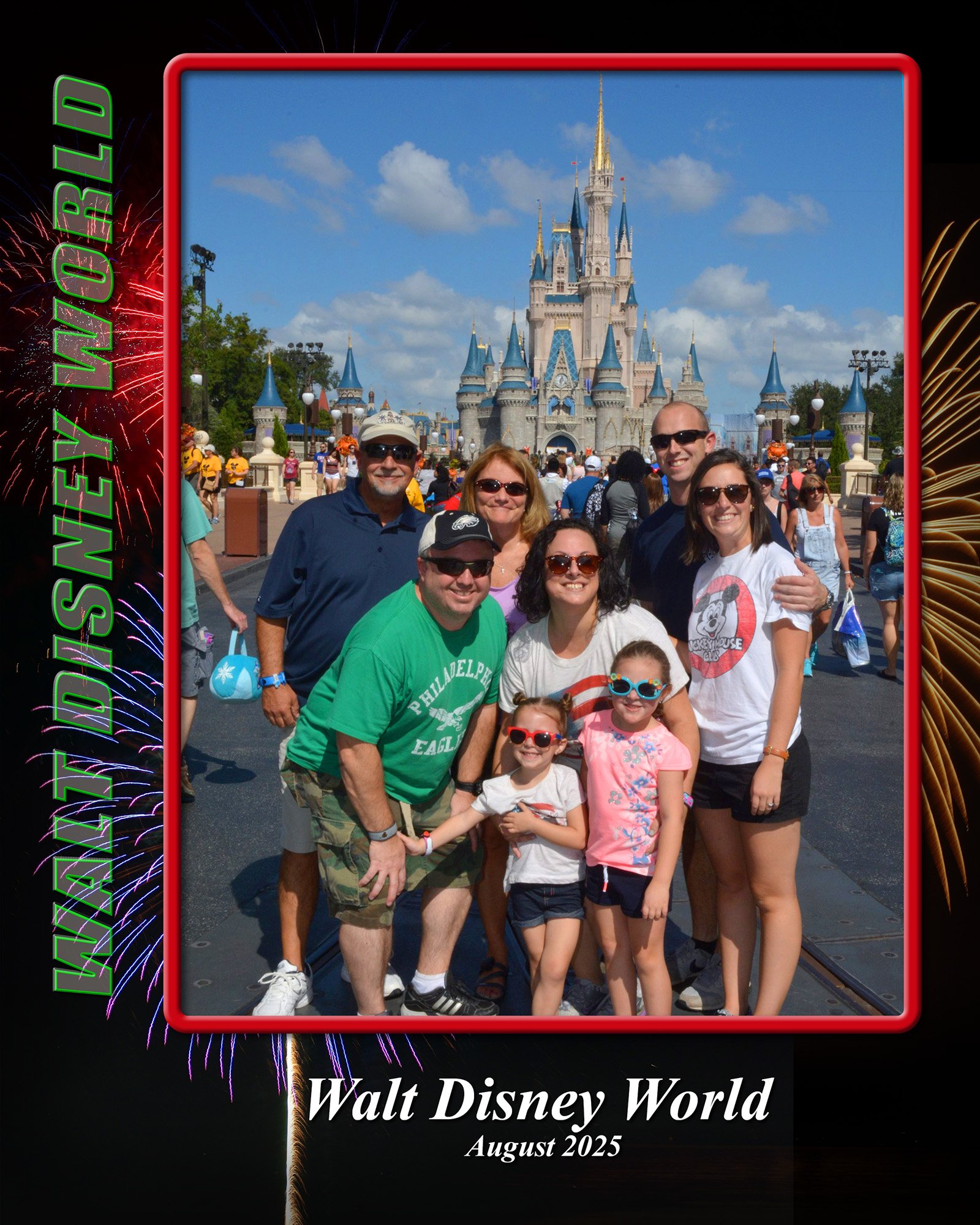
Samples of my Personalized Photo Colleges [click image to enlarge]
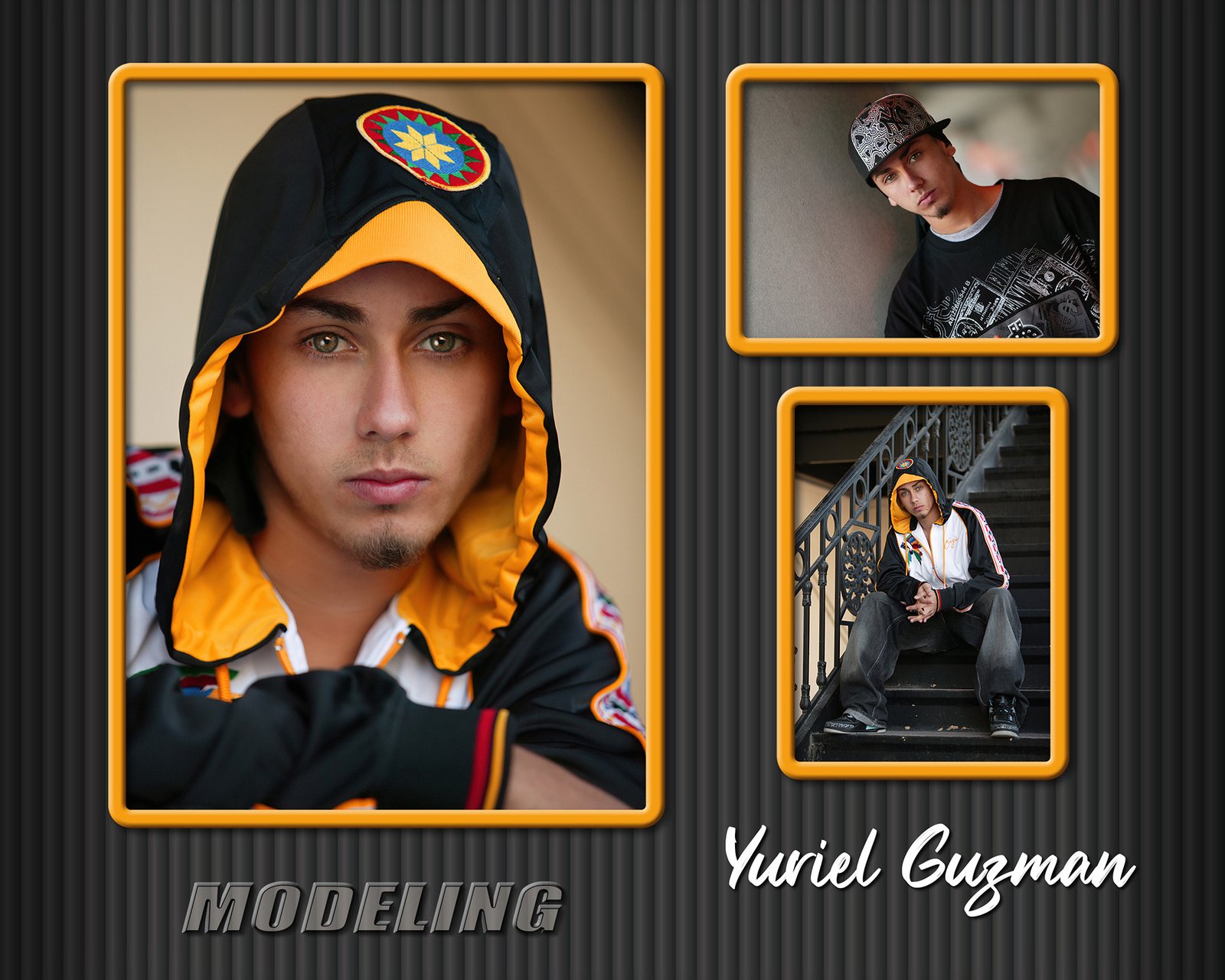
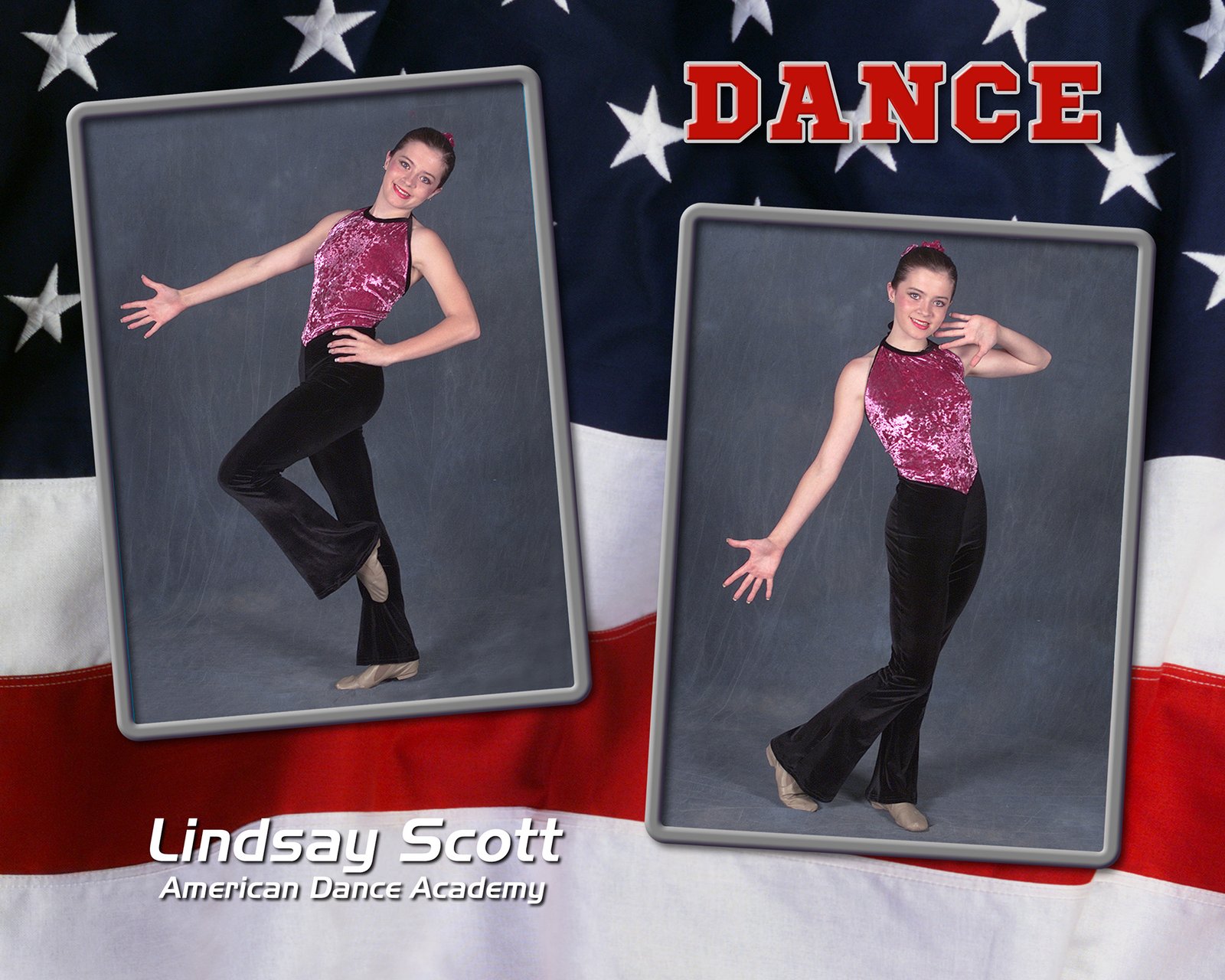
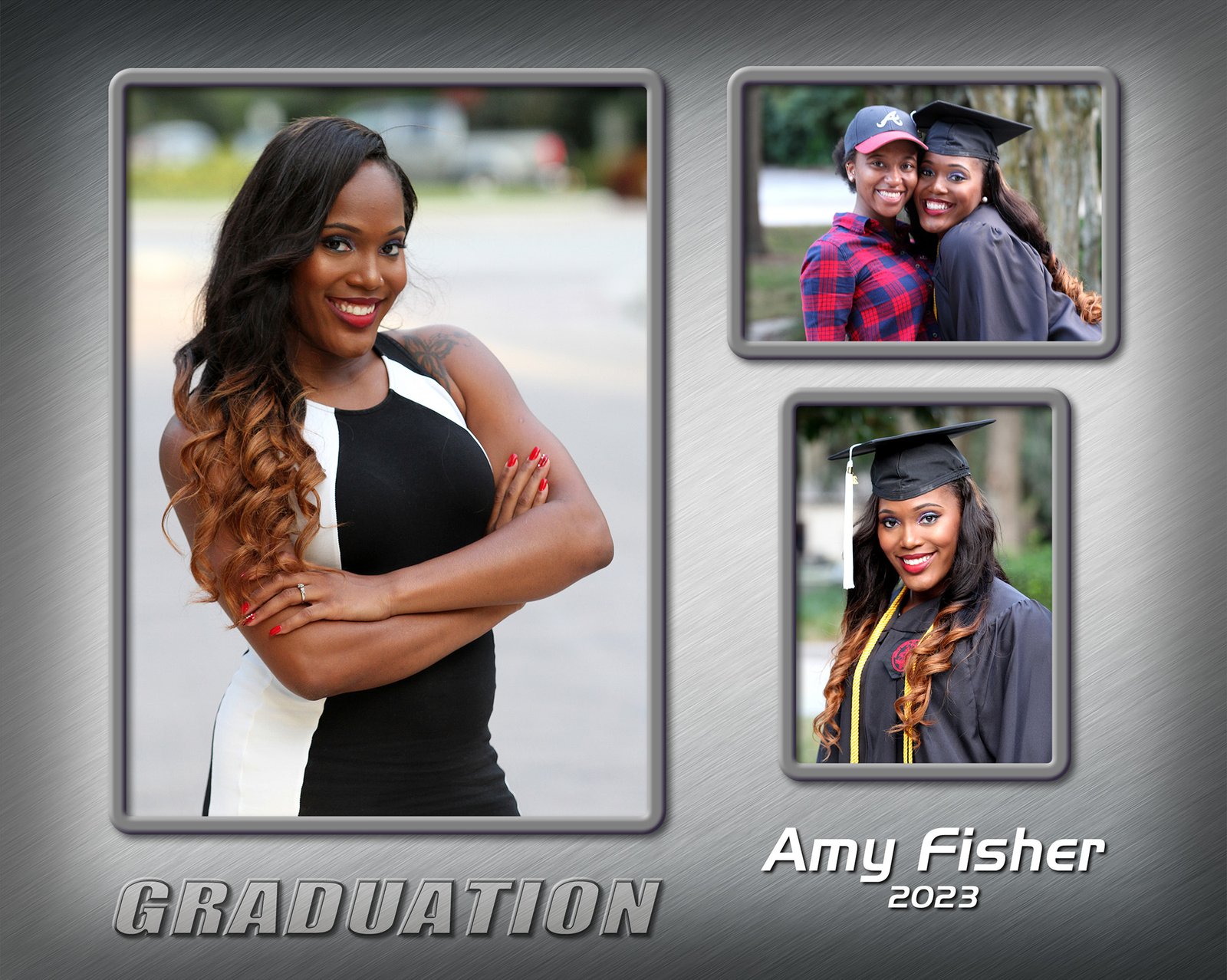
STEP 1 — CHOOSE YOUR PERSONAL PHOTO COLLAGE LAYOUT
(Click to see larger.)
The Image Frame Color will be changed to match the colors in your background collage.

8x10
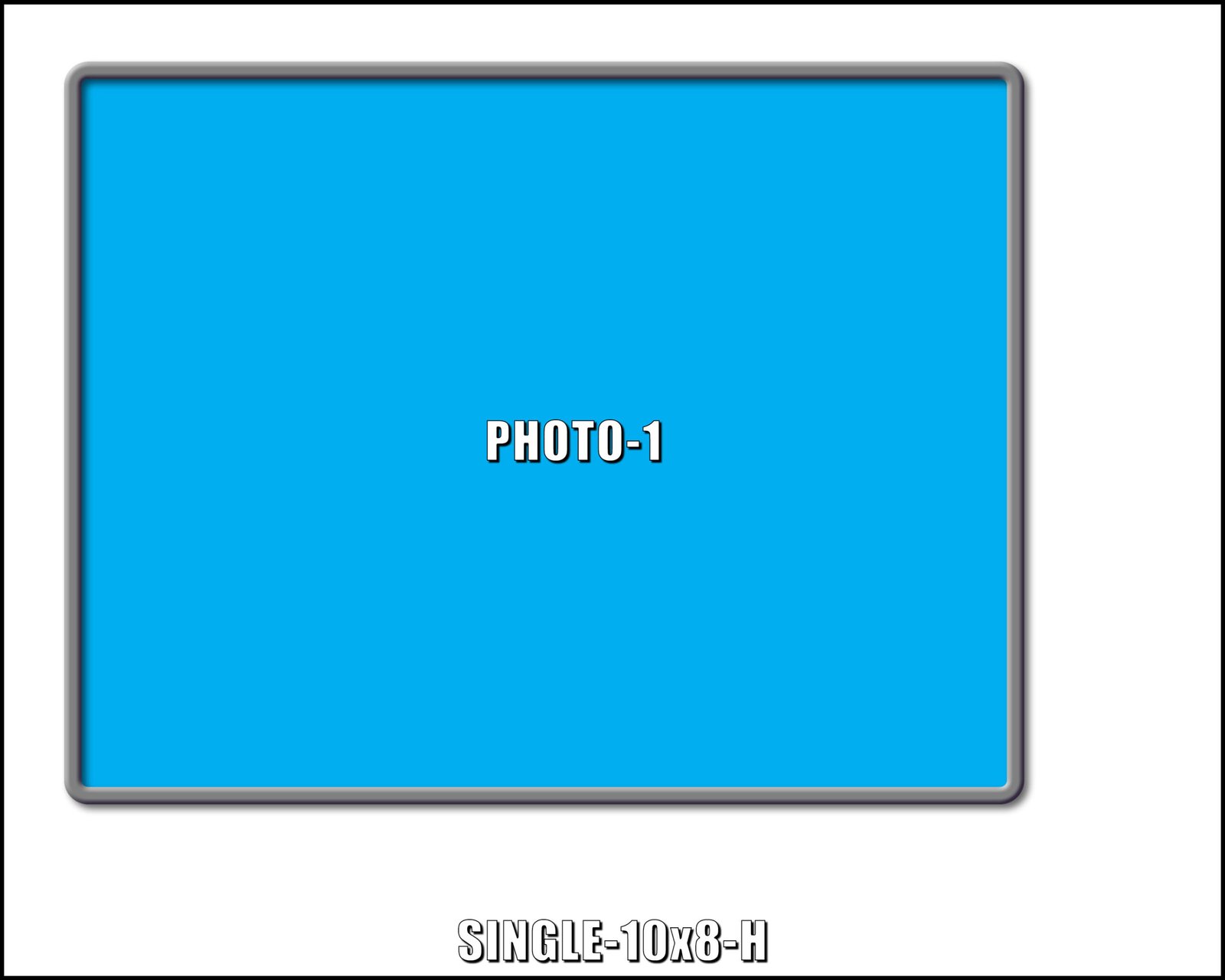
10x8
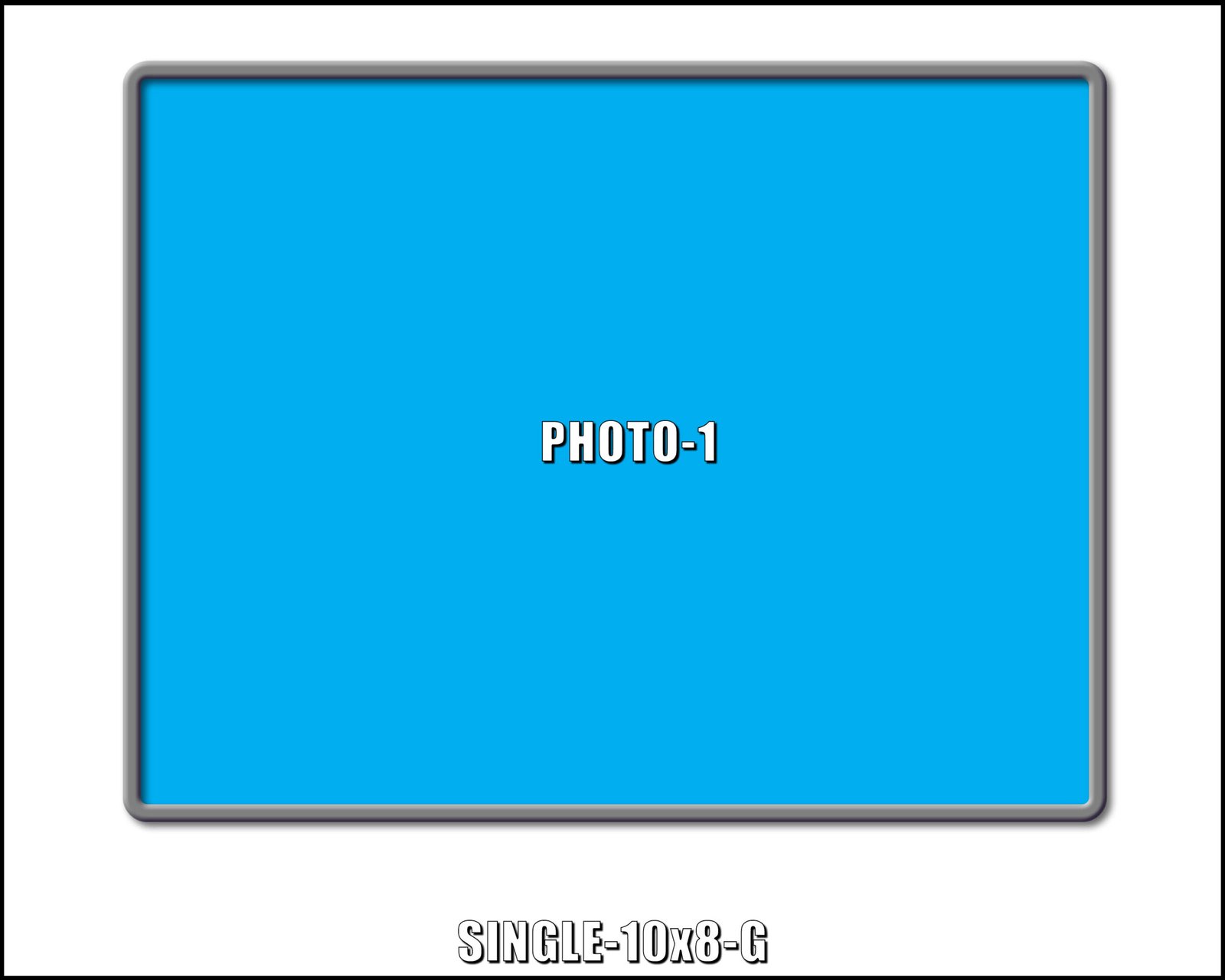
10x8
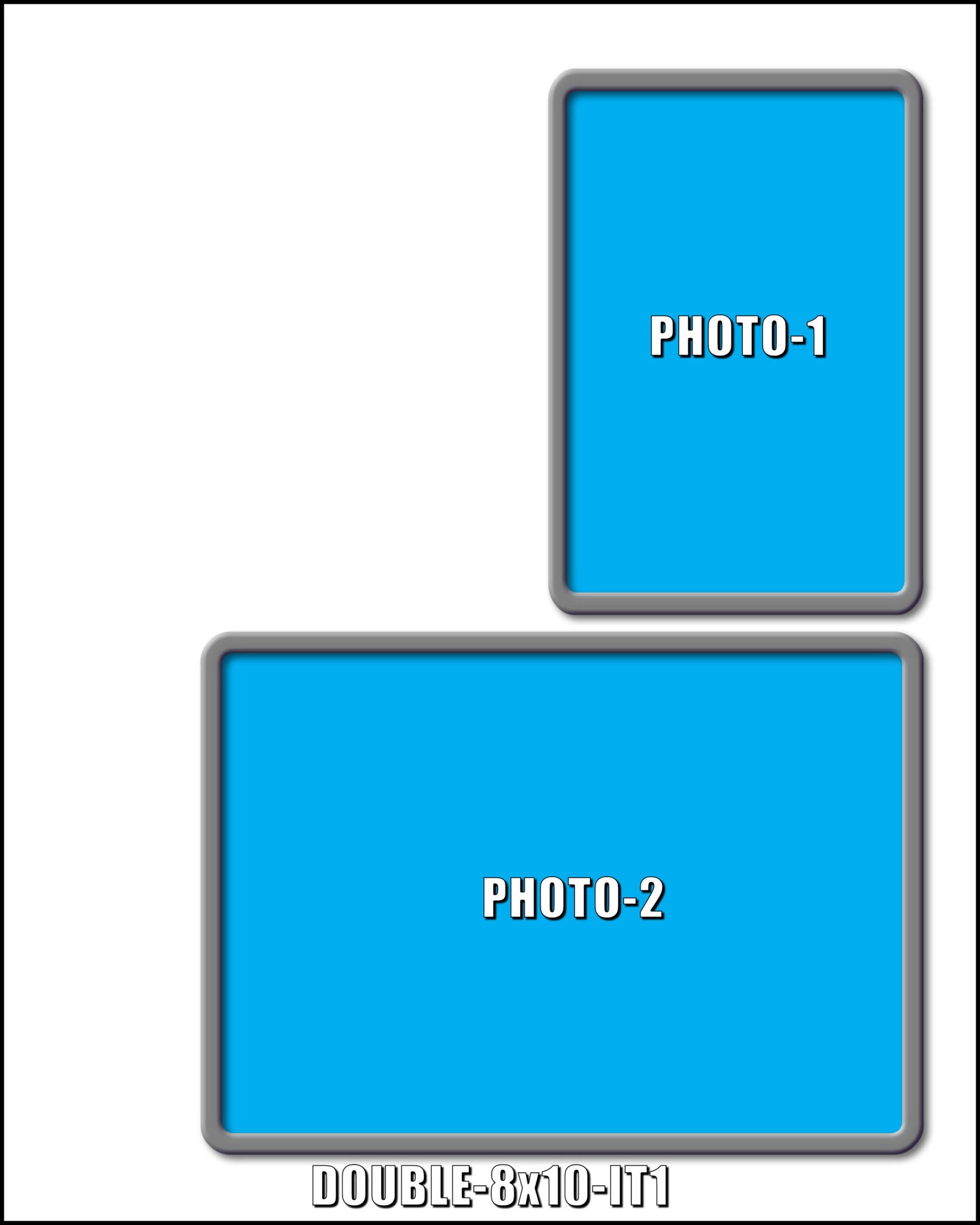
8x10
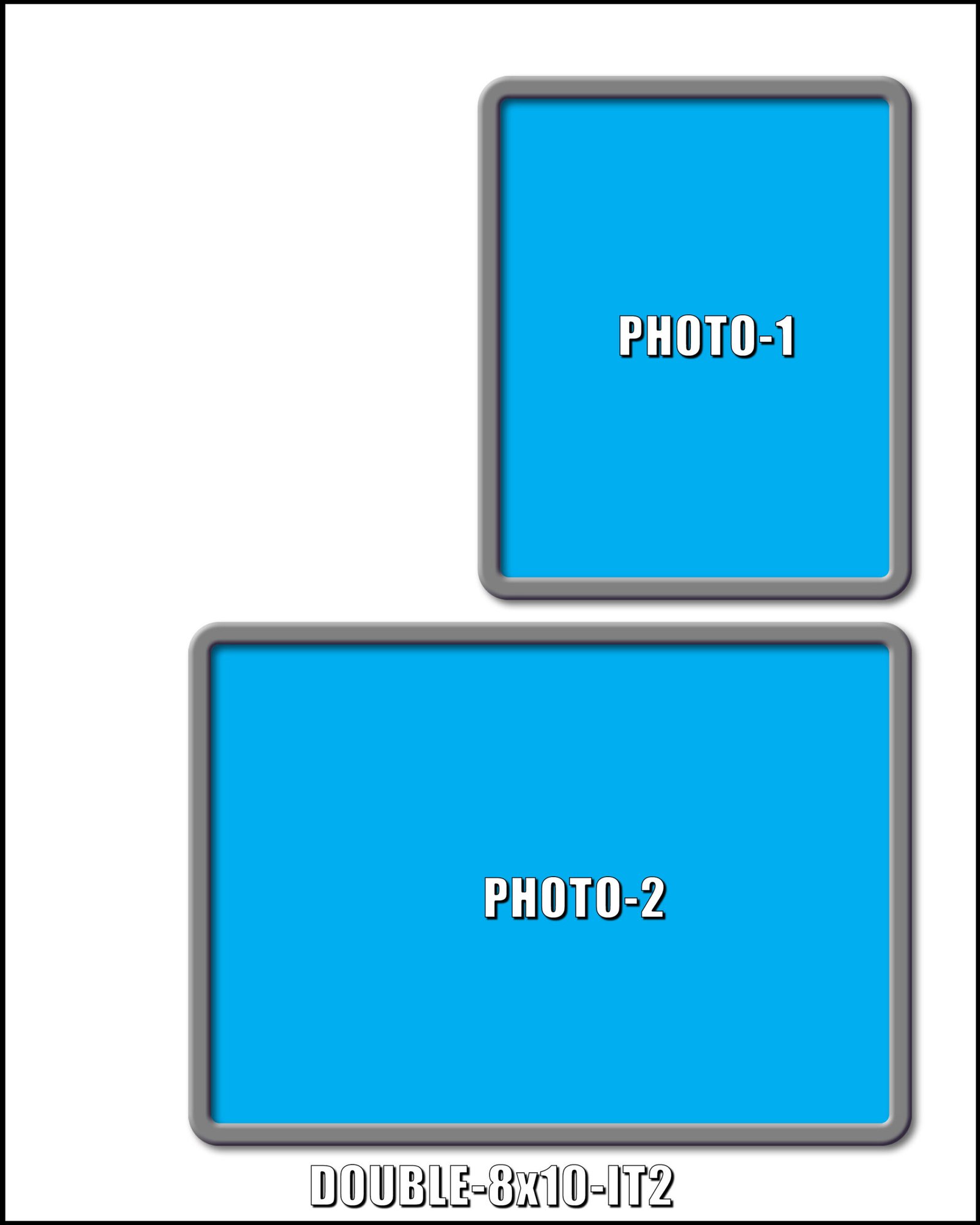
8x10
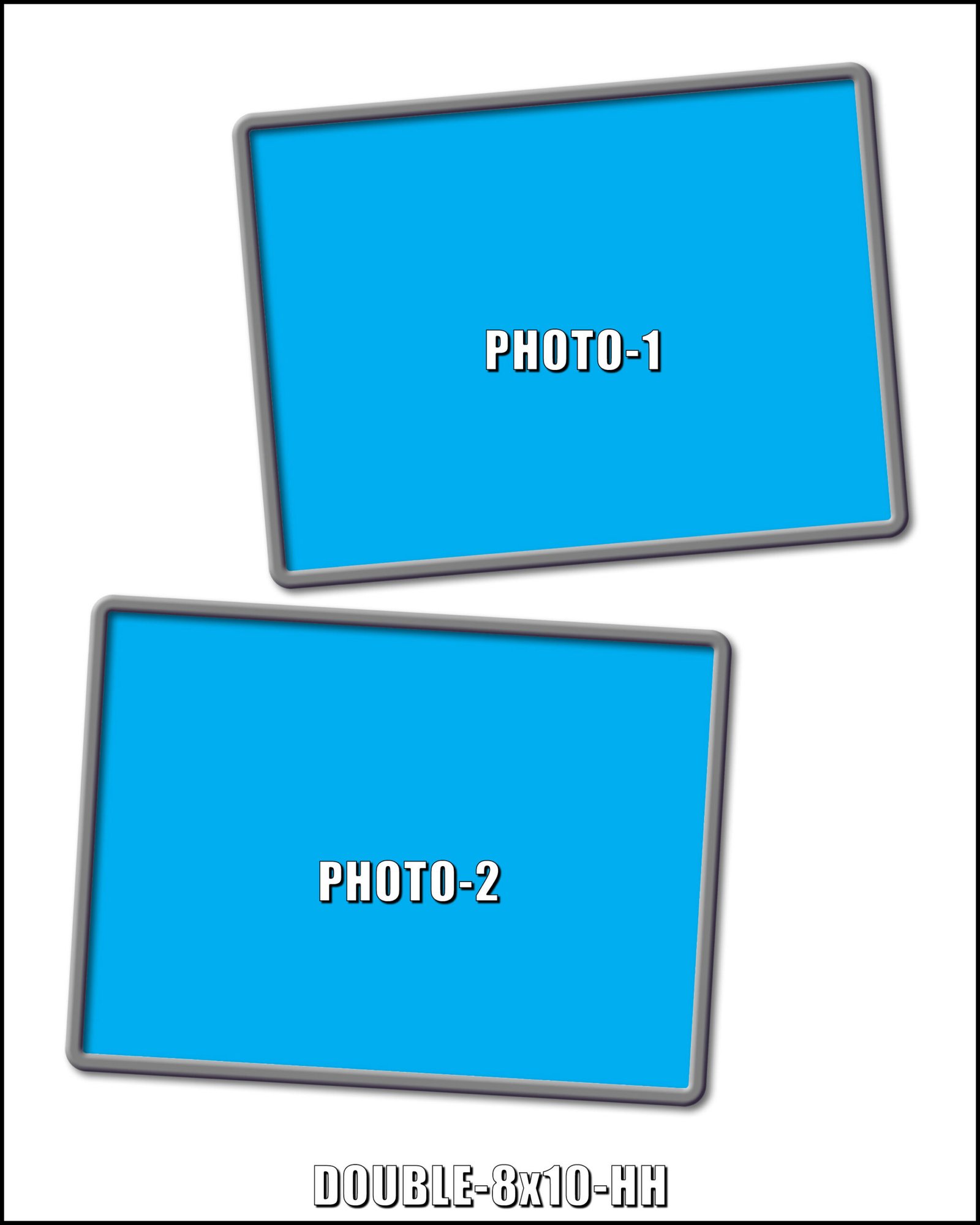
8x10
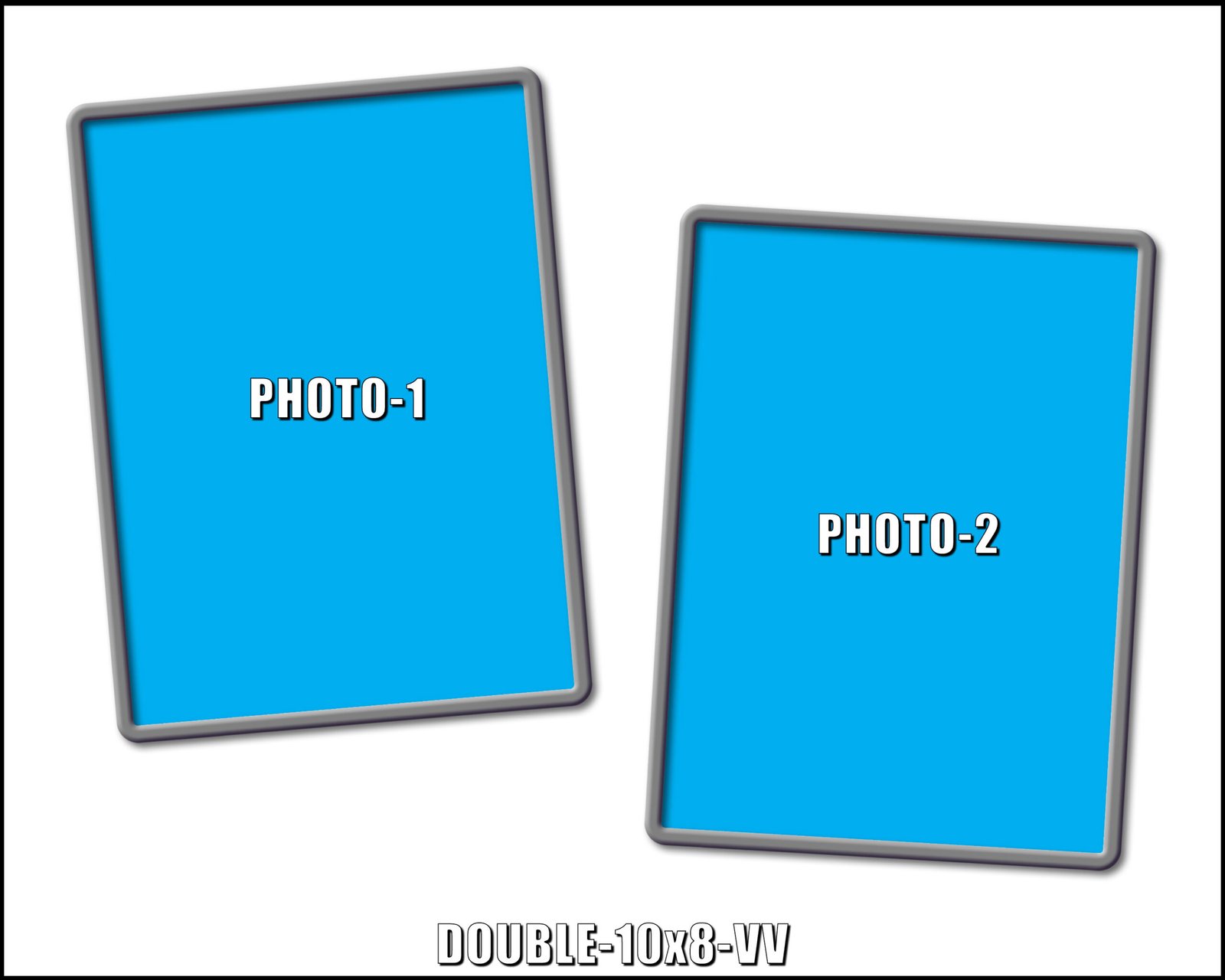
10x8
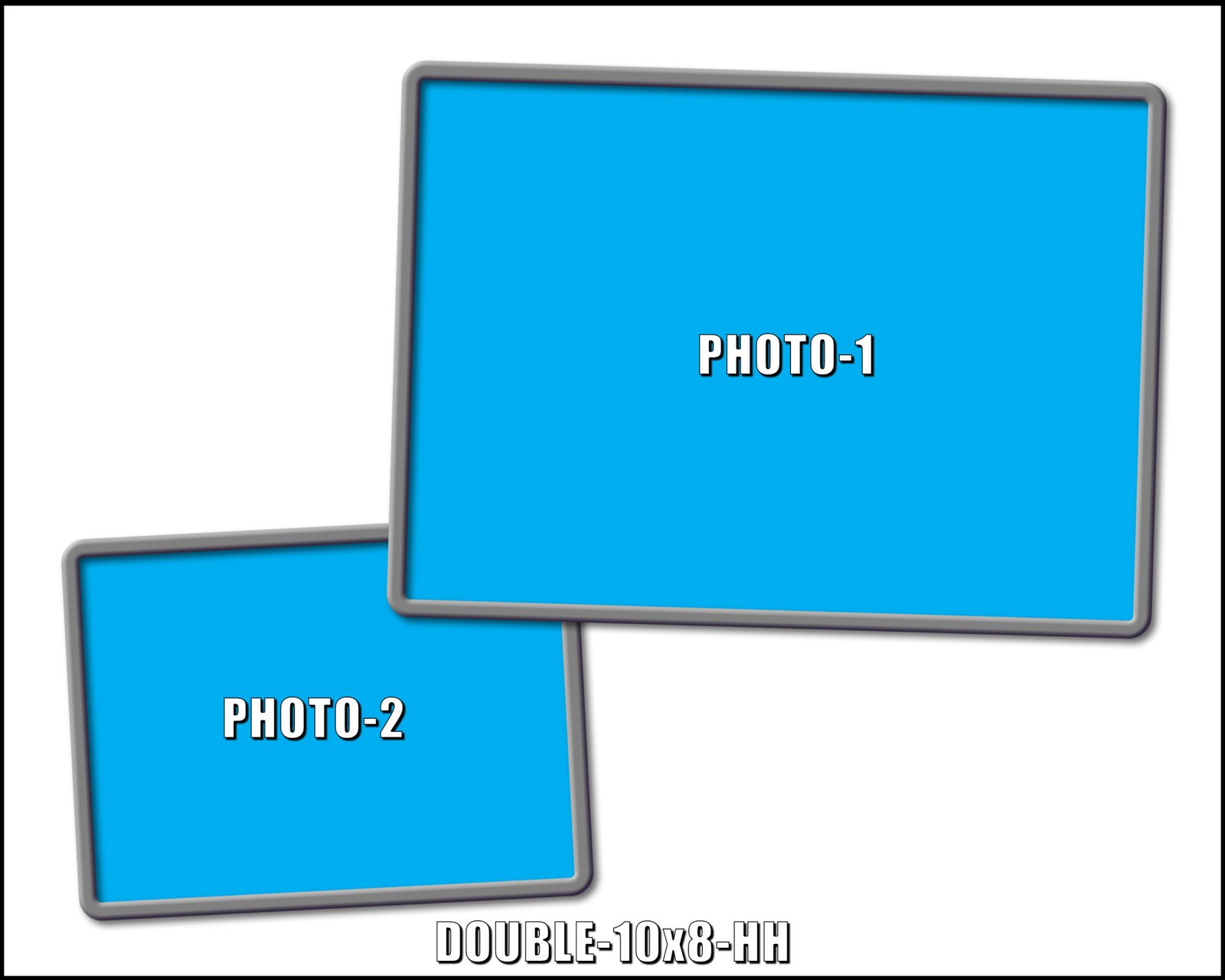
10x8
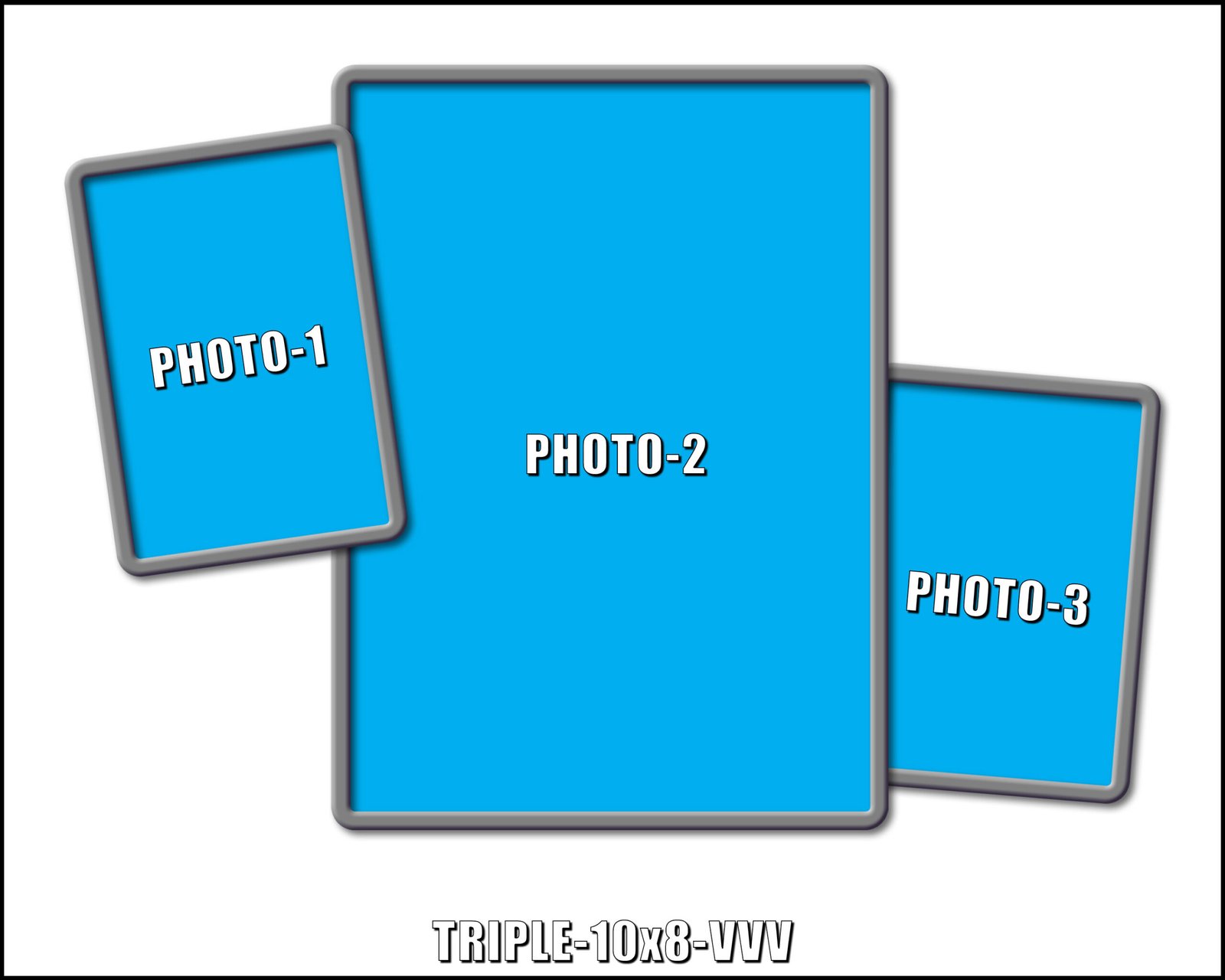
10x8
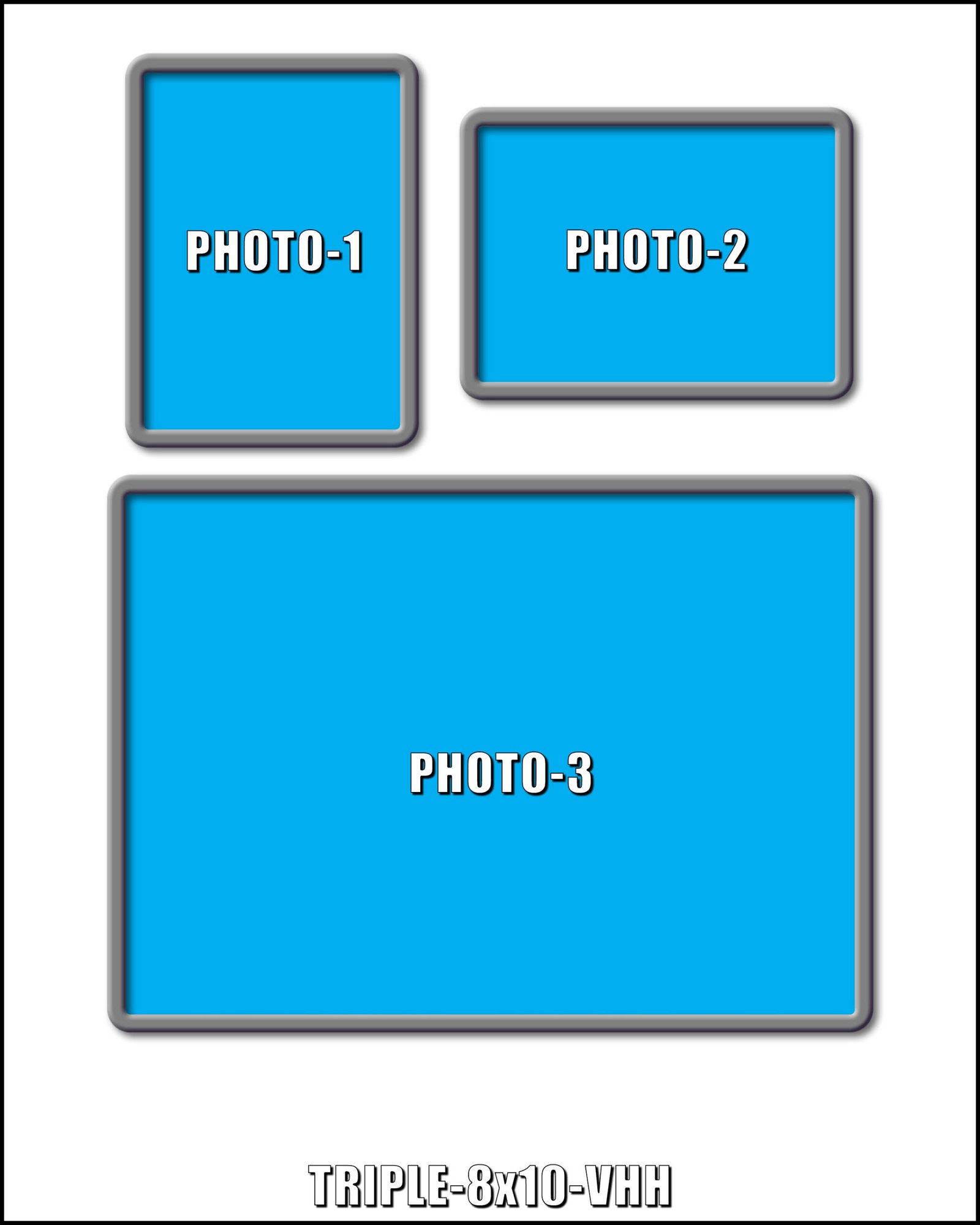
8x10
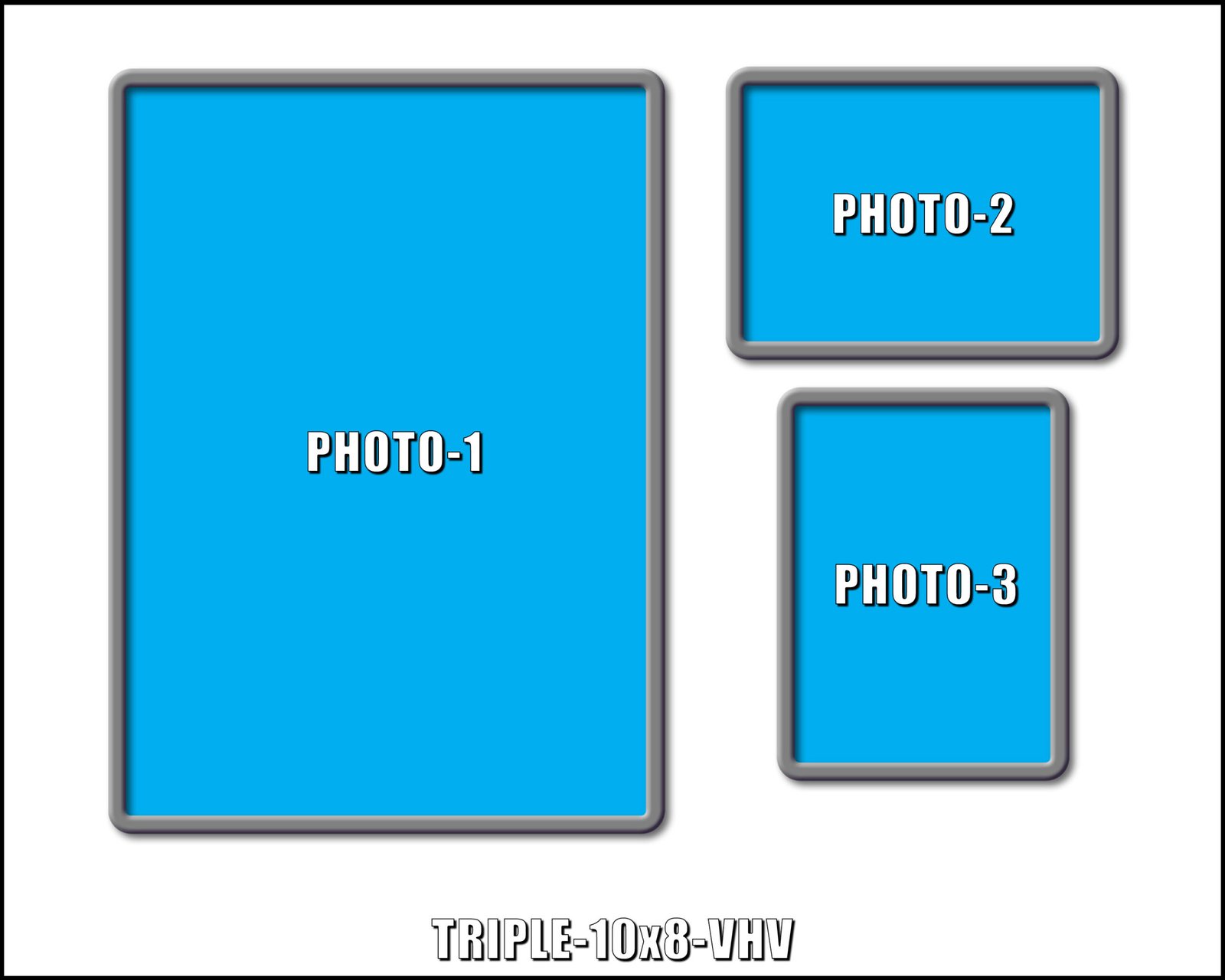
10x8
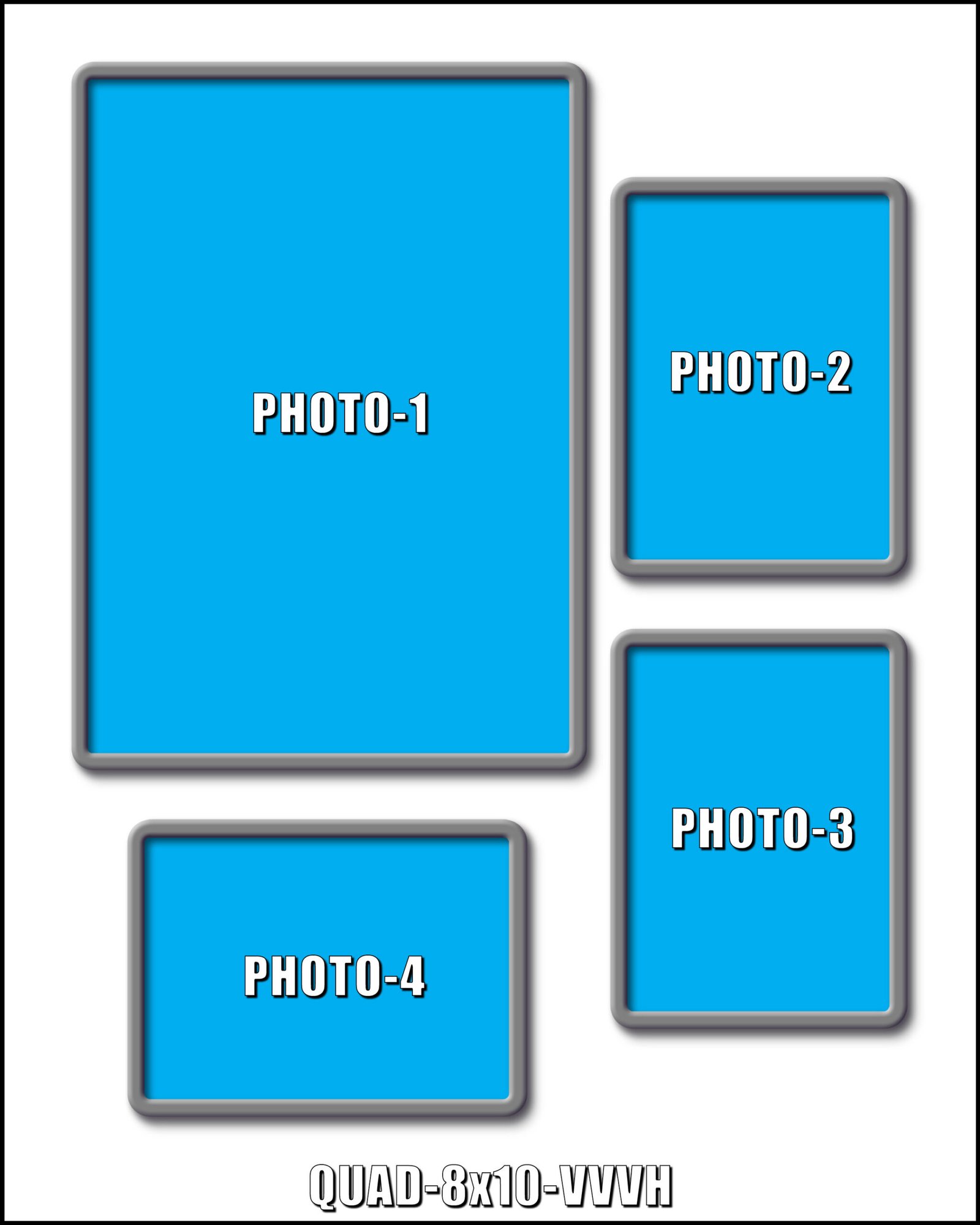
8x10
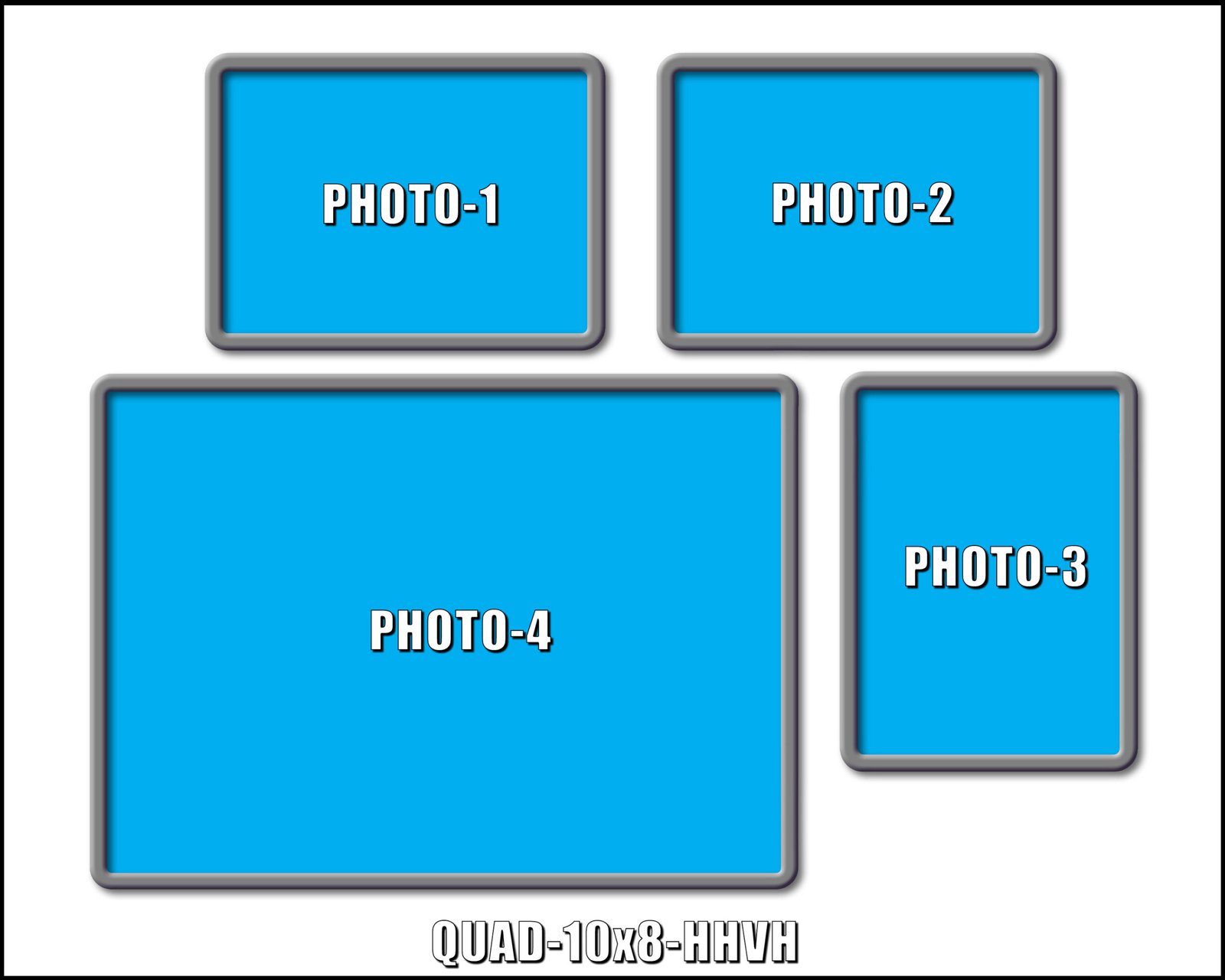
10x8
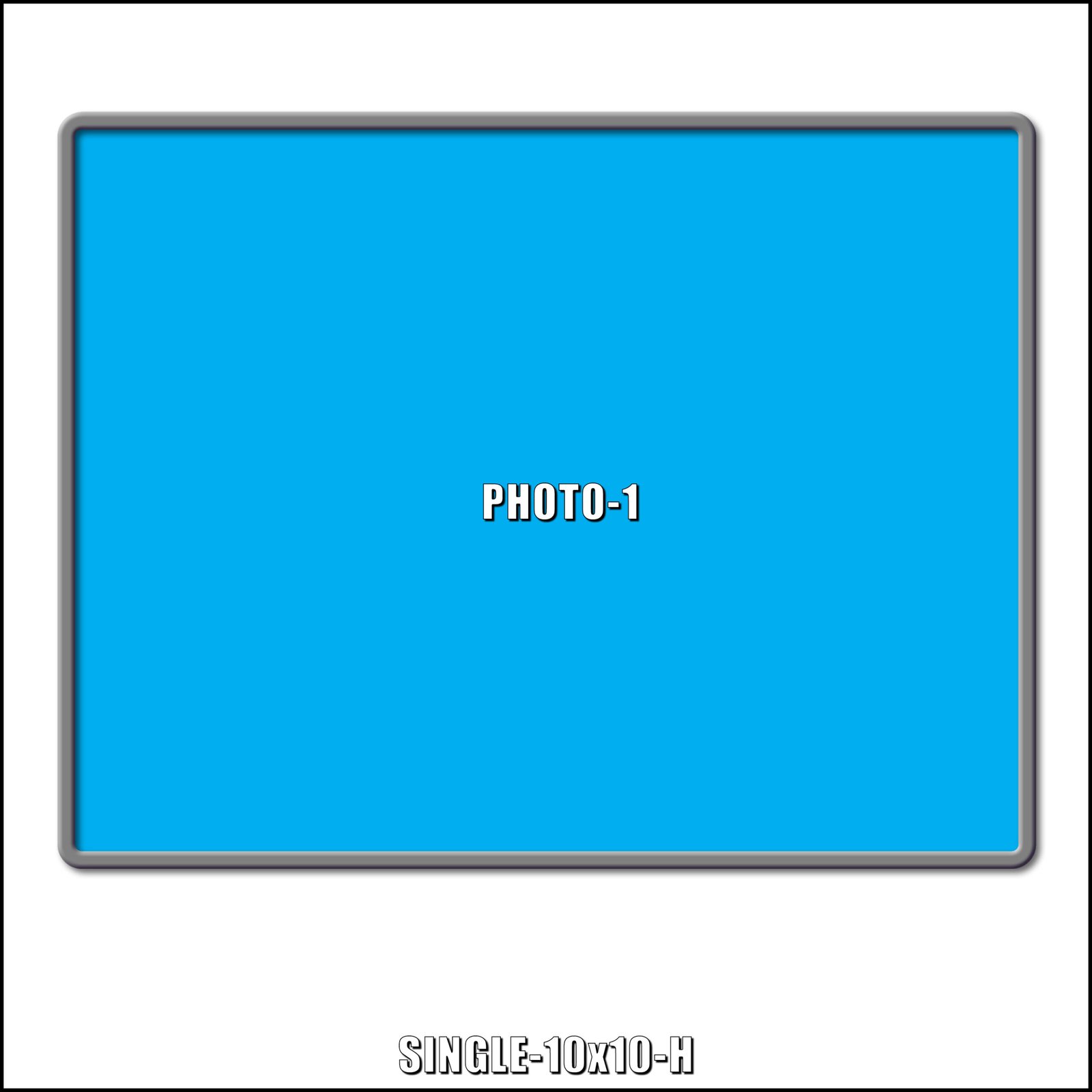
10x10
10x10
10x10
10x10
10x10
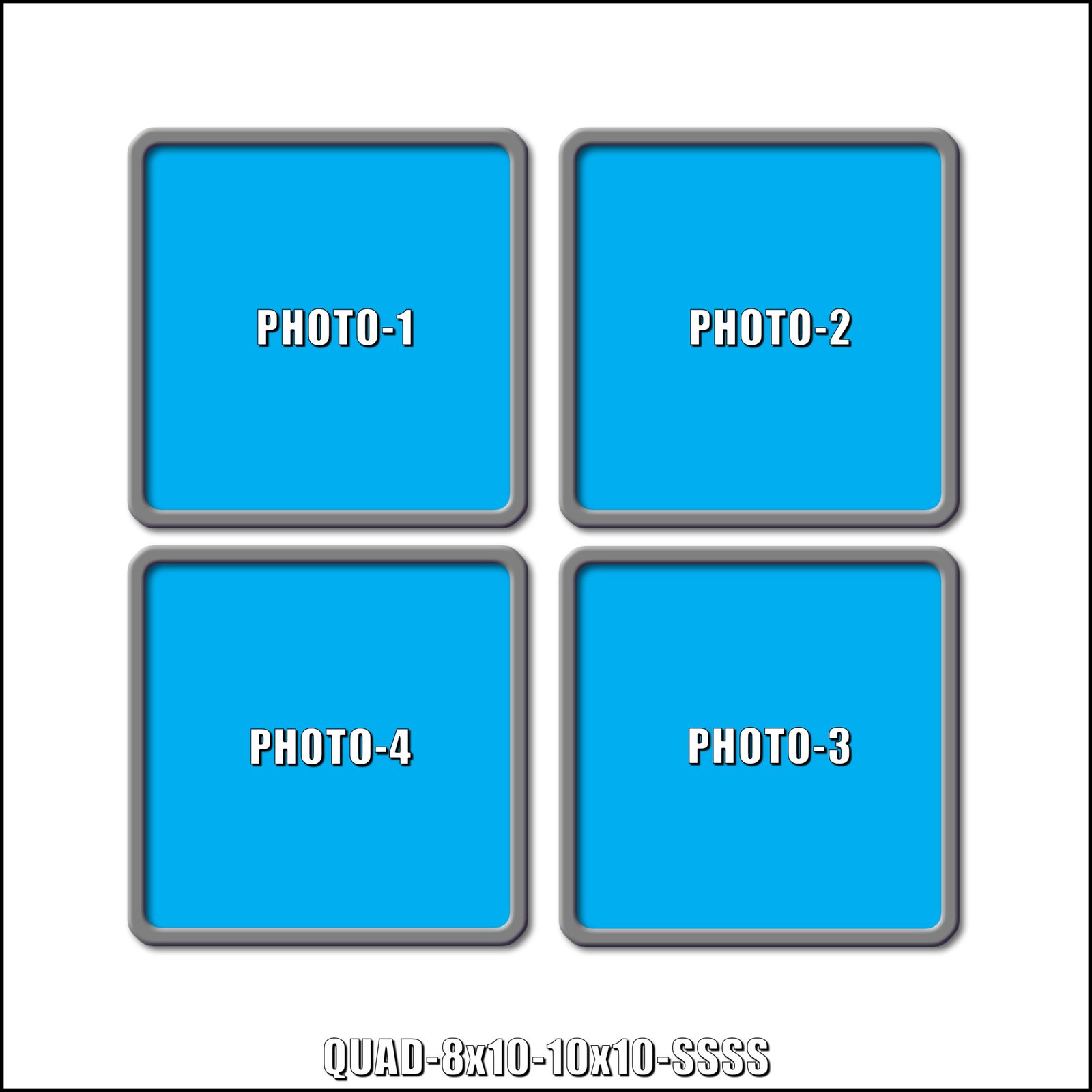
8x10s &10x10
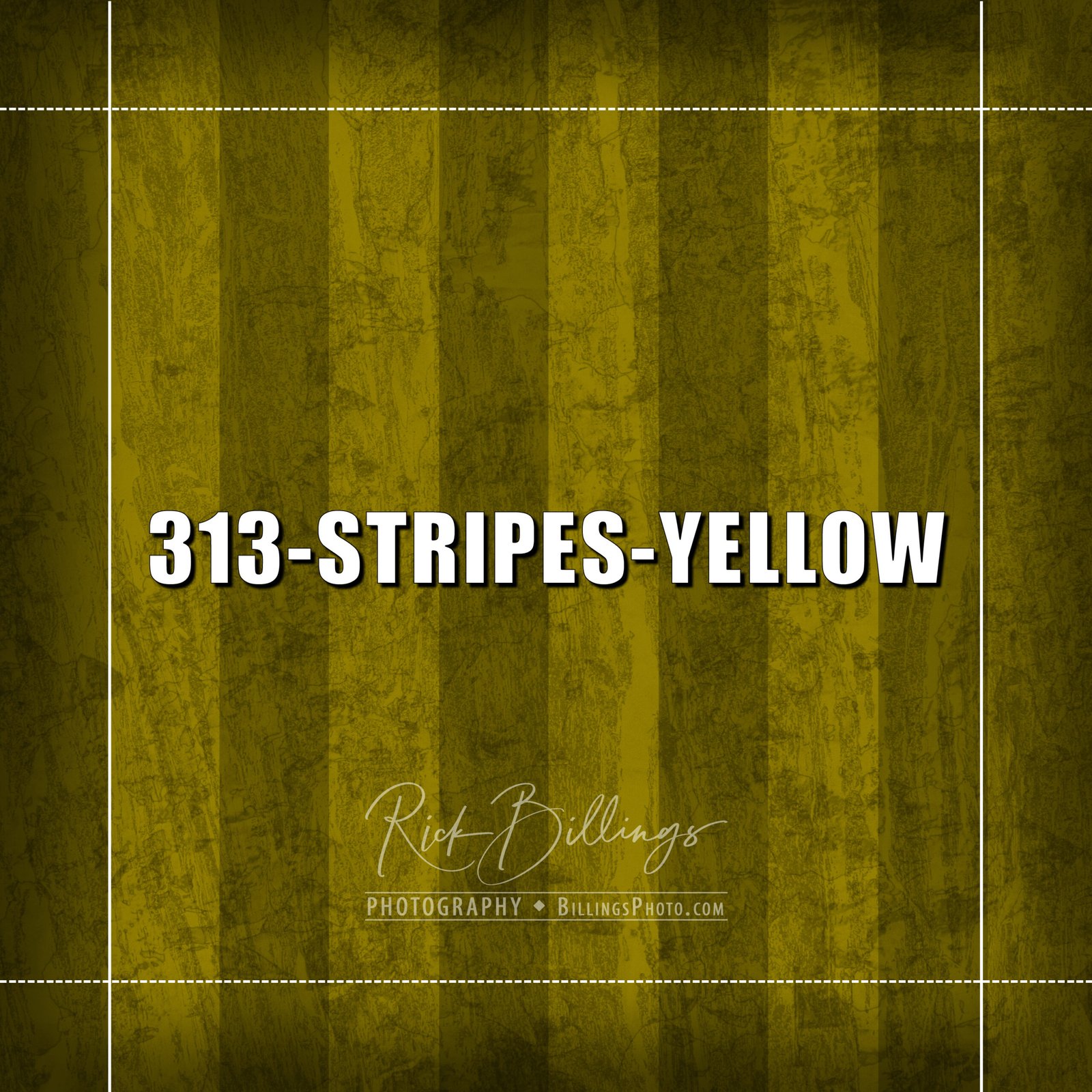
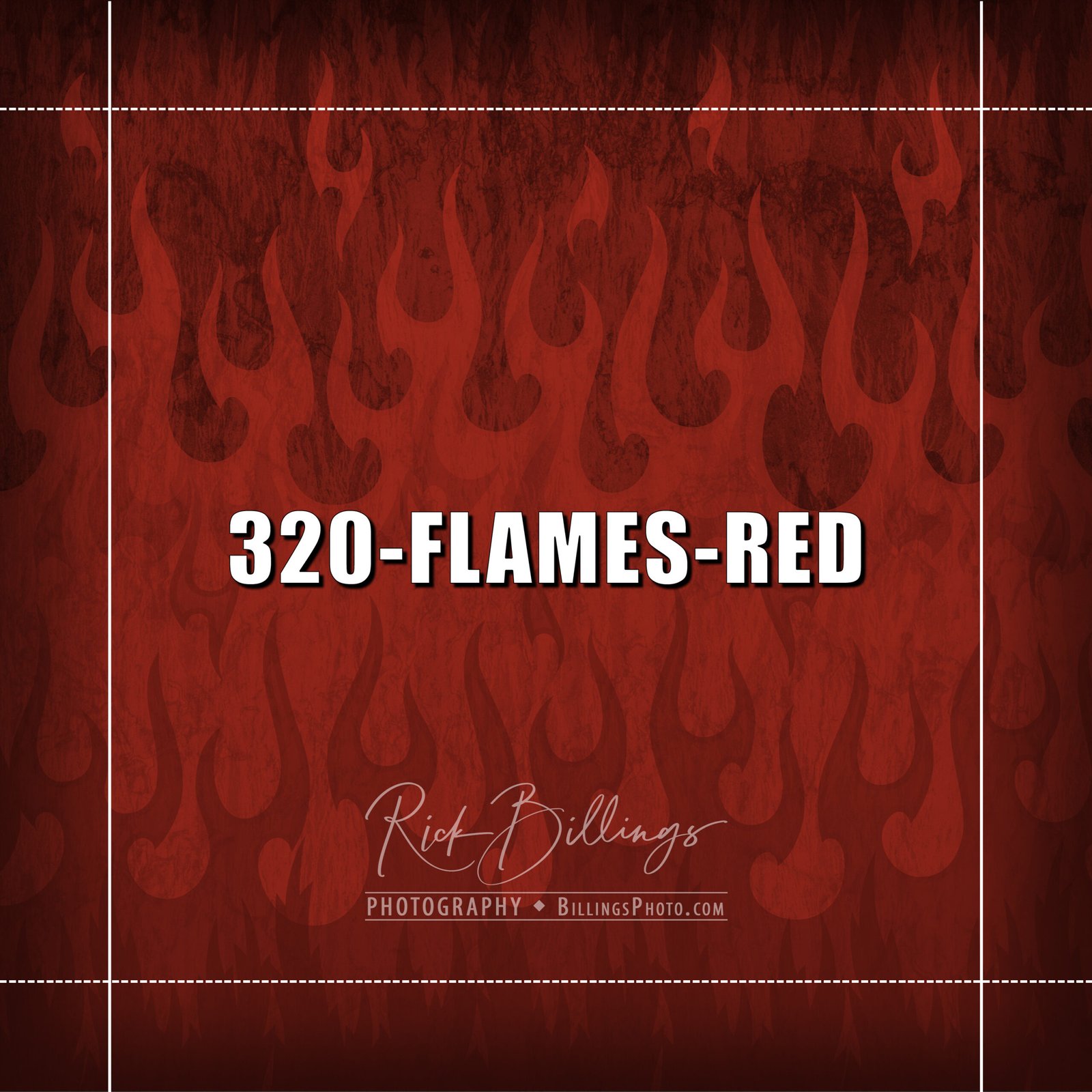
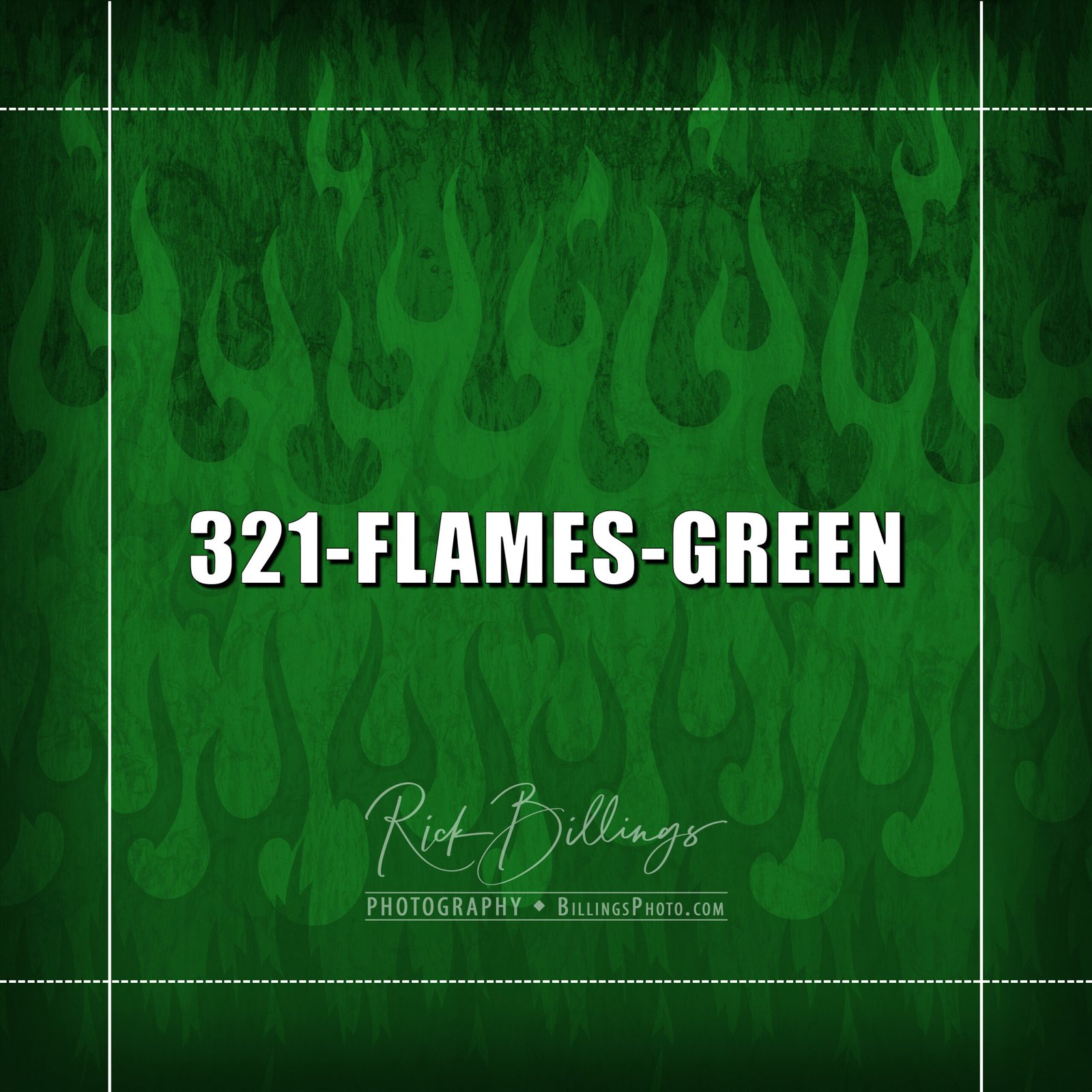
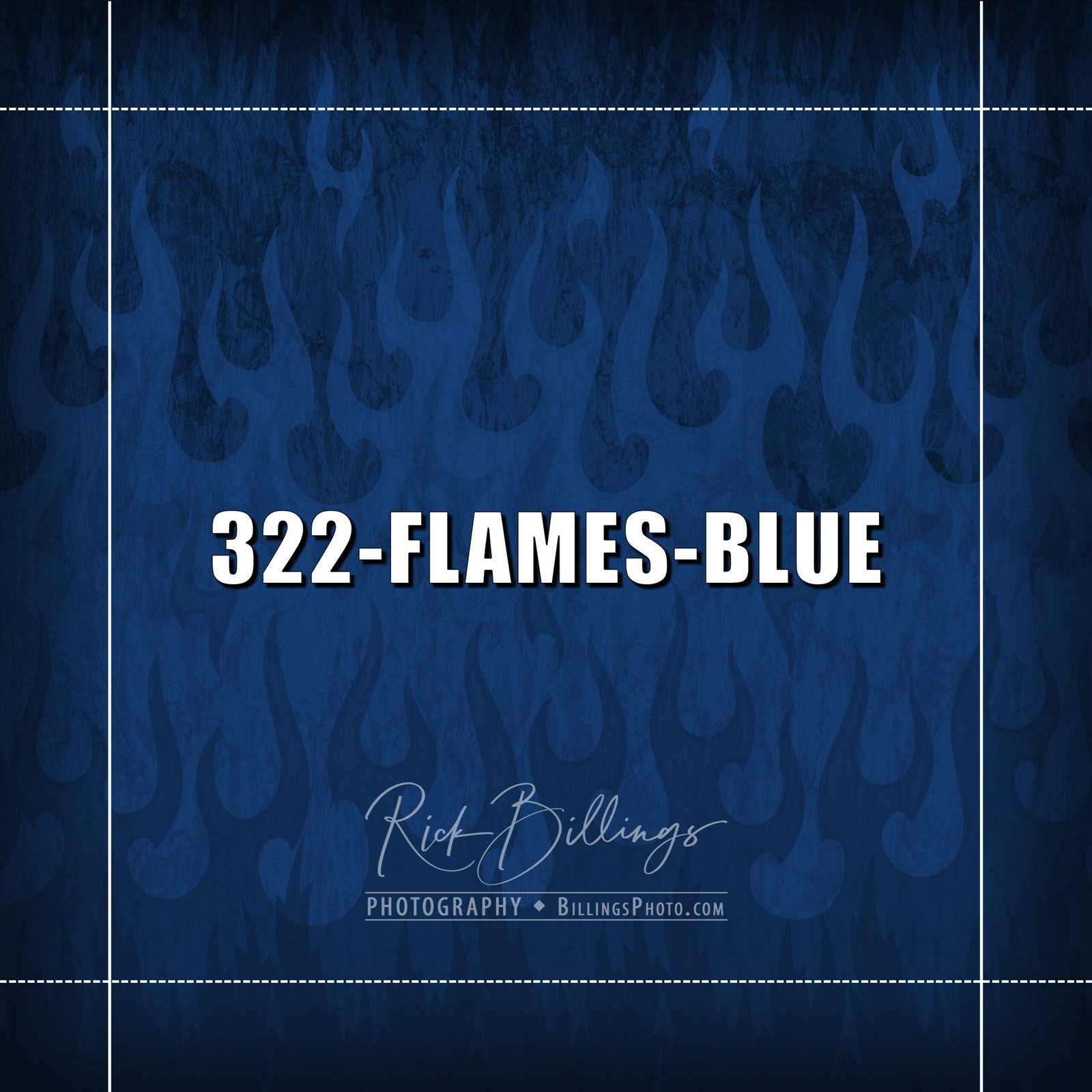
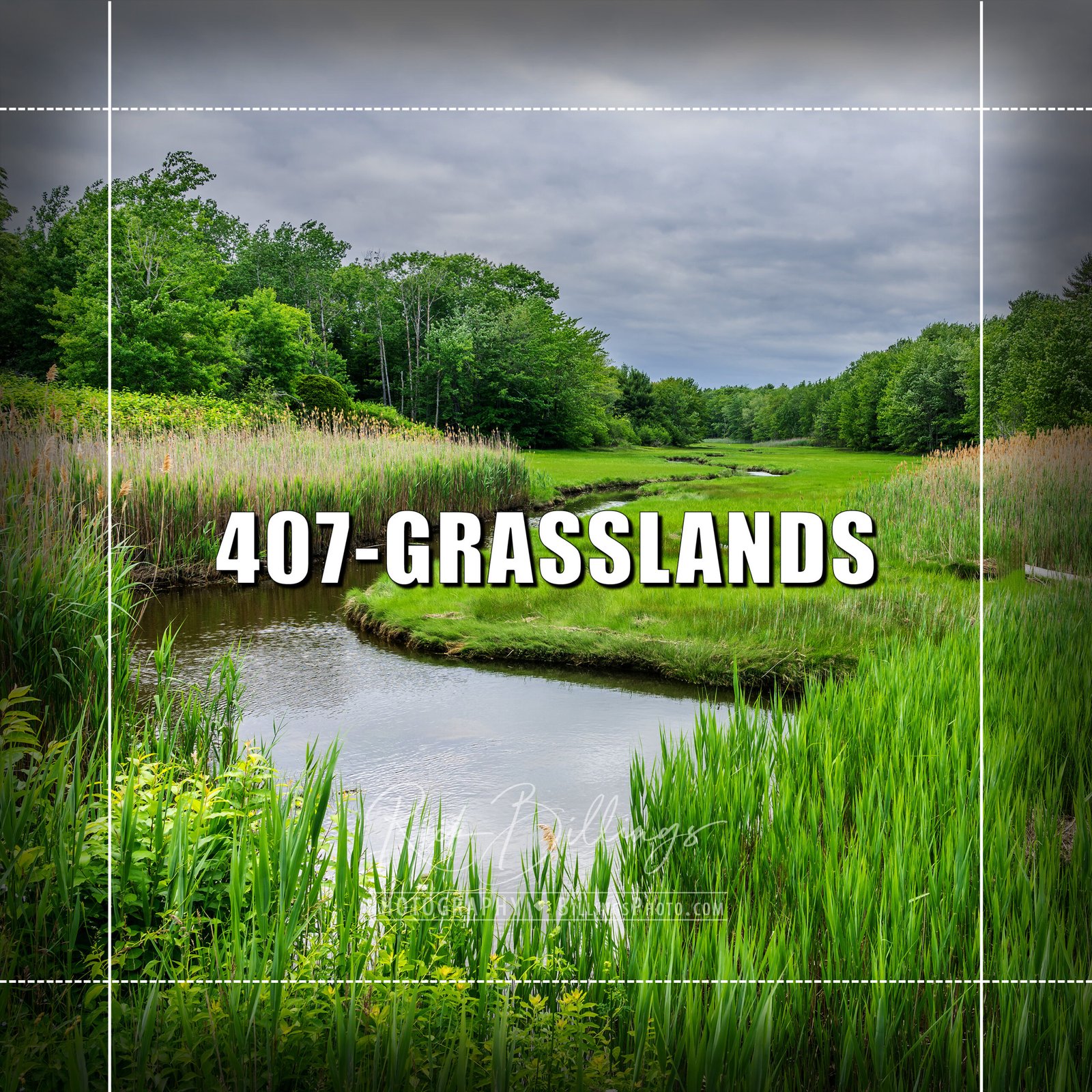
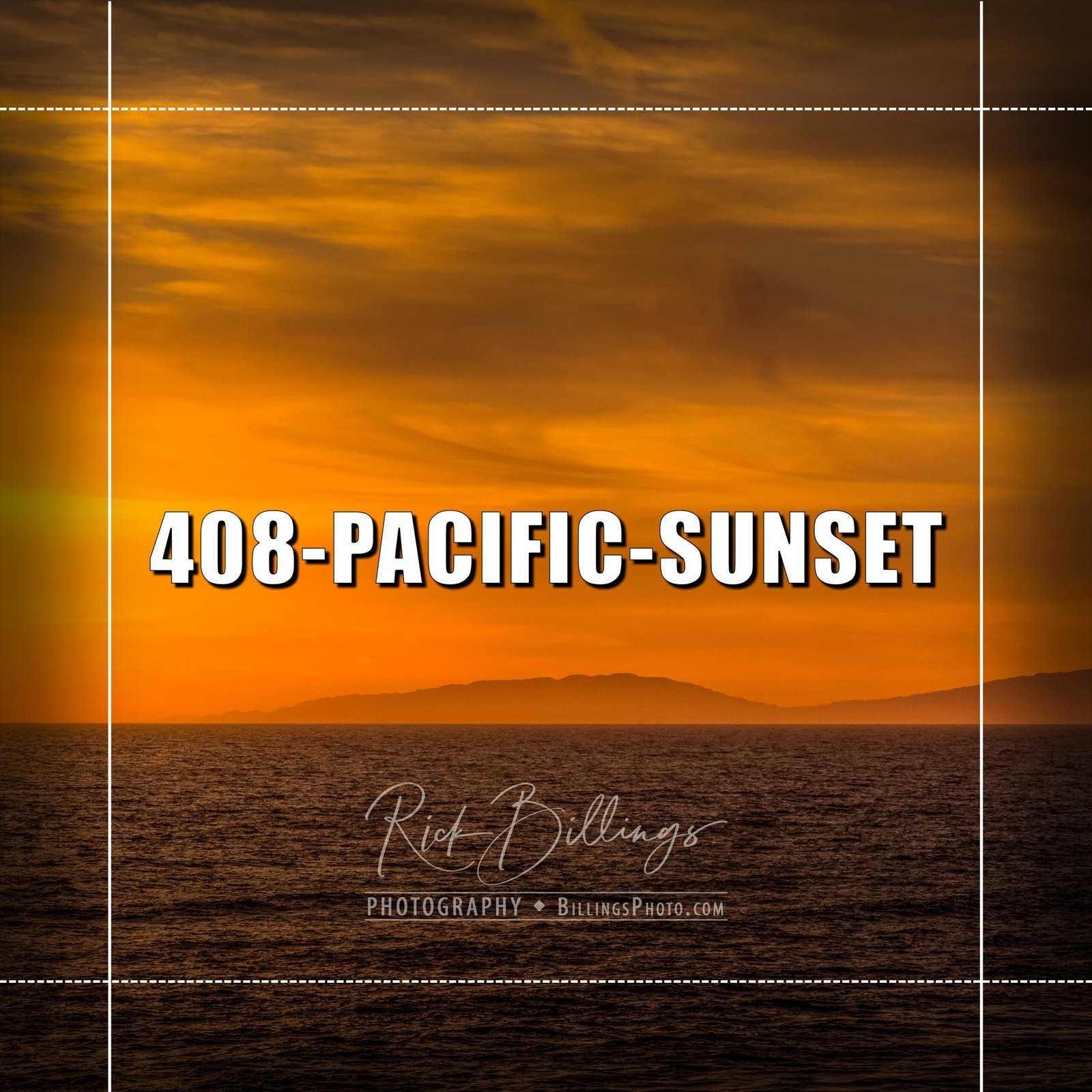
STEP 2 — CHOOSE YOUR COLLAGE BACKGROUND
(Click to see larger.)
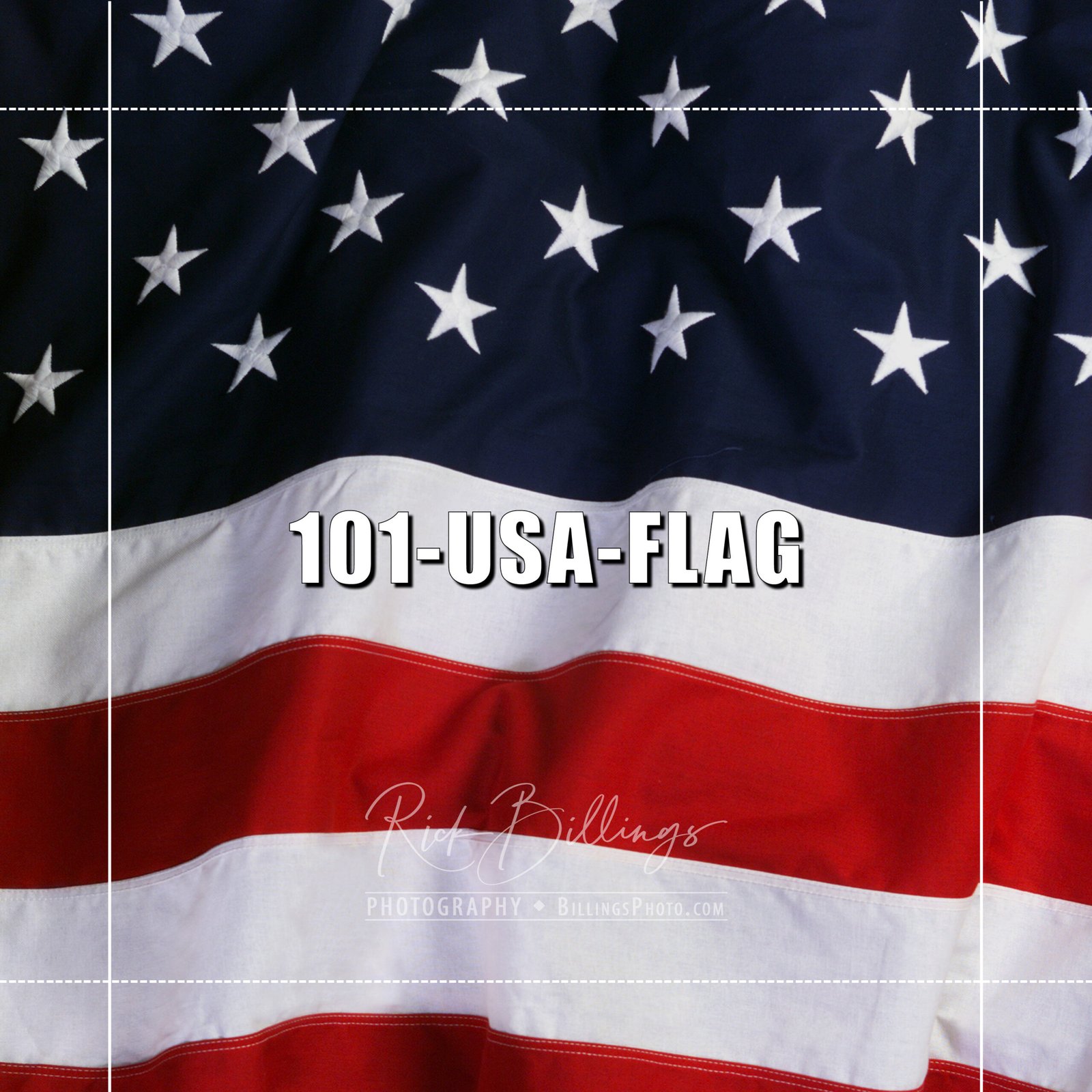
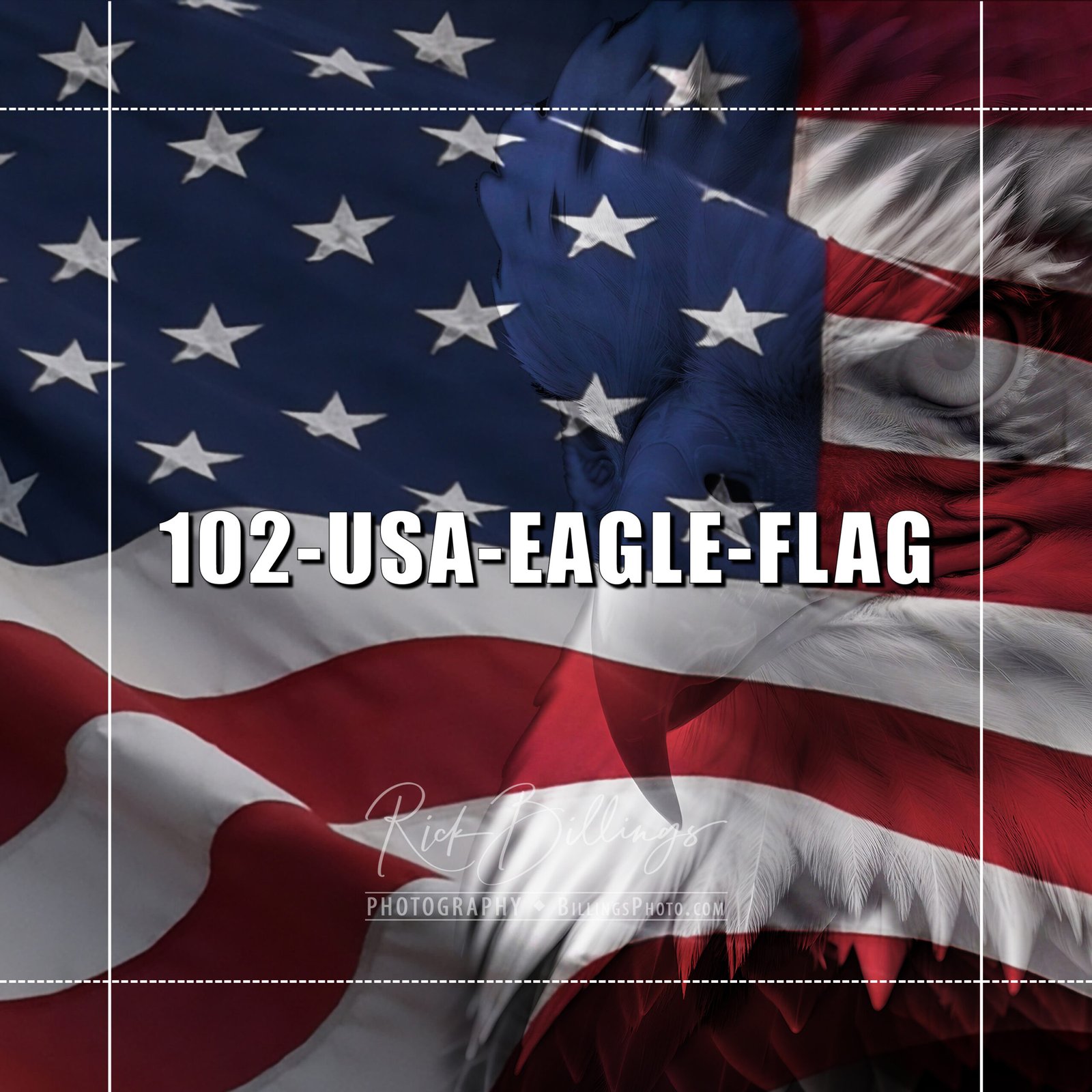
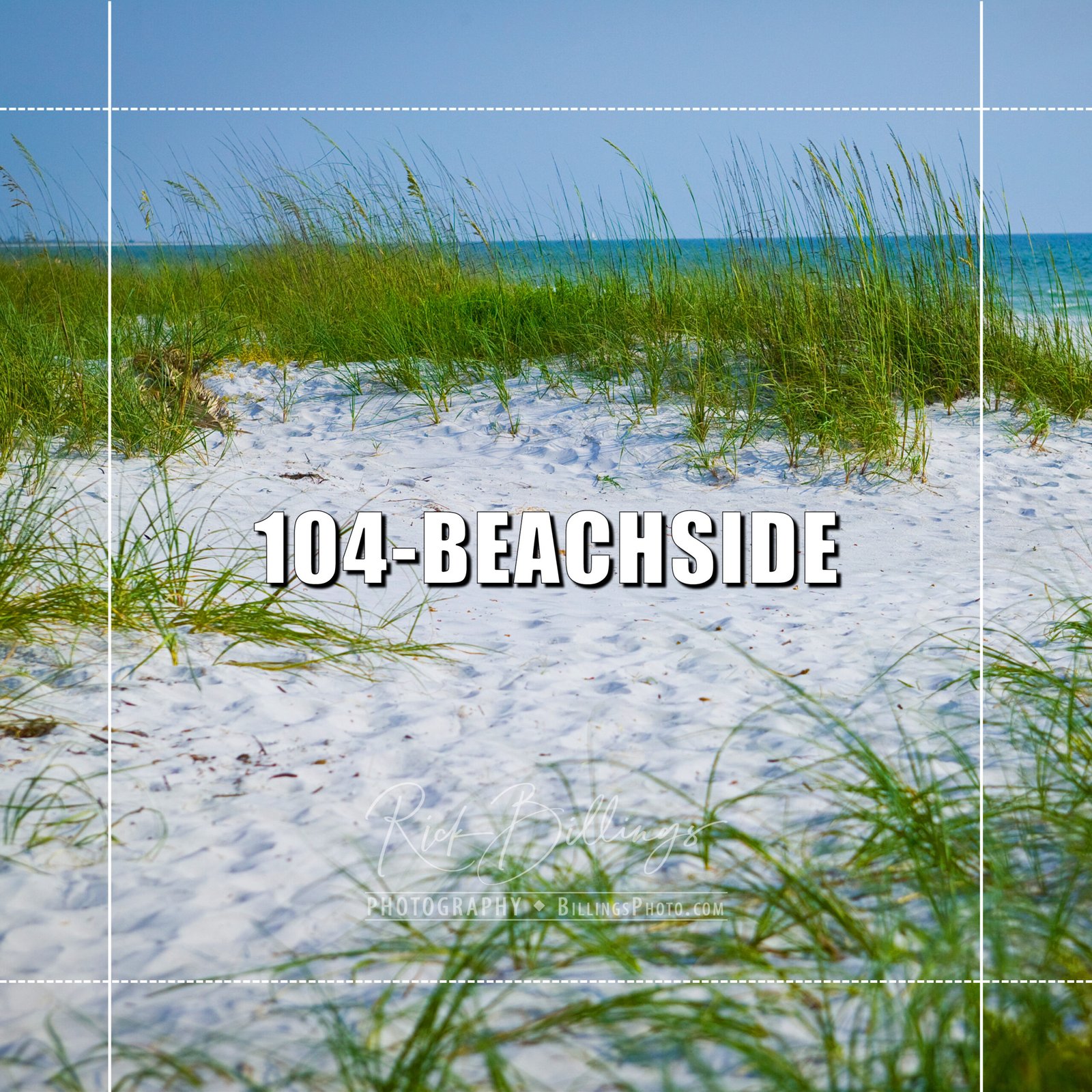
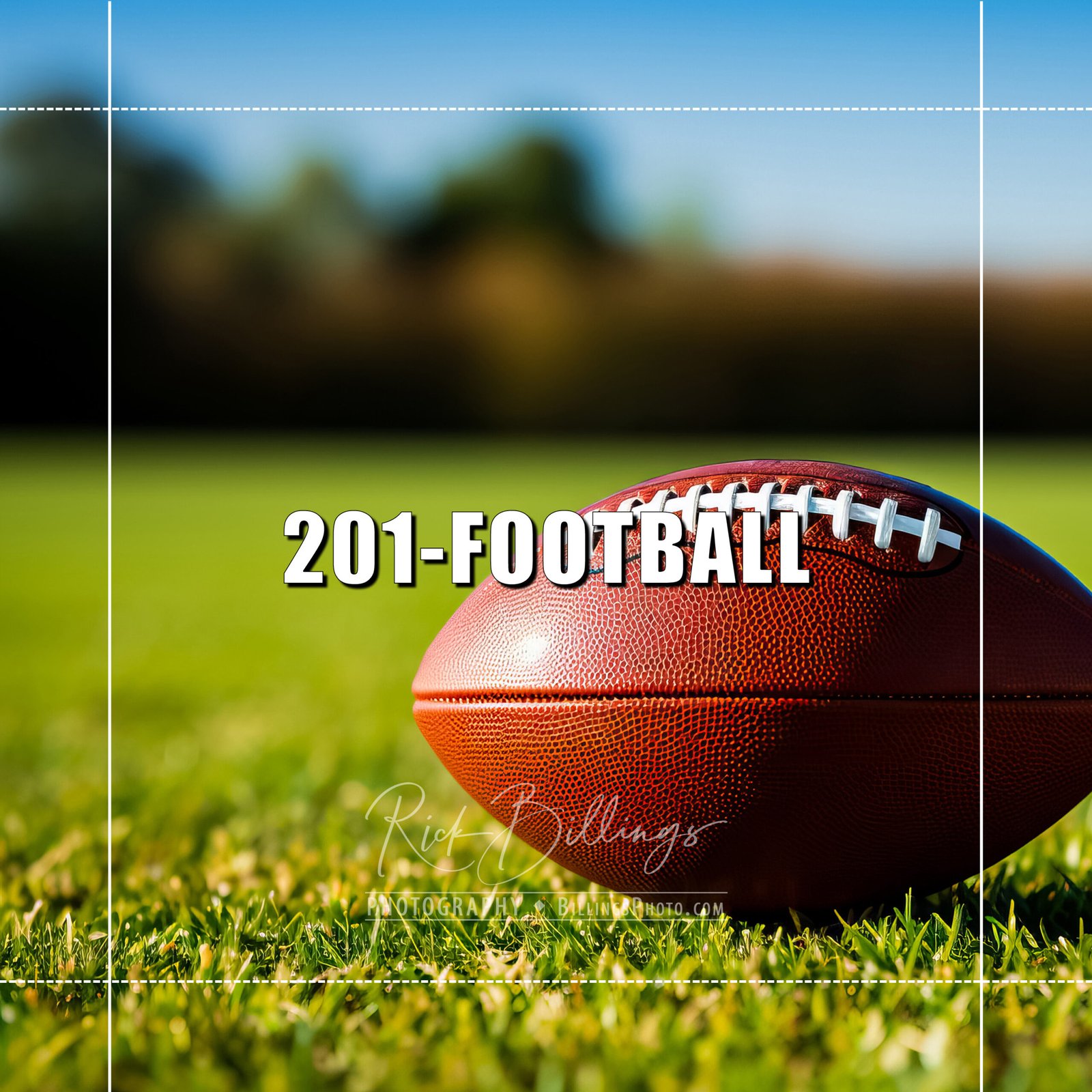
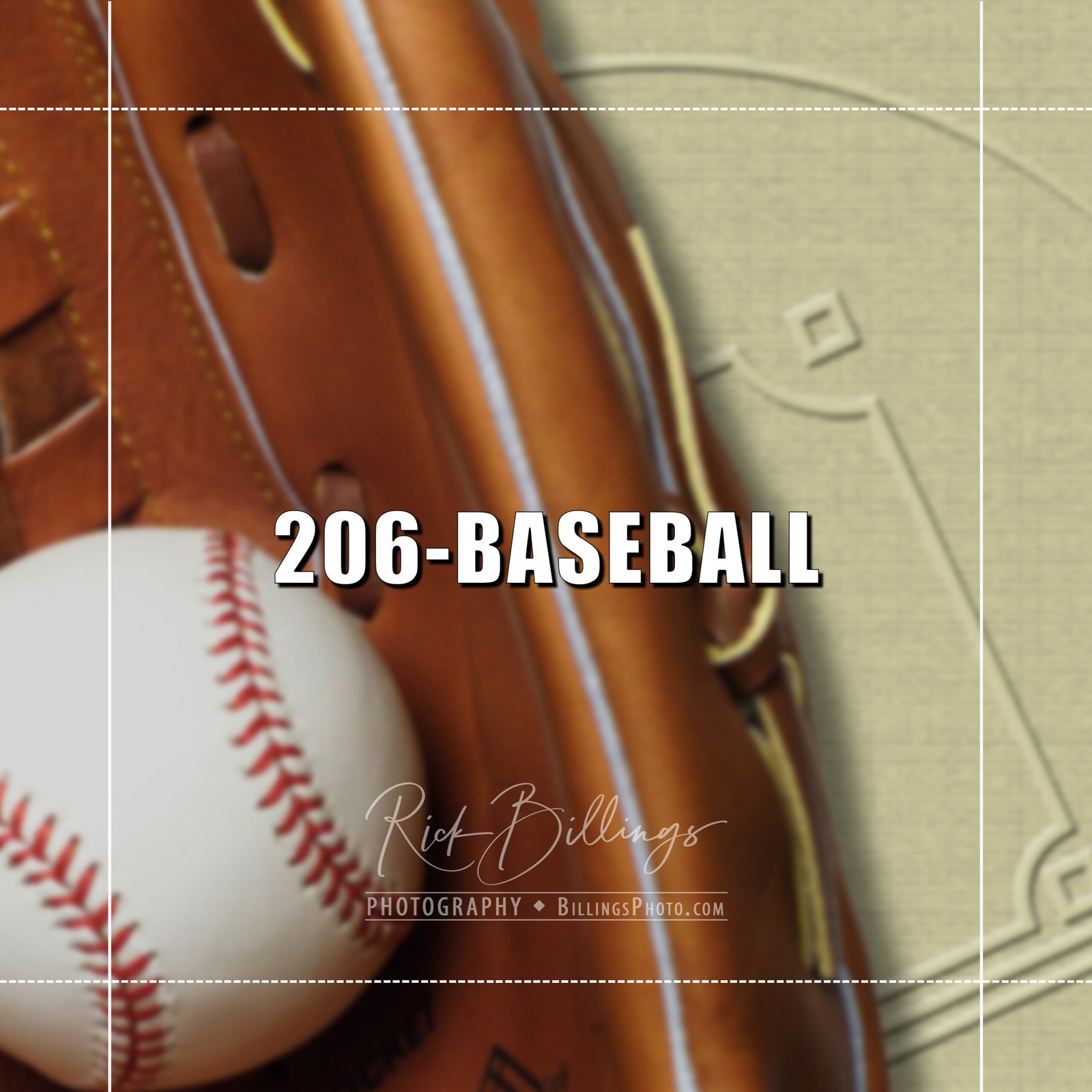
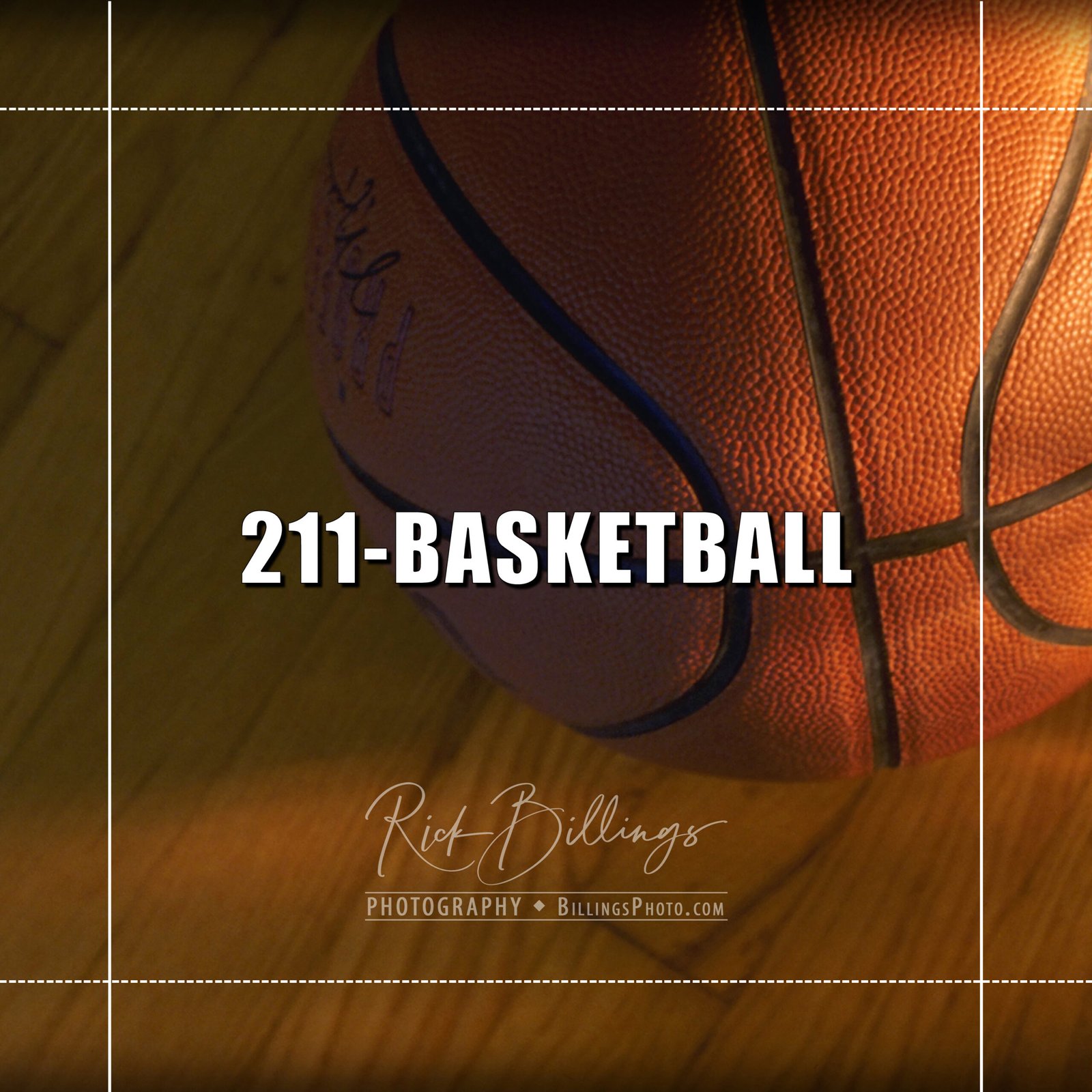
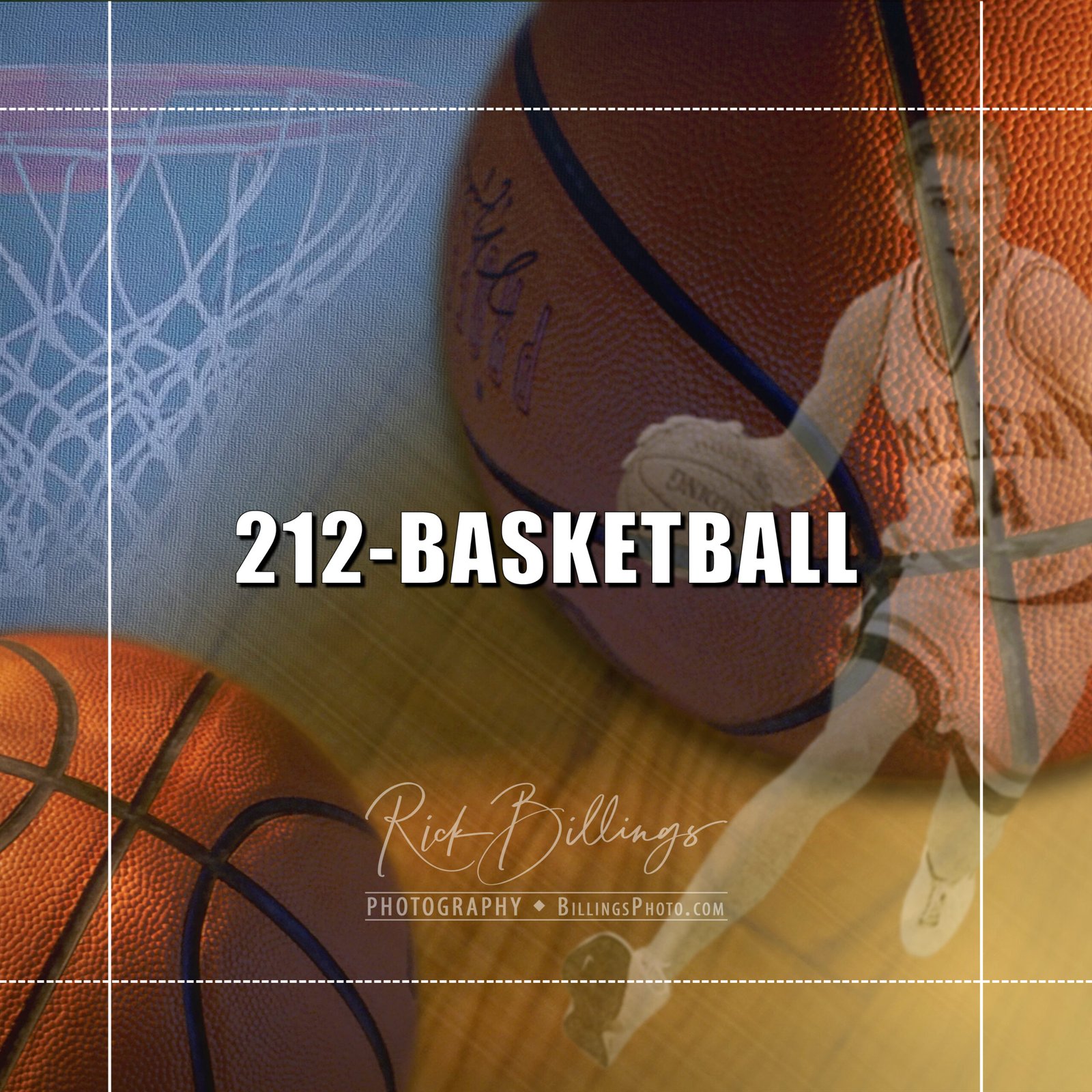
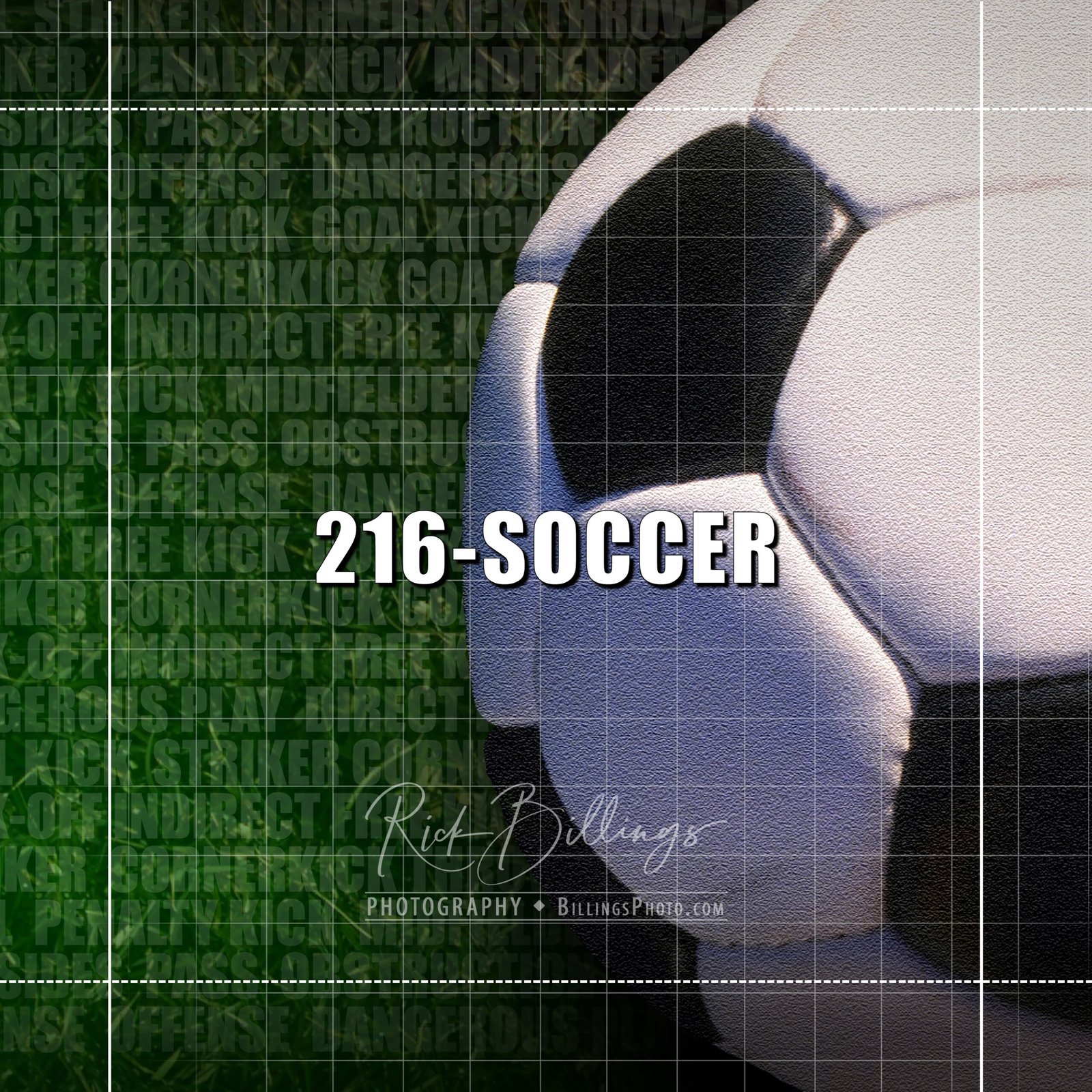
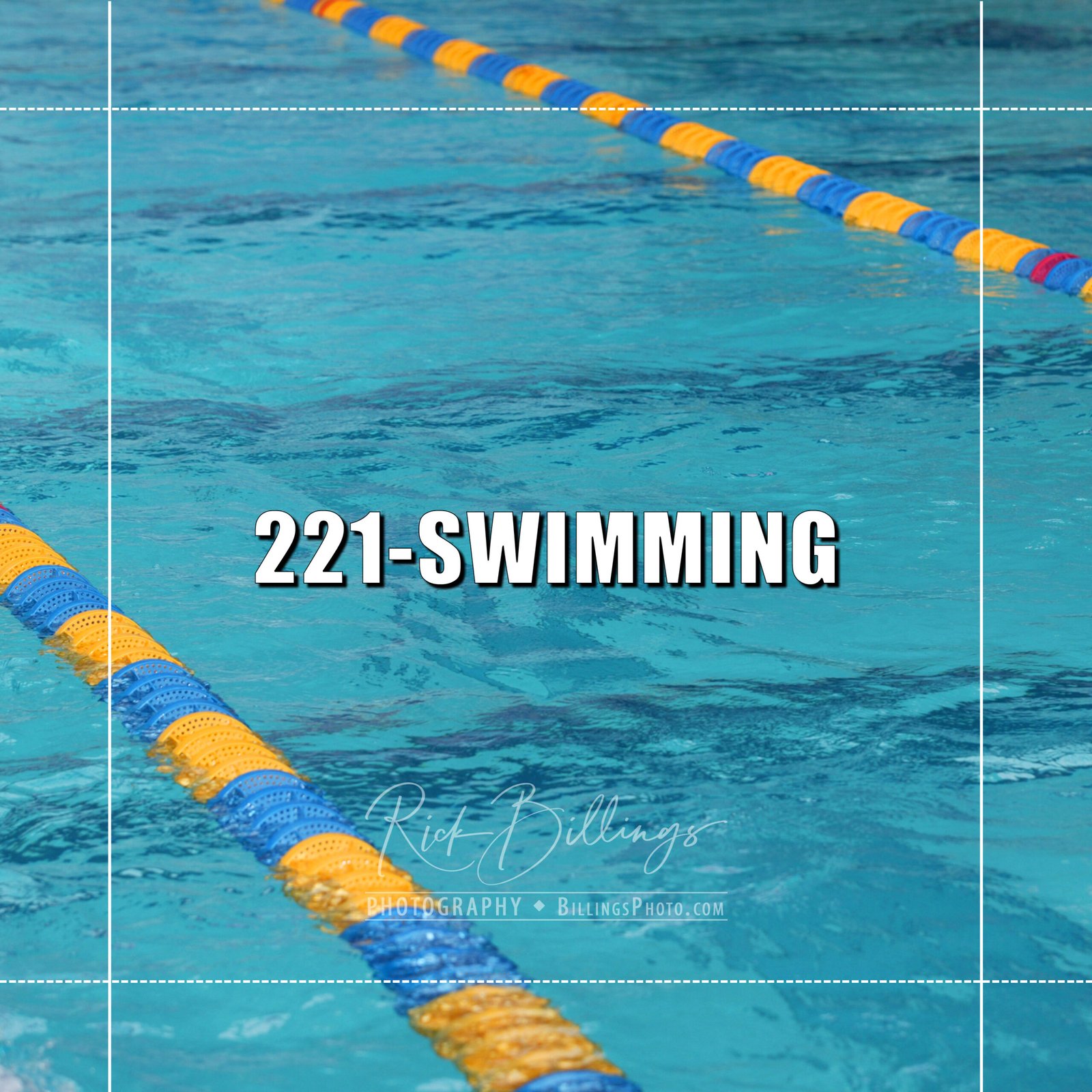
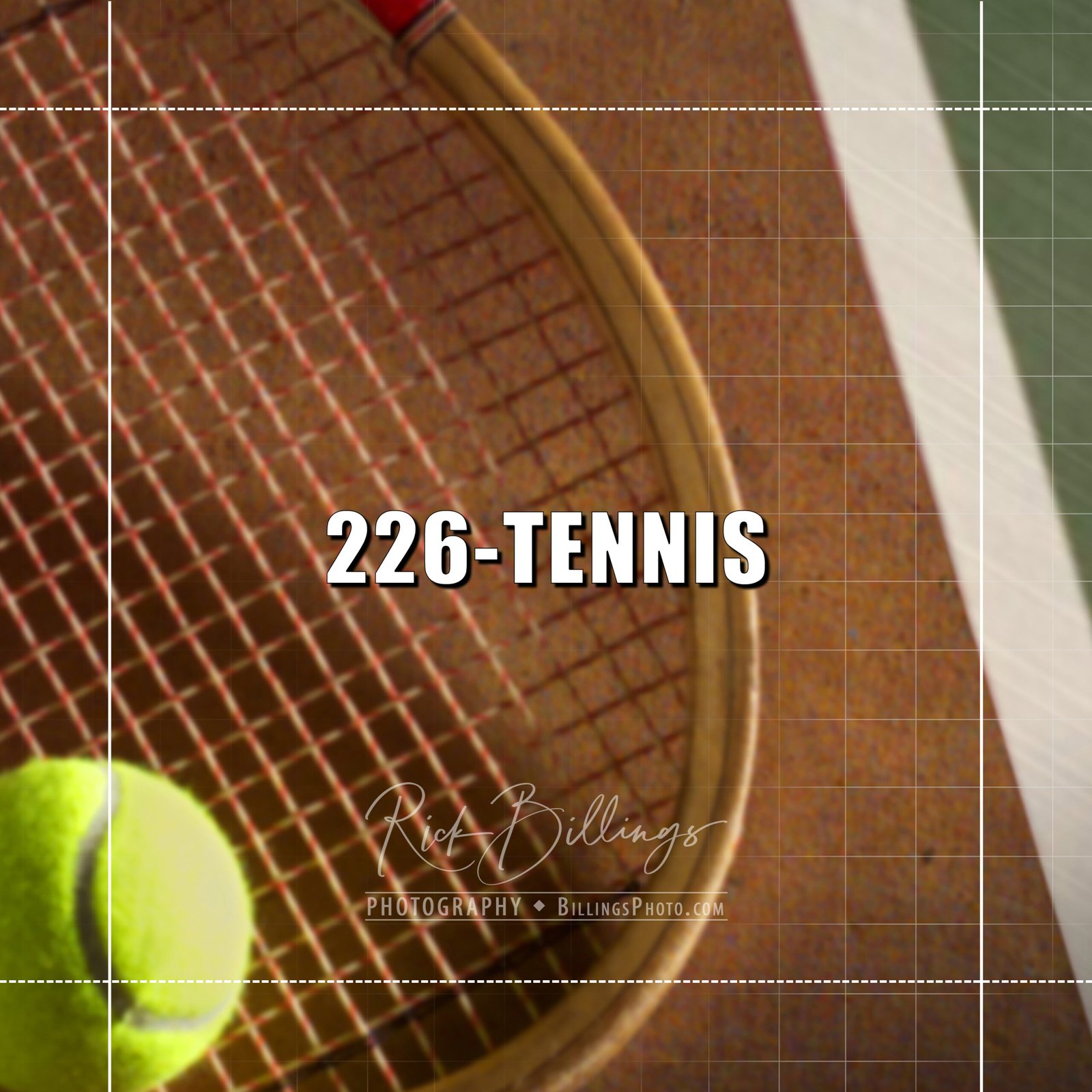
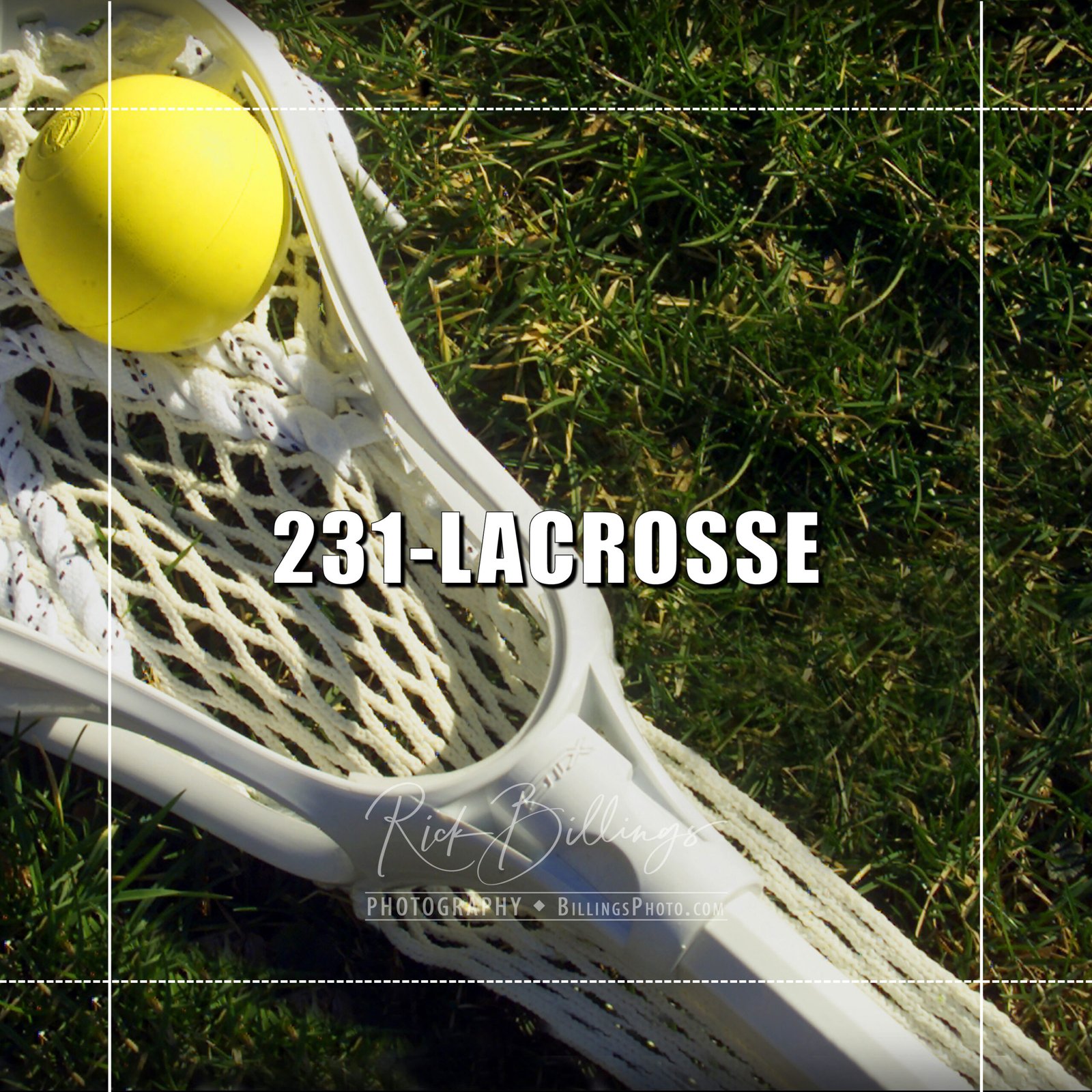
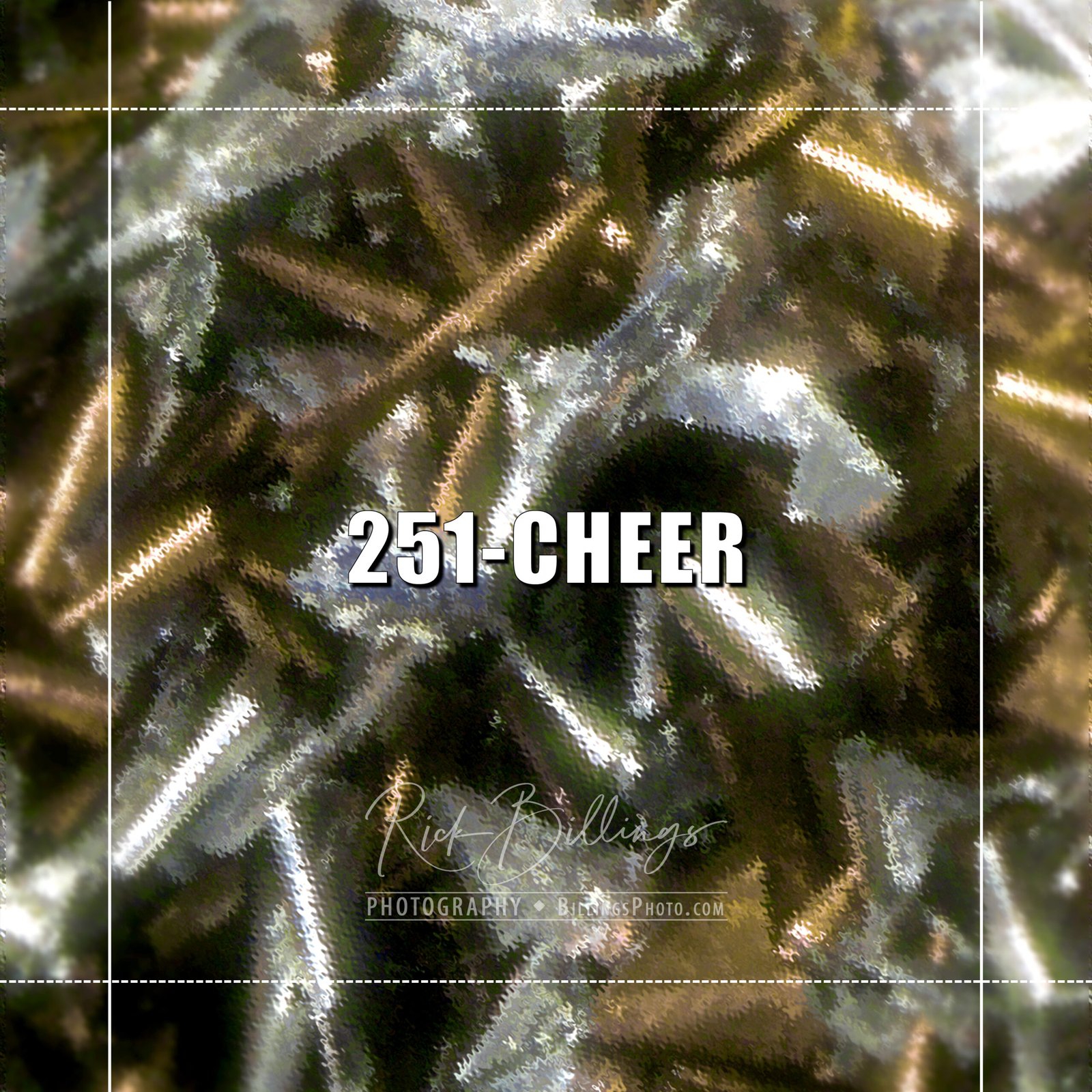
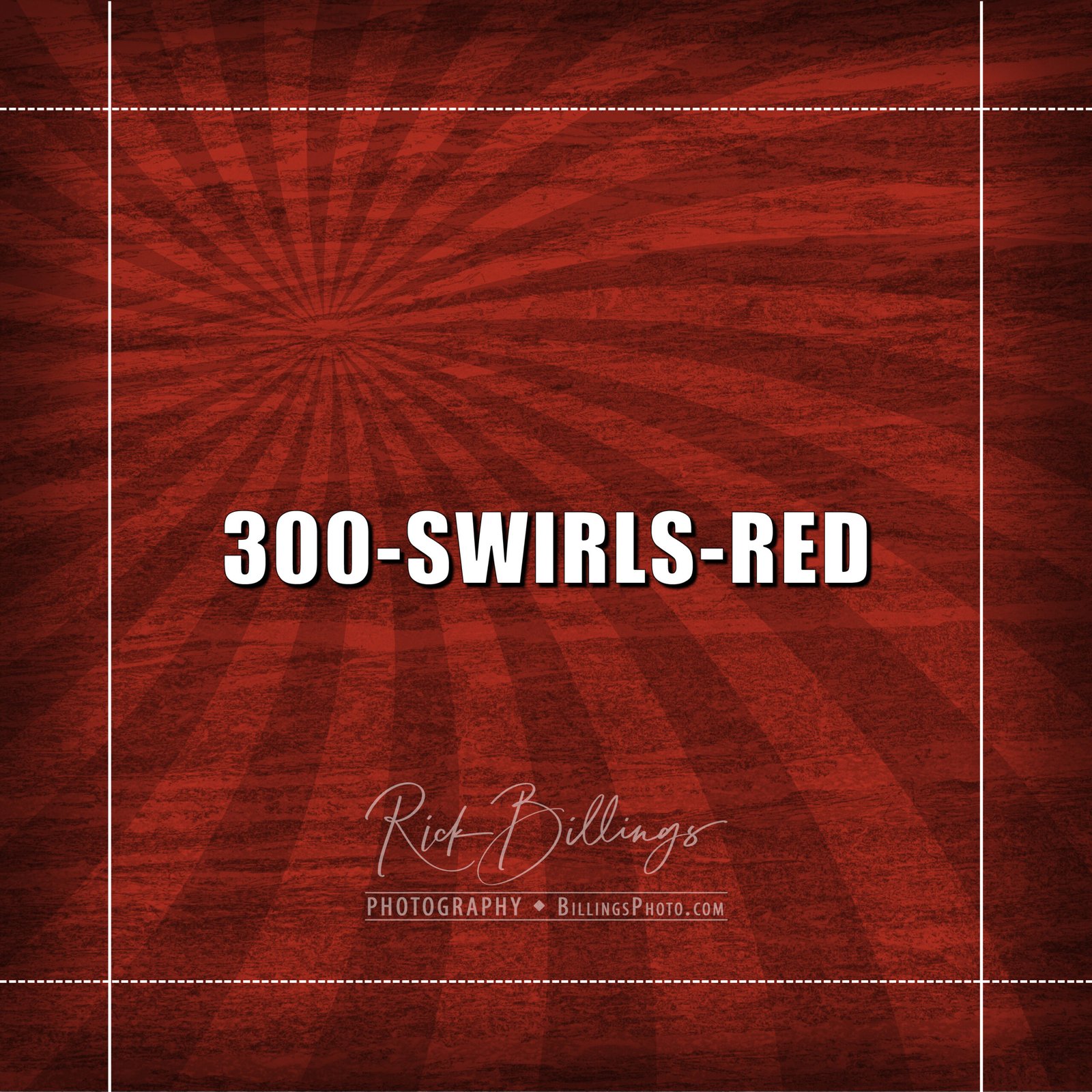
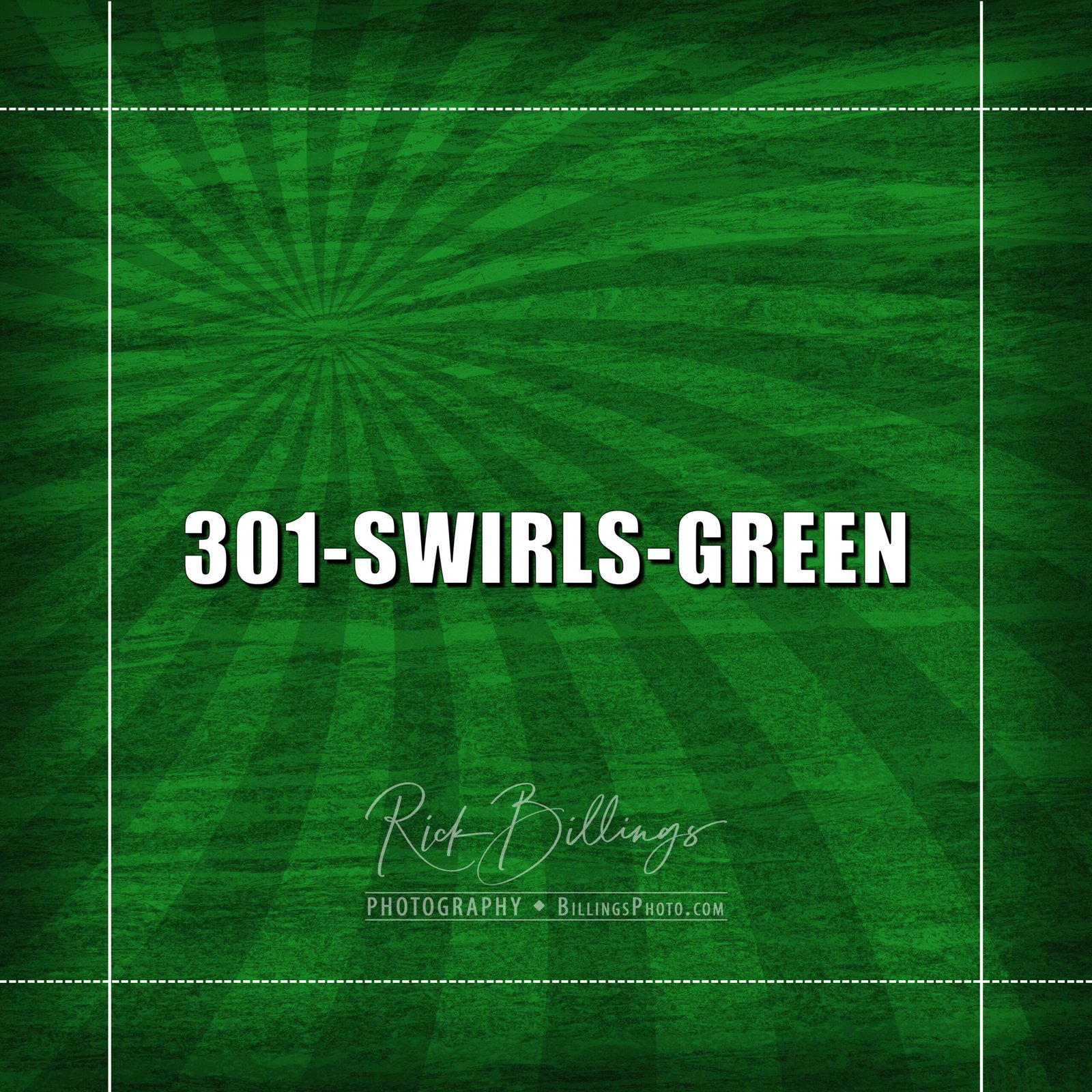
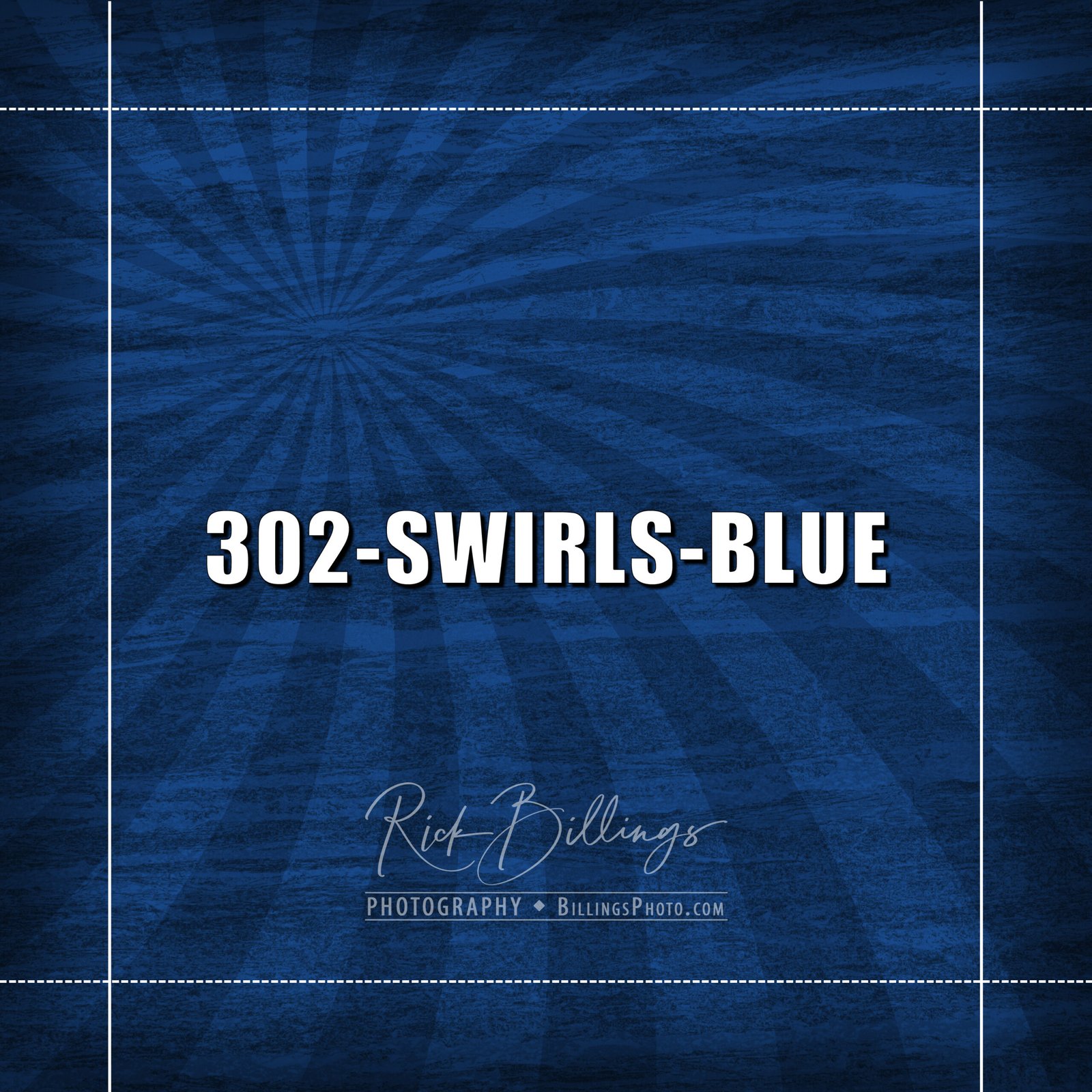
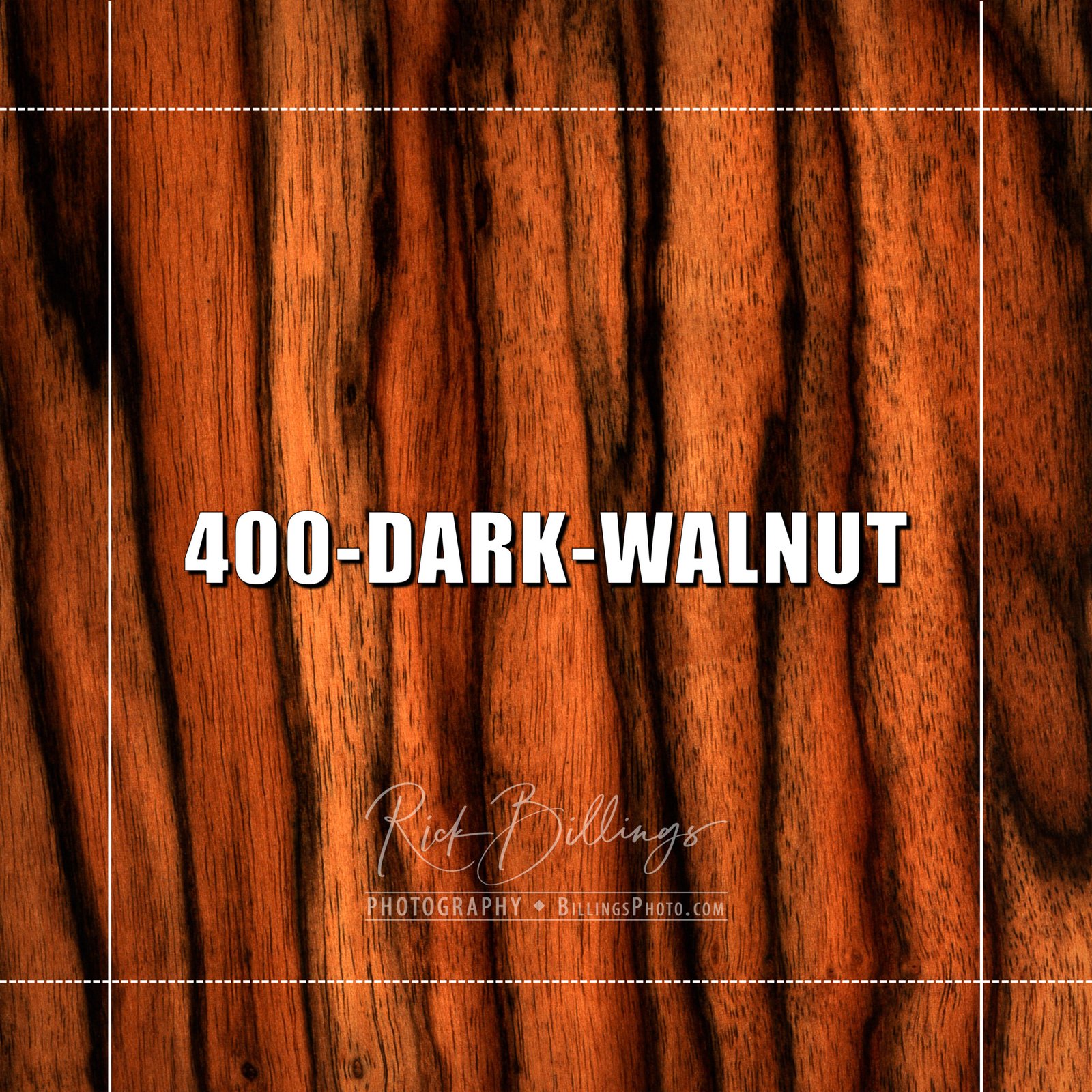
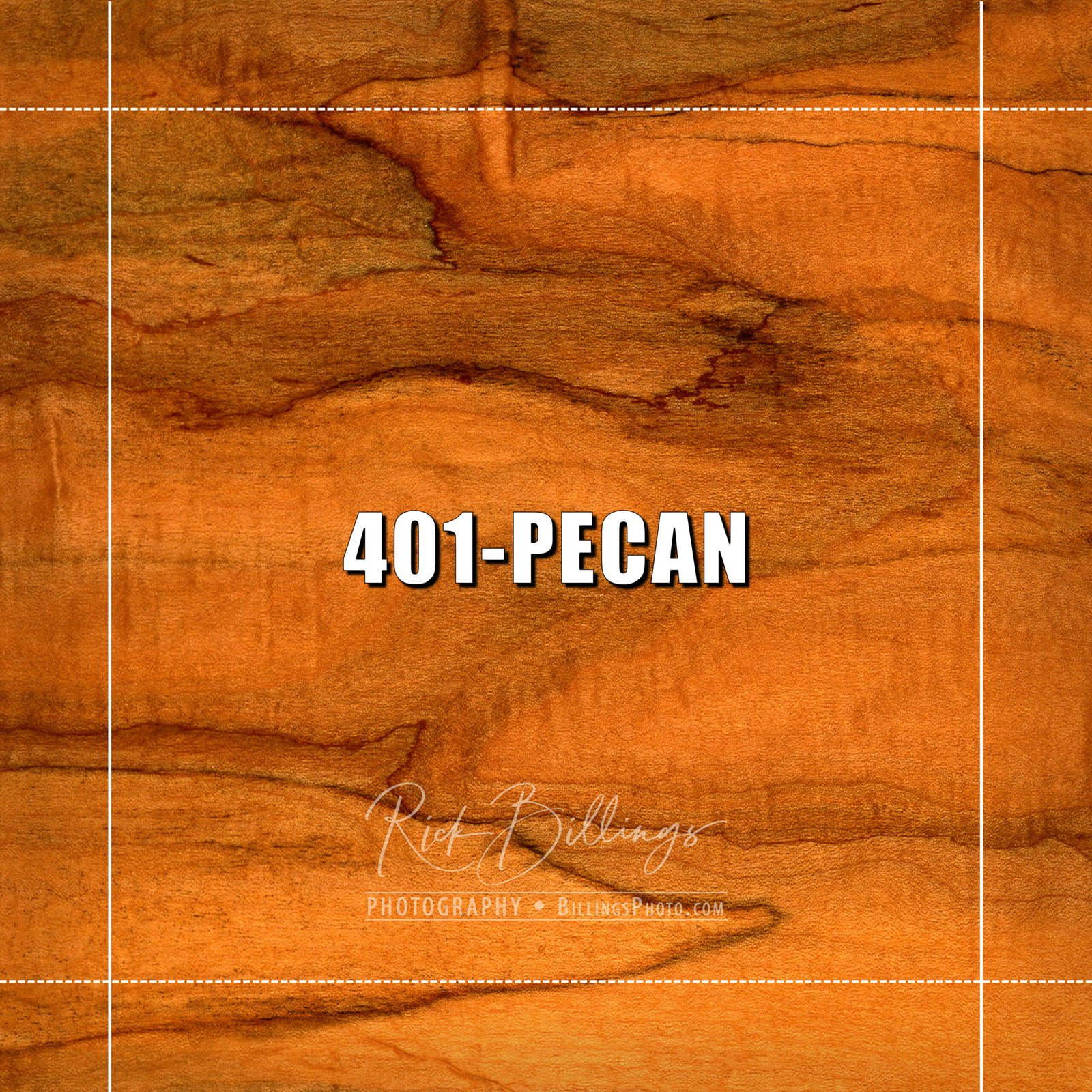
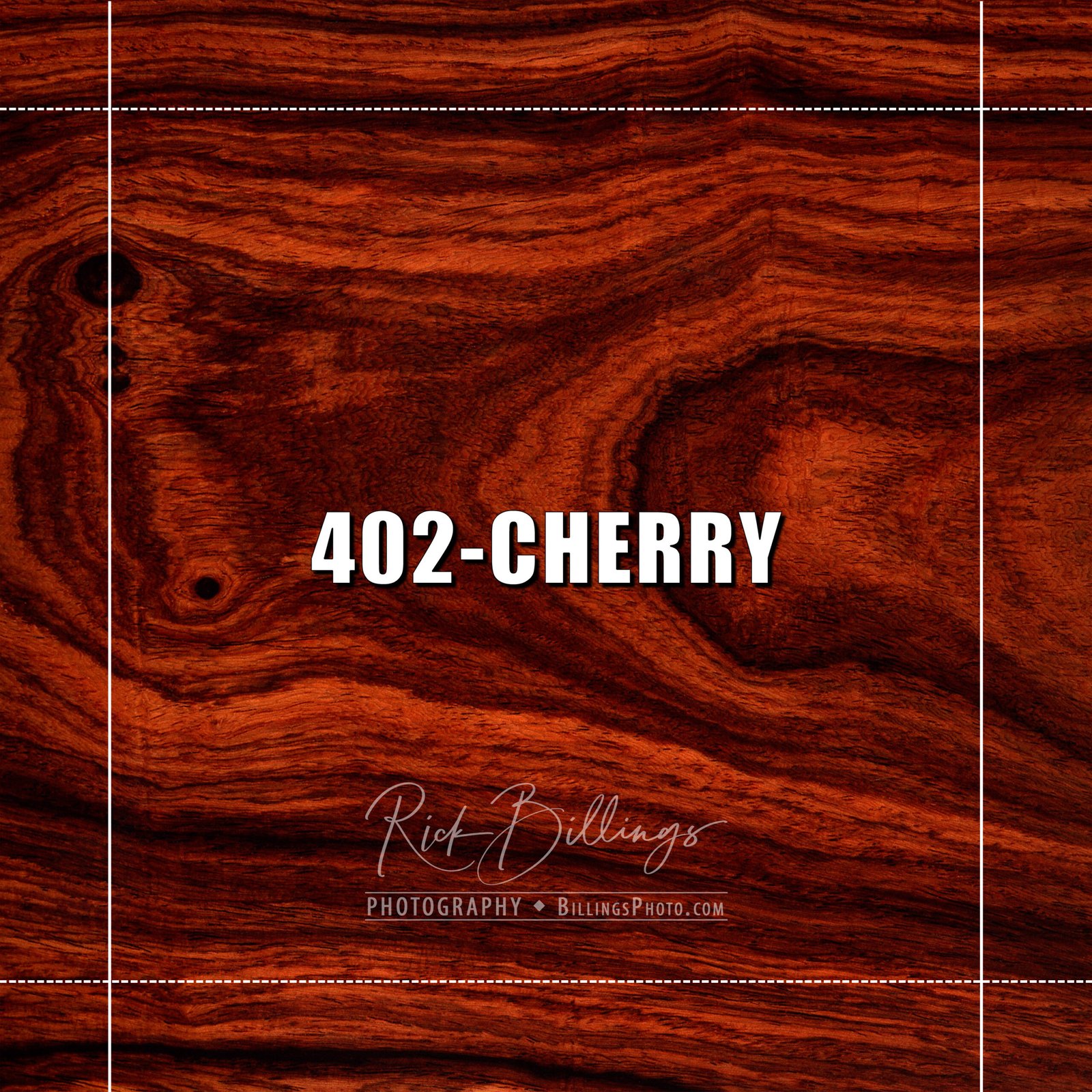
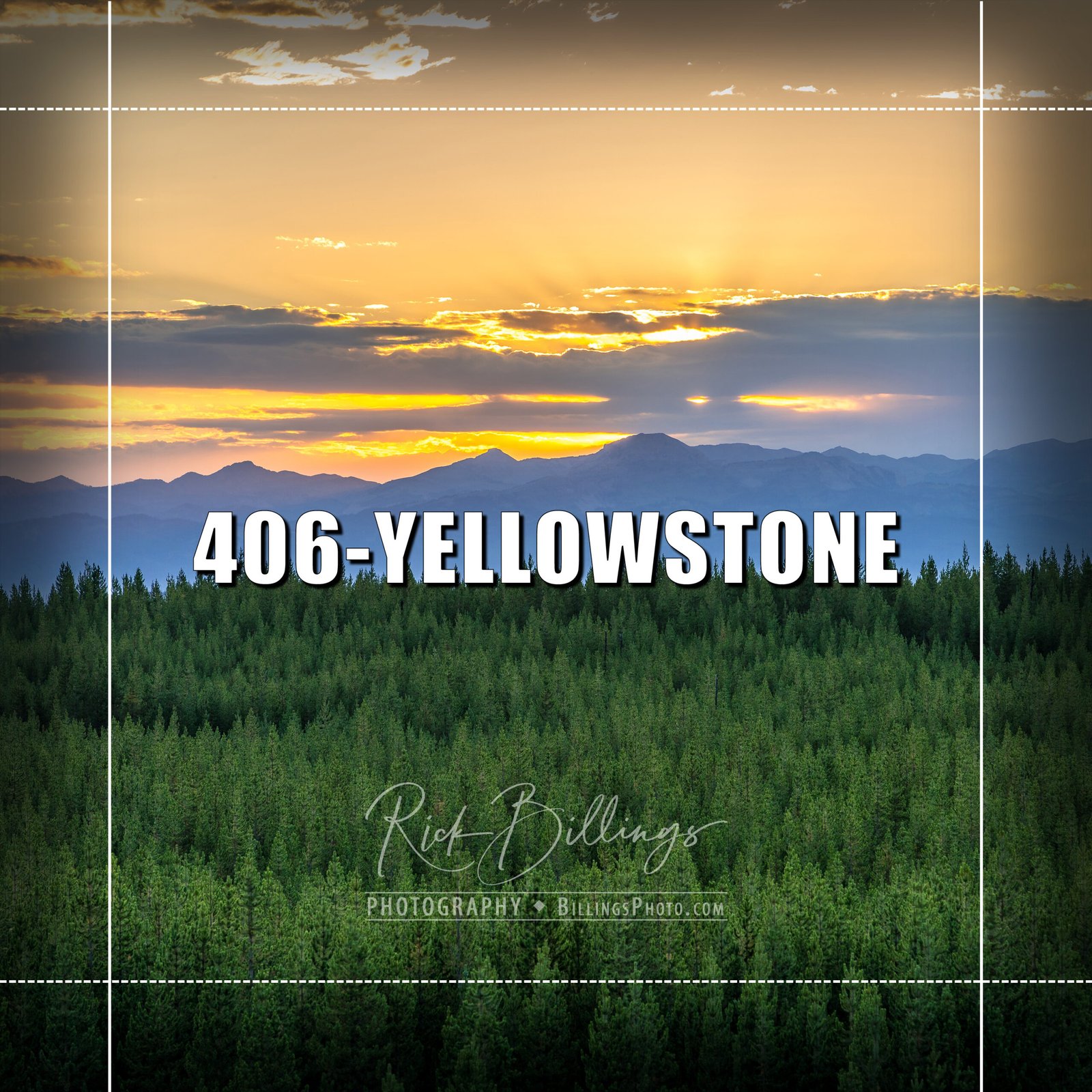
Your selection of backgrounds is displayed in a 10x10 format with crop lines for vertical and horizontal graphics. The solid lines indicate where the 8x10 Vertical Collage will be cropped, and the dotted lines indicate where the 10x8 Horizontal Collage will be cropped.
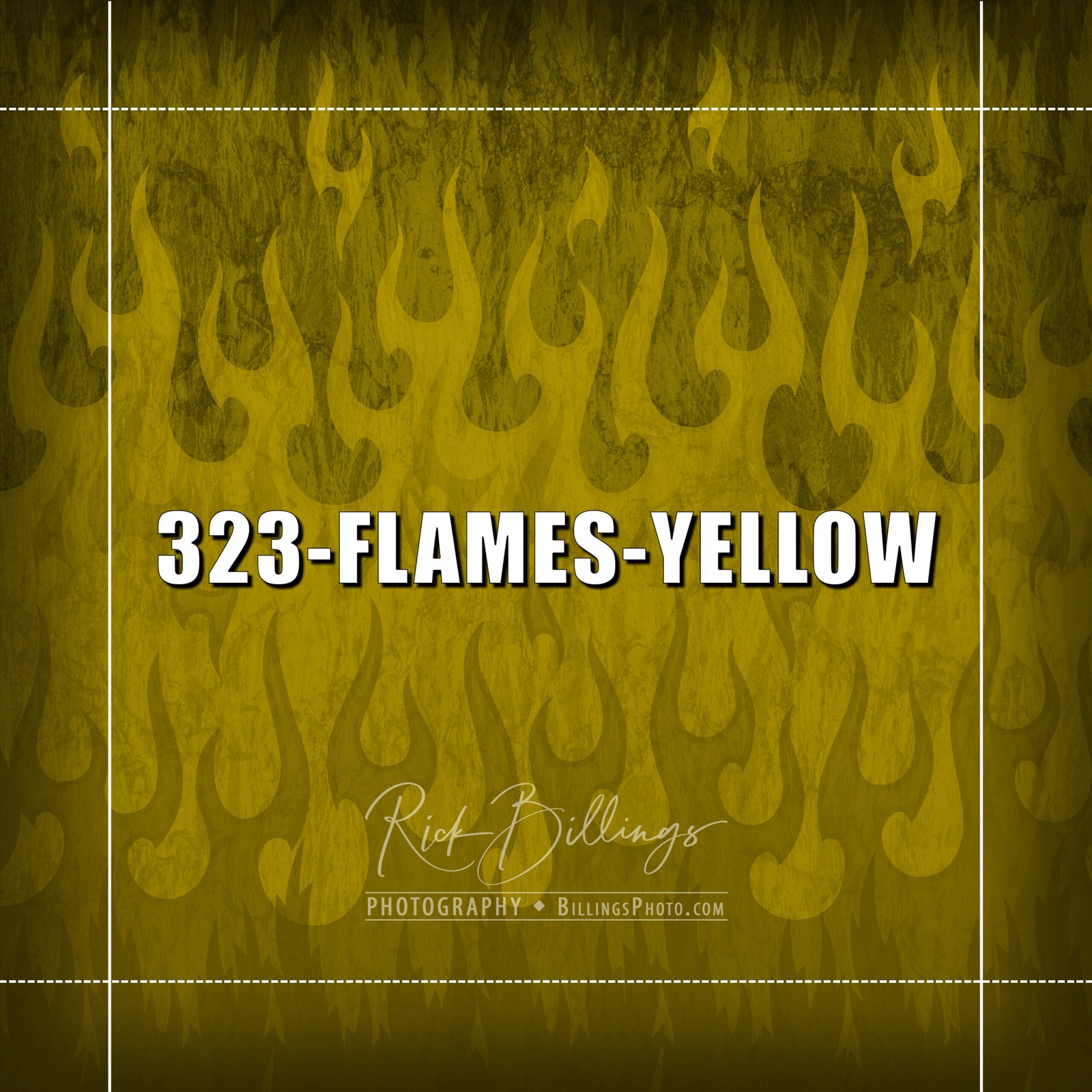
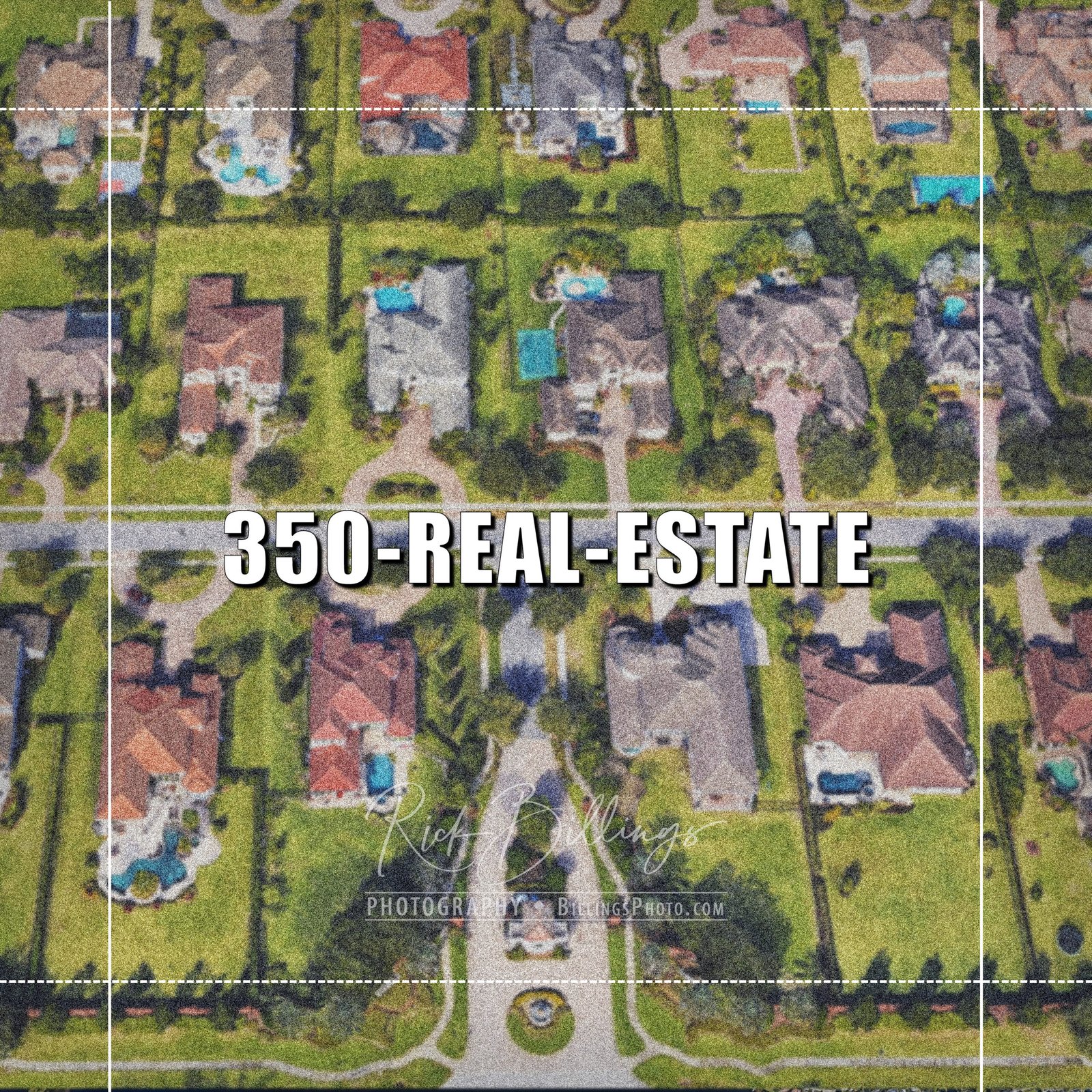
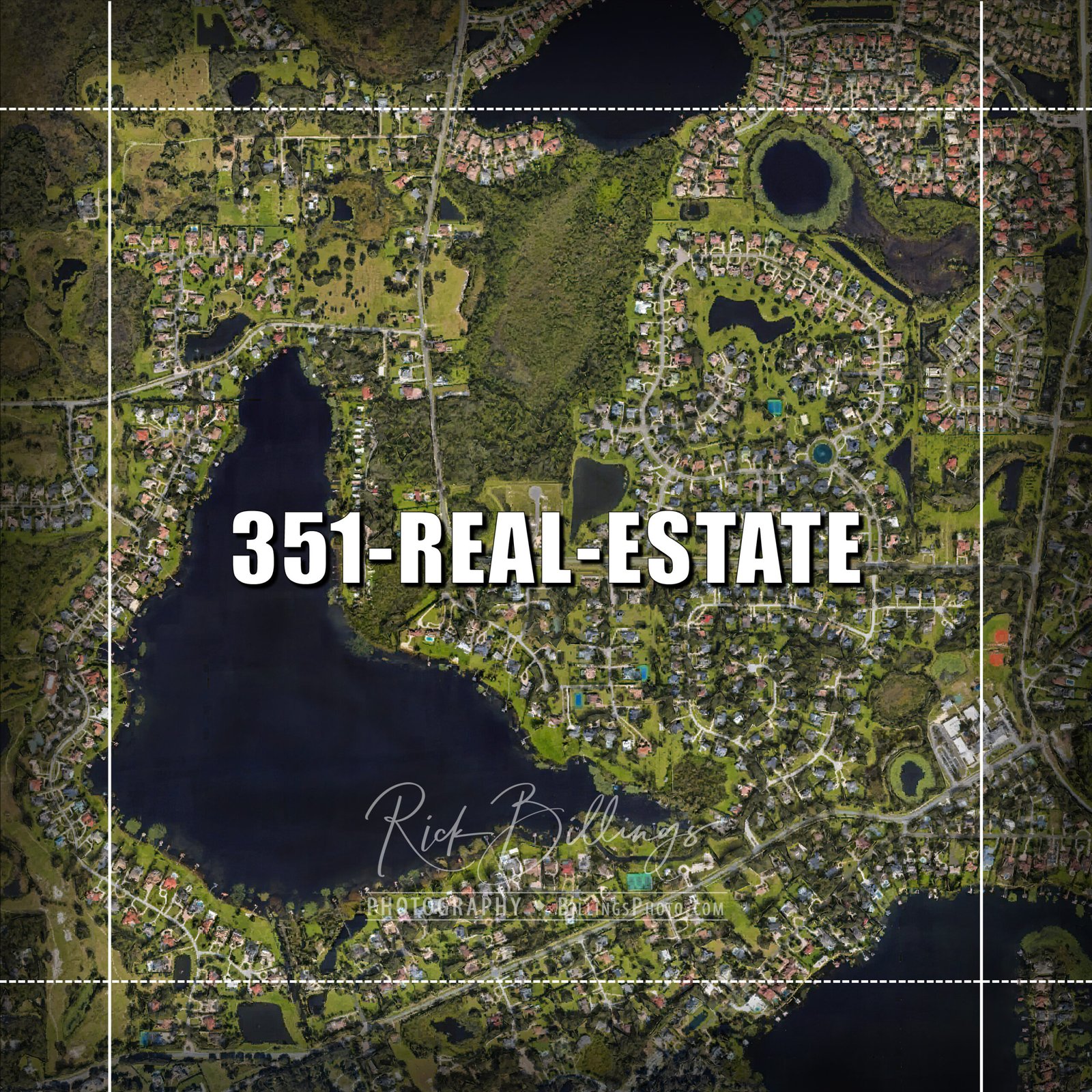
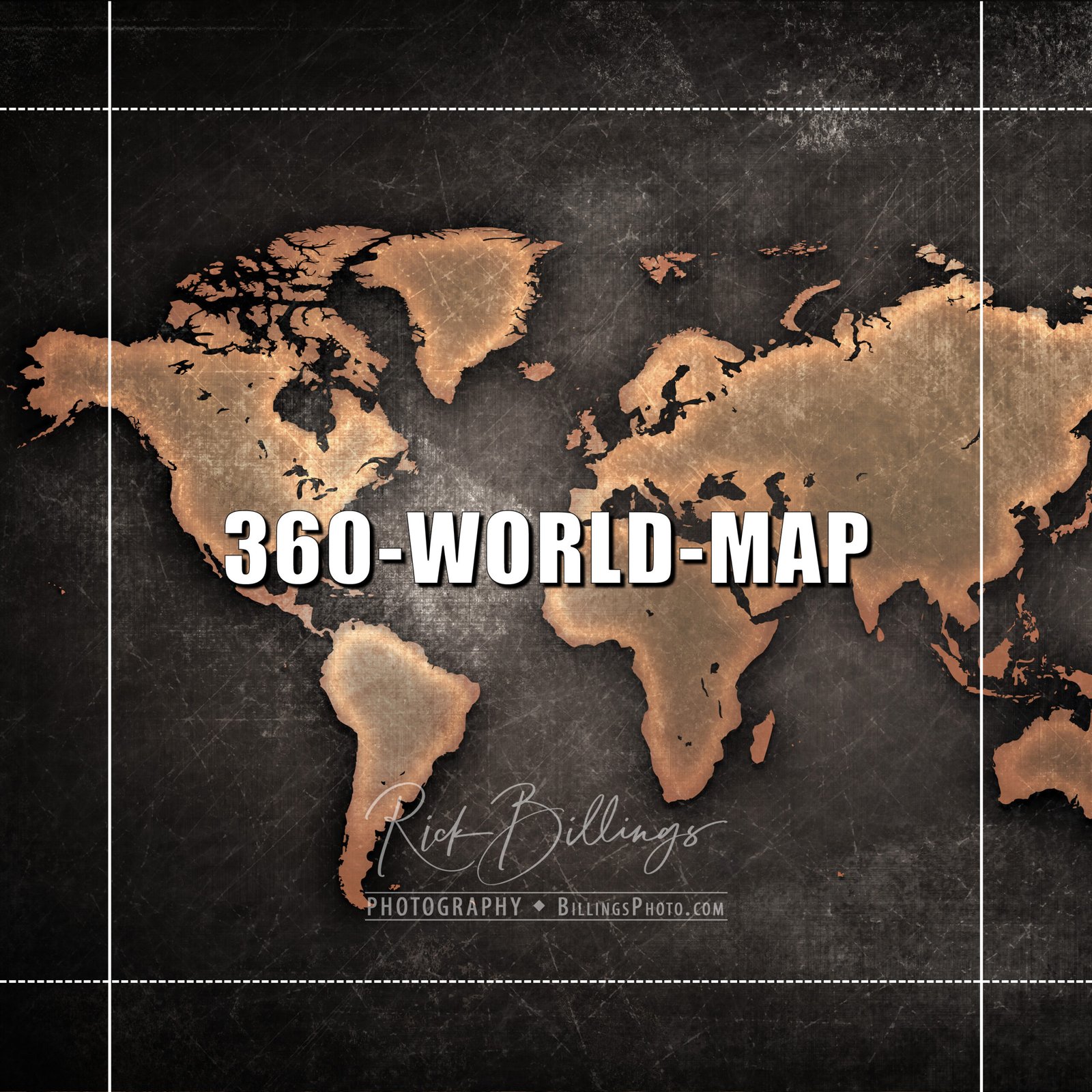
STEP 3 — PERSONALIZATION
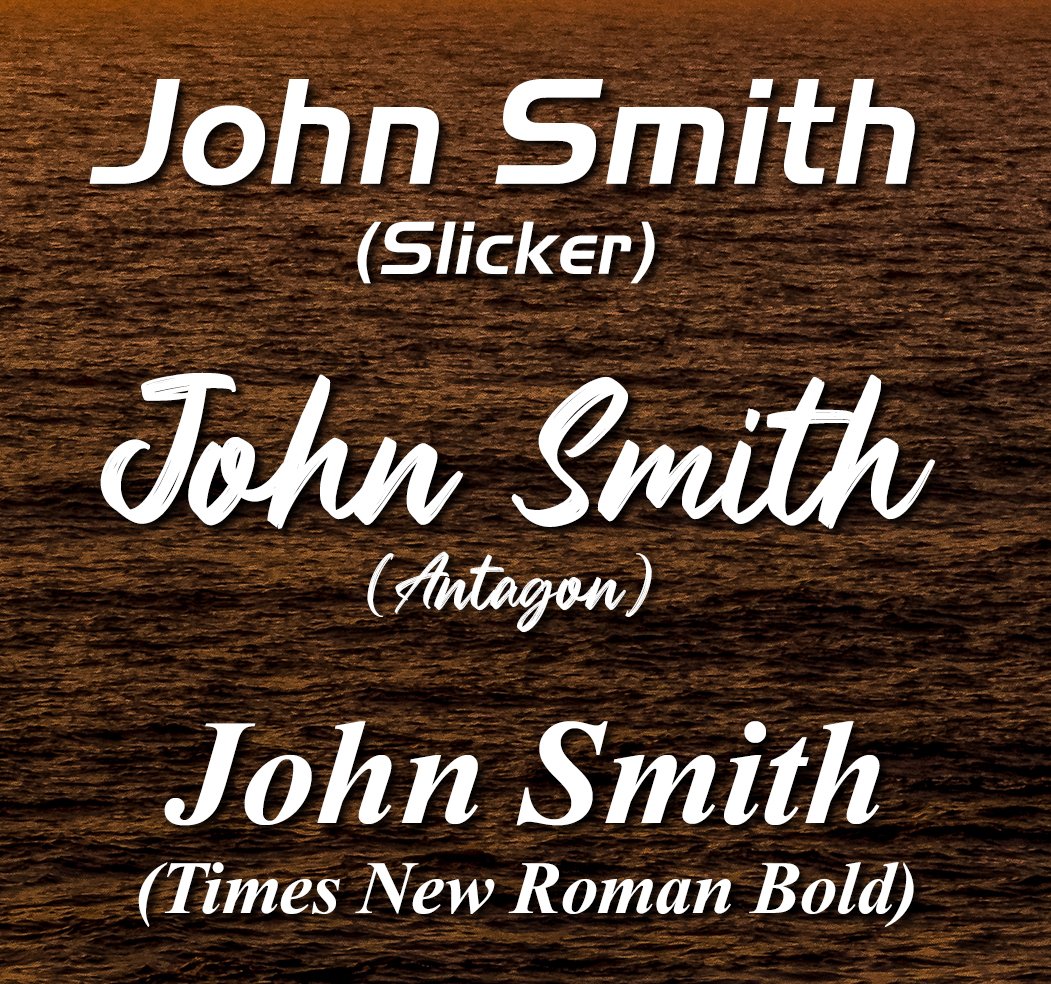
You will pick from one of three fonts shown below. You will have two lines of personalization. Traditionally, it is a Name on the first line and phrase, year, for athletes, a jersey number, or recognition like "Athlete of the Year".
CHOOSE YOUR FONT:
- Slicker
- Antagon
- Times New Roman
STEP 4 — PERSONAL BRANDING
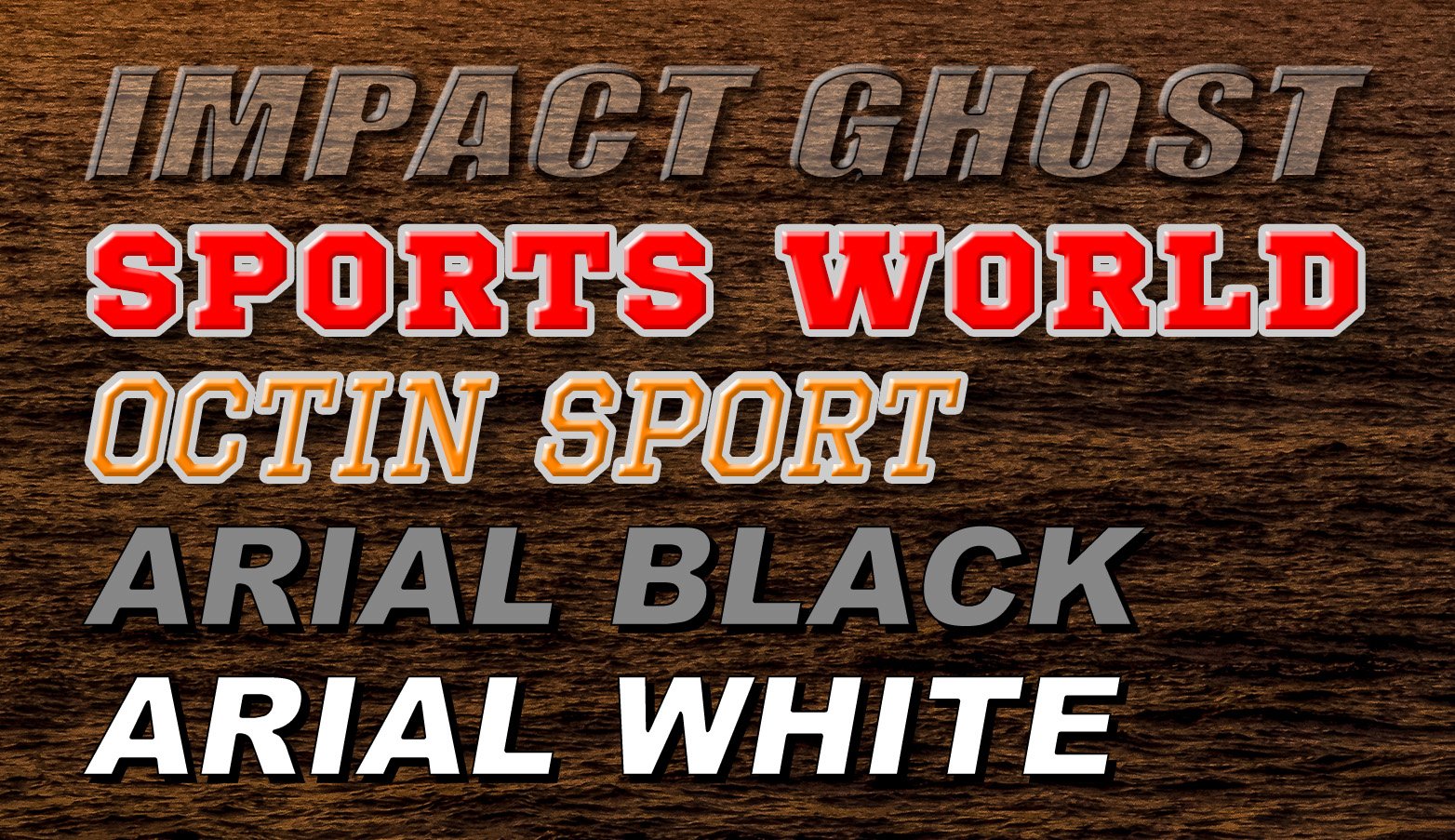
This can be a Sport Team Name, a Company Name, an Event Name, a phrase, etc. But you should limit it to 18 characters or fewer.
PERSONAL BRANDING TEXT:
- Impact Ghost
- Sports World
- Octin Sport
- Arial Black
- Arial White
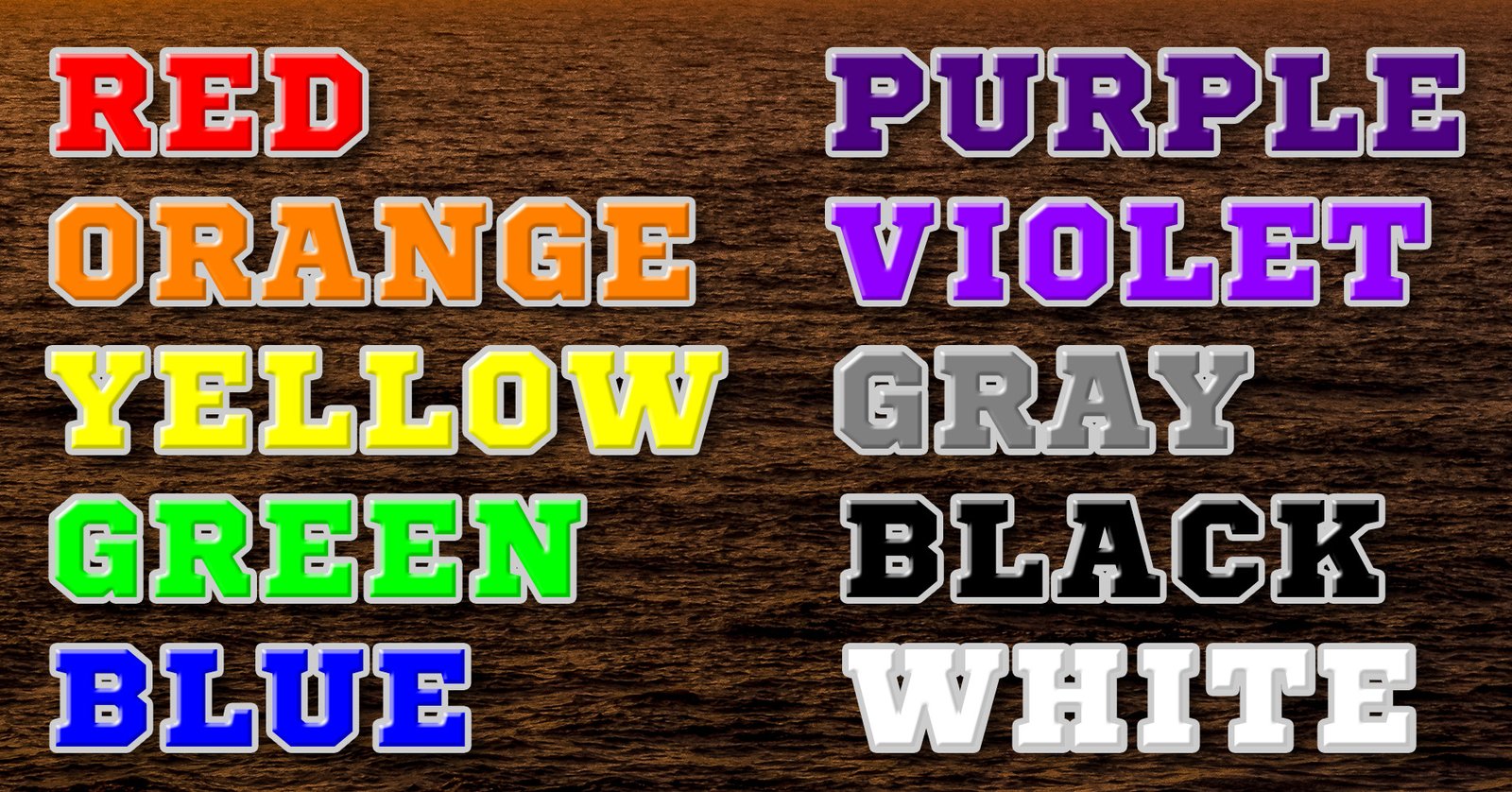
PERSONAL BRANDING COLORS: Choose from the following colors for "Sports World or Octin Sport". Red, Orange, Yellow, Green, Blue, Purple, Violet, Gray, Black, & White.
STEP 5 — UPLOAD YOUR PHOTOS
STEP 6 — CLICK 'SUBMIT' & COMPLETE YOUR PAYMENT
CUSTOM BACKGROUNDS & EVENT OR BUSINESS LOGOS WELCOME!
I can customize a Personal Photo Collage with your background for an event, business, or company function, and include your logo. Simply contact me via my contact page. {Click Here & I'll be in touch!} If you have a group of images for a Sports Team or a company, contact me for bulk pricing.